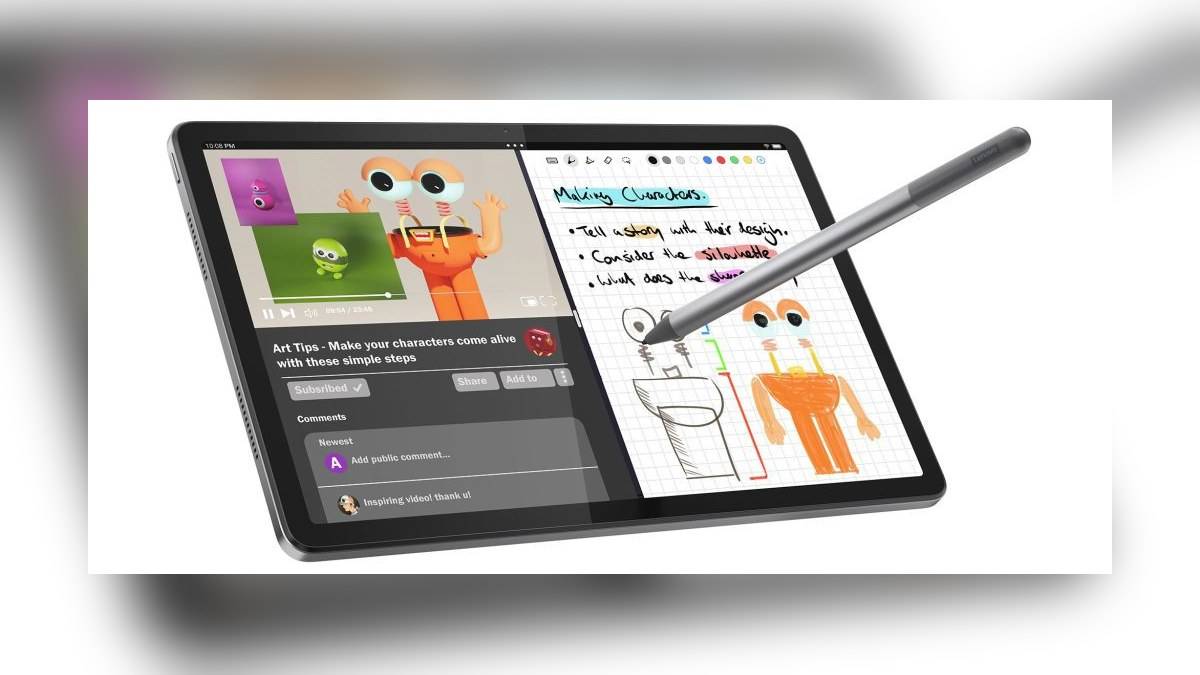
NEW DELHI: Lenovo's Tab M11 product material promises security patches until January 2028 and names Android 14 and Android 15 as its operating-system upgrades. For Indian readers assessing the tablet now, that calendar deadline matters more than an unqualified claim about years of updates: the support period does not restart when a particular unit is purchased.
| Check | Official information |
|---|---|
| Security patch commitment | Until January 2028 in Lenovo's Tab M11 product material |
| Named Android upgrades | Android 14 and Android 15 |
| India listing checked | ZADB0173IN, Seafoam Green |
| Displayed amount | Rs 18,998 on Lenovo's store listing |
| Listed configuration | 8GB LPDDR4X RAM, 128GB eMMC storage, Lenovo Tab Pen |
| Processor and screen | Helio G88; 11-inch IPS, 1920 x 1200, 400 nits |
| Battery and listed adapter | 7040mAh; 10W adapter |
Price as of 6 November 2026, 01:08 IST. The amount belongs to the specific listing on Lenovo's official store directory, which identifies an associated exclusive store. It is not presented here as a uniform national price, a complete variant list or a promise of delivery to every postcode.
Read the deadline as a calendar commitment
An update promise tied to a month and year has a different meaning from a fresh warranty period. Someone opening a new box late in the model's life should work backwards from the published endpoint when thinking about future use. A sealed device and a recent invoice do not by themselves create a new software-support schedule.
This distinction is particularly useful when a tablet is being allocated for a course or handed from one family member to another. The intended period of use may extend beyond the manufacturer's stated patch window. That does not tell us the tablet will stop working at the deadline, but it does mean the published commitment should not be stretched beyond its wording.
Security patches and Android version upgrades are separate entries in that commitment. A newer operating-system version can change features and interfaces, while security maintenance concerns fixes within the supported software. Lenovo's mention of the named upgrades should not be converted into a promise of every subsequent Android release.
Check what is installed on the actual tablet
The model's software history also differs from the software presently installed on an individual unit. Before using an existing Tab M11 for personal accounts or study, inspect its Android version and security patch information, then use its available update facility. Keep a record of the result if the tablet is being managed for someone else.
Those checks answer a practical question that the catalogue cannot: whether this particular device has received and installed the available maintenance. The published endpoint alone does not establish the patch level on a tablet sitting in a shop or cupboard. This article does not claim a fresh rollout or a newly released software build.
Match the bundle to the model code
The Indian listing checked includes a named pen in its specification table. Lenovo's wider Product Specifications Reference, however, lists pen-bundled and unbundled configurations for the family. That is why the exact model code is useful: a general photograph of a tablet beside a stylus does not establish the contents of every retail package.
The same reference distinguishes wireless-only and cellular configurations, including different card-slot arrangements. An owner downloading documentation or preparing an accessory enquiry should therefore retain the full model information. Similar-looking Tab M11 units need not have identical connection options or the same items in their boxes.
For a classroom workflow, confirm that the included pen is the one the learner expects to use before organising handwritten notes around it. For a shared family device, decide whose account will own the course files and how those files will be backed up. These are practical preparations, rather than extra functions guaranteed by a support deadline.
Who this support check is for
The Tab M11's published specification points towards reading, viewing material and pen-based study. Its screen and included pen are relevant to that role, while the fixed support endpoint helps someone assess the planned ownership period. This is a reading of the official documentation, not a measured judgement about responsiveness or battery endurance.
The listed adapter is another bundle detail to keep distinct from broader family specifications. Do not infer what is packed with an Indian unit from an overseas listing. The same discipline applies to cameras, accessories and software: use the exact configuration entry when the family documentation offers alternatives.
Related reading includes our Lenovo Idea Tab Plus vs Idea Tab price: Idea Tab starts lower at Rs 20,998, Lenovo Tech Utsav: IdeaPad at Rs 75,491, cashback terms and Lenovo ThinkBook 14x India price starts at Rs 1,09,990: configurations, OLED option, specs. They cover different tablet details and do not extend the Tab M11 support commitment.
Official sources: Lenovo's ZADB0173IN listing and Tab M11 Product Specifications Reference, with the support endpoint also documented in Lenovo's original product announcement.