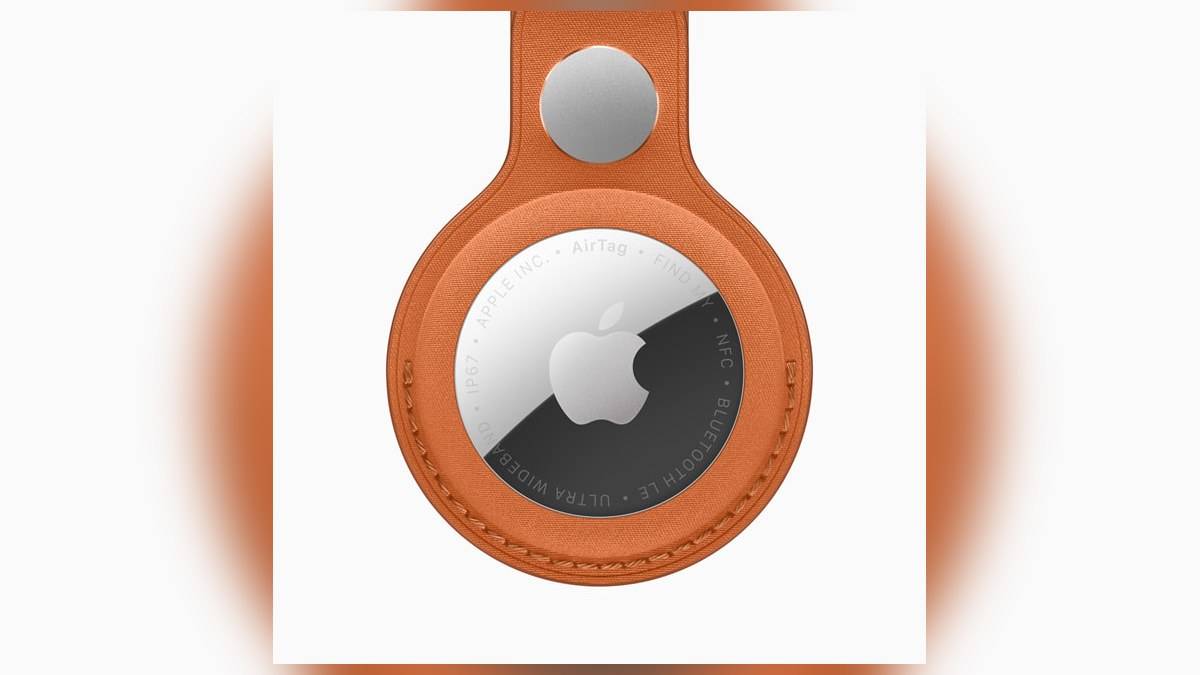
NEW DELHI: Apple AirTag owners need a compatible CR2032 lithium 3V coin battery when Find My reports a low battery. Apple's India support guide describes a user replacement through the stainless steel rear cover. The important shopping check is compatibility: some batteries with a bitter coating may not work, even when their CR2032 designation looks correct.
| Check | Apple's guidance |
|---|---|
| Replacement cell | CR2032 lithium 3V |
| Battery orientation | Positive side facing up |
| Open the cover | Press down, rotate anticlockwise |
| Close the cover | Align three tabs and slots, rotate clockwise |
| Warning location | Find My, Items, selected AirTag |
Check the named item before opening it
Start in Find My on the iPhone. Open Items and select the AirTag you want to check. Apple's guide says a Low Battery message appears below its name when replacement is needed. The iPhone can also deliver a low-battery notification. For a household with tags on both keys and luggage, checking the item's name first avoids opening the wrong tracker.
This is a useful maintenance job before packing a bag that will be difficult to access later. Treat the alert as the reason to inspect that particular AirTag. Do not assume that every tag in a multipack needs attention together merely because they were bought on the same invoice. Apple's check is attached to the individual item shown in the app.
Read the battery packet as carefully as the cell code
Apple recommends keeping batteries away from children and choosing a bitterant-coated CR2032 to discourage accidental ingestion. It specifically advises looking for packaging that says the battery is compatible with Apple AirTag. That qualification matters because the company also warns that some bitterant-coated CR2032 cells may not work with AirTag or other products.
In practice, prepare the replacement before removing the existing cell. Keep the packaging so you can identify what was installed if the tracker does not respond. A battery bearing the right broad size code is only part of the check. Apple's compatibility warning gives owners a more precise question to ask at an electronics counter or pharmacy.
Replace the cell and listen for the connection sound
With the AirTag secure, press the polished metal cover down and turn it anticlockwise until it stops. Lift off the cover and remove the old battery. Put the replacement in with its positive side upwards. Apple says a sound indicates that the battery has connected. Refit the cover with its tabs lined up, then turn clockwise until it stops.
Keep the opened tracker, loose cover and both cells away from small children throughout the job. Apple's warning covers all these parts, rather than only the battery. Choose a clear working surface where the removed cell will not get mixed into keys, coins or other small objects before you put everything away.
Apple’s safety document also advises against pressing sharp objects against the rubber seal or battery contacts. If the compartment cannot close securely, stop using the device and keep it away from children.
A battery change and a reset are different procedures
Apple publishes a separate reset guide for AirTag and AirTag (2nd generation). It explains that a previously used tag must first be removed from its former owner's Apple Account. A reset is required if that removal happened while the previous owner was outside Bluetooth range. Replacing a flat cell should not be confused with that ownership transfer process.
The reset instructions also differ by generation. The newer model's procedure includes an additional hold after the connection sound and a 12-second wait after removing the battery. Owners dealing with a genuine pairing problem should therefore follow the section for their own generation. Repeating an older reset routine from memory risks overlooking a model-specific instruction.
Check finding separately from battery maintenance
Once the tracker has power, use its named entry in Find My to check its locating functions. Apple's finding guide explains that Find Nearby depends on compatible Ultra Wideband hardware and location access. Walls and objects can affect performance. If the button is absent, that alone does not establish that the replacement battery is defective.
For Indian owners, the practical distinction is between restoring power and checking the phone's locating setup. Keep those checks separate when describing a problem. Record whether the AirTag made its connection sound, whether it appears under Items and what Find My displays. Those observations are more useful than saying only that the tracker has stopped working.
Related reading: our Apple AirTag price list: Rs 3,790 to Rs 12,900 covers the purchase options. For the rest of a travel kit, see the Apple accessories price list India: Pencil Pro Rs 11,900, Magic Keyboard Rs 9,500, MagSafe Rs 5,290 and Apple HomeView at ₹39,900: India dates and Siri AI limits.
Official sources: battery replacement, generation-specific resets, safety and handling and Find My checks.