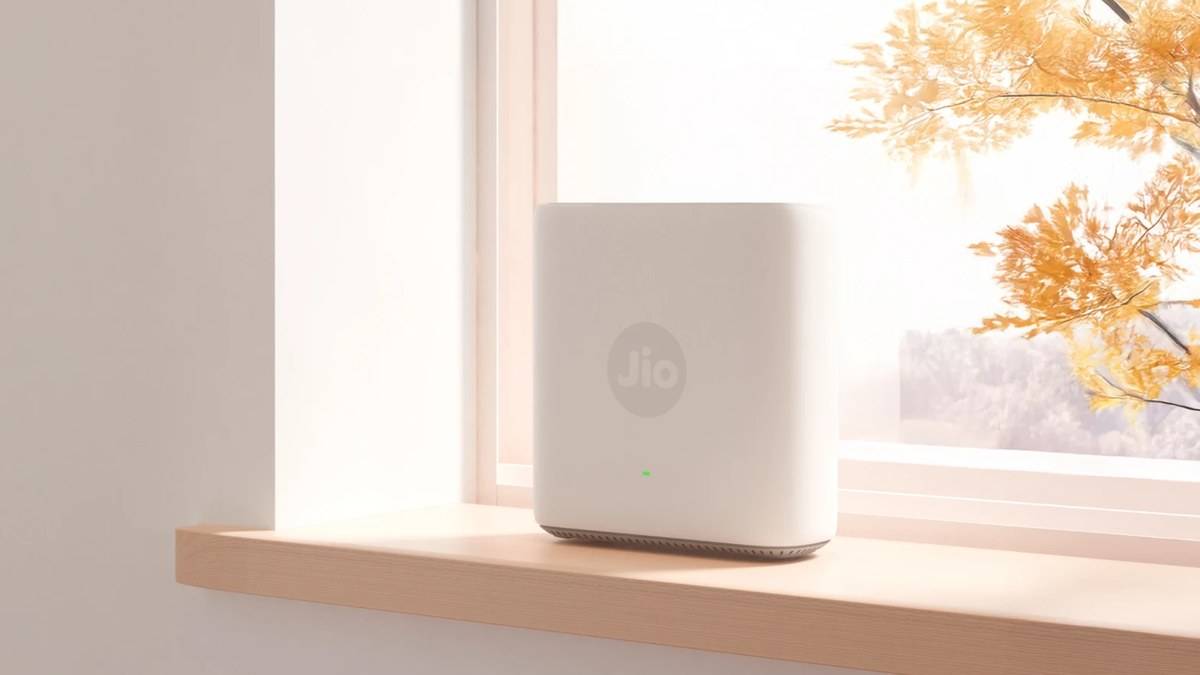
NEW DELHI: Jio's AX3000 Universal Wi-Fi 6 Router is listed at Rs 3,999, while the AX6000 Universal Wi-Fi 6 Router costs Rs 5,999 on the company's devices page. The difference is in wireless capacity and claimed coverage, rather than access to a different broadband service. Both are Ethernet-connected routers intended to work with internet service providers beyond Jio.
| Official model | Listed price | Wireless bands | Approximate coverage claim |
|---|---|---|---|
| AX3000 Universal Wi-Fi 6 Router | Rs 3,999 | 2400 Mbps at 5 GHz plus 600 Mbps at 2.4 GHz | Up to 1,500 sq ft |
| AX6000 Universal Wi-Fi 6 Router | Rs 5,999 | 4800 Mbps at 5 GHz plus 1200 Mbps at 2.4 GHz | Up to 2,000 sq ft |
Price as of 5 November 2026, 01:57 IST. These are the amounts displayed by Jio for the named routers. They are hardware prices, so readers should keep their internet connection bill separate when working out the total cost of a home network.
Read the model label before the large speed claim
The shared JioRouter page leads with the faster model's capabilities and a purchase figure for the cheaper model. Its detailed specification section is more useful because it separates the wireless bands by version. Read those rows together with the named product cards, rather than assuming the first speed and price on the page describe the same configuration.
For a family adding a CCTV camera, connected bulbs and a streaming television, this distinction matters. A network specification is a capacity description, not a promise that each connected device will receive that speed. It would be misleading to treat the AX6000 label as the speed of the household's internet subscription or to infer a particular download result from it.
The useful question is where the present network fails. If streaming works beside the router but stalls in a back bedroom, start with the layout. If every room slows at the same time, investigate the incoming connection and simultaneous usage. Those are different problems, even though both can look like a television buffering on screen.
What universal compatibility means here
Jio describes compatibility with all ISPs when the router is connected through Ethernet. That condition deserves attention before replacing equipment supplied by a broadband company. Identify the Ethernet connection that will feed the new router and establish what the provider requires for setup. The word universal does not establish that every service's installation procedure is identical.
This is particularly relevant in an Indian flat where the existing broadband box may be mounted near the entrance while the television sits deeper inside. Decide where the new router can actually stand and where its incoming cable will run. A larger coverage claim is of little practical value if the equipment must remain in an awkward location behind furniture.
Readers planning a wired layout can also consult our Deco X20 Ethernet backhaul guide. It covers a separate model, but raises the same useful planning question: which connections need a cable and which should depend on wireless coverage?
Mesh readiness has a compatibility condition
The specification page lists Jio True AI Mesh support when used with compatible Jio Wi-Fi 6 extenders. This is a qualification, rather than permission to assume that any extender carrying a mesh label will join the system. Check the intended combination before treating an existing device as part of the new installation.
Do not confuse the universal routers with Jio's separately named mesh extender products. Jio's devices catalogue includes both categories. A price beside a similarly shaped white device is insufficient identification. Match the complete product name on the order, invoice and packaging, especially if the household already uses equipment supplied with its connection.
Our JioExtender JE6000 price report discusses a separate extender. For another example of why port and wireless labels need separate reading, see the Tenda MW3 broadband explainer.
Who each router is for
The AX3000 is the lower-priced option for a household whose planned installation fits its smaller advertised coverage footprint. The AX6000 is the version to examine when the requirement includes the larger footprint and higher advertised capacity. That is a specification-based distinction, not a measured performance ranking: no home testing was conducted for this report.
Before committing to either configuration, sketch the rooms that need service, mark the fixed camera and television positions, and identify the main cable entry. Then ask whether a single access point can sensibly serve those locations. This makes the decision specific to the home instead of allowing the larger model number to stand in for a network plan.
Jio lists carry-in warranty cover of one year for the device and six months for the power adapter. Keep the adapter and router details together with the invoice. If a fault occurs, separating a power problem from a wireless coverage complaint will make the service request clearer.
Official sources: Jio devices and named prices; JioRouter specifications and warranty.