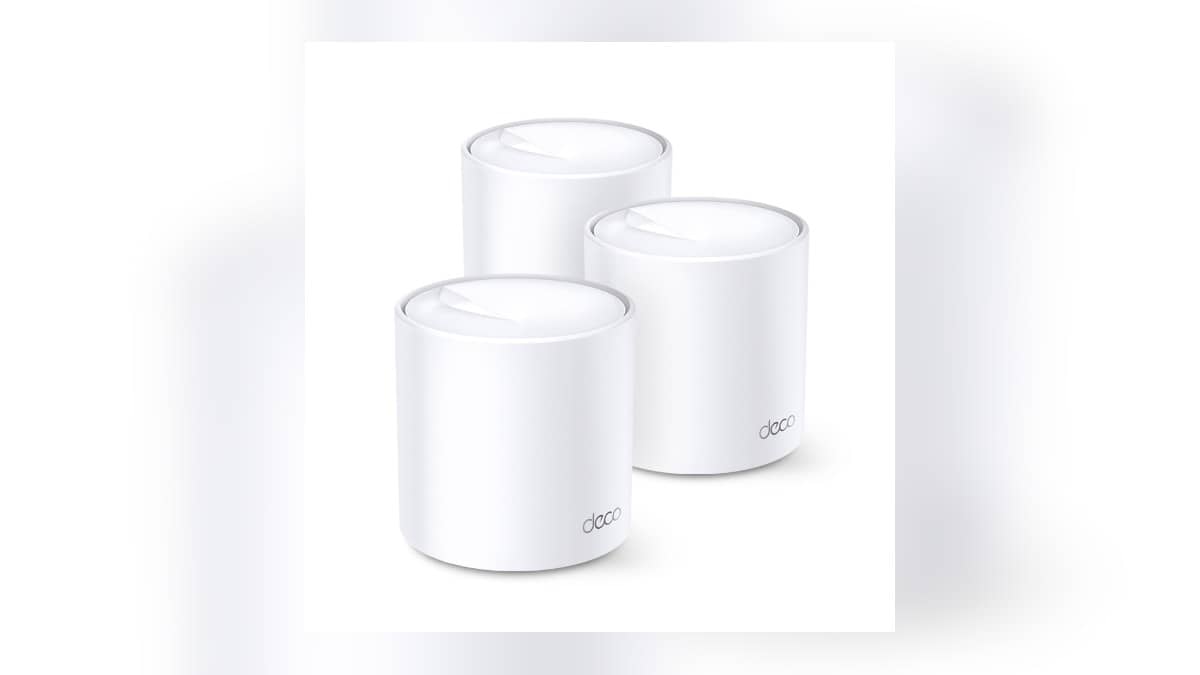
NEW DELHI: TP-Link's Deco X20 has two Gigabit Ethernet ports per unit and supports wired Ethernet backhaul. For a home with cables between rooms, that allows the mesh units to communicate over Ethernet while continuing to provide Wi-Fi. The wiring layout depends on whether the system runs in Router or Access Point mode.
| Deco X20 V3 detail | Official specification |
|---|---|
| Ports per unit | 2 Gigabit ports, WAN/LAN auto-sensing |
| Wireless class | AX1800, Wi-Fi 6 |
| 5 GHz signal rate | 1,201 Mbps |
| 2.4 GHz signal rate | 574 Mbps |
| Operating modes | Router and Access Point |
| Pack sizes listed | 1-pack, 2-pack and 3-pack |
The India product page supplies these hardware details. TP-Link's Ethernet-backhaul guide provides the setup rules. The wireless figures are maximum signal rates, with the company qualifying actual performance for conditions and client limitations. They are not a promised internet speed in a bedroom.
Work out what the cable is connecting
Backhaul describes the connection between mesh units. It is separate from the Wi-Fi connection between a phone or smart device and its nearest unit. This distinction is useful when planning a home with an existing wall socket: the cable can serve the mesh connection while the devices in that room continue using Wi-Fi.
A room drawing is a useful starting point. Mark the broadband entry, each proposed Deco position and the cable route. Then mark any television or desktop that also needs a wired connection. The X20's port count makes these competing uses visible before the installation is moved behind furniture.
TP-Link lists the same port count per unit, regardless of the pack size. More units add locations to the network; they do not change the sockets on an individual X20. For connected appliances, our Tapo P110 energy-monitoring guide covers a separate smart-home setup task after the network is working.
Set up the network before adding the wires
TP-Link instructs users to add all the Deco units to the same network wirelessly through the app first. Once they are working, connect the Ethernet cables. Wired backhaul activates automatically, and the app's network map can show the connection type for a satellite.
The official Router-mode layout puts satellite units behind the main Deco's LAN connection, either directly or through a switch attached there. In Access Point mode, satellites may connect to another Deco or the main upstream router. Check the selected mode before copying a wiring diagram.
For an Indian flat retaining the broadband provider's router, the practical question is which device is managing the network. Write that down on the room drawing. It makes the selected operating mode and the cable path easier to explain to whoever later maintains the setup.
TP-Link also allows wired and wireless backhaul in the same installation. This can accommodate an existing cable to a study without requiring a new cable route to every other room. A partial wiring plan should still show clearly which satellite depends on a wireless link.
Keep that drawing with the router documentation so another resident can restore the intended layout after equipment is unplugged.
Leave a useful record after setup
Check the app's connection information after the cables are attached. A glowing unit and a working phone do not document whether the intended wired route is active. Keep a screenshot with the room names so a later change can be compared with the arrangement that was tested.
If the cable route is hidden inside a wall, label its accessible ends. That simple step can save confusion when a television is moved or a cleaner disconnects a lead. Record which cable goes upstream and which goes towards the next room instead of relying on cable colour alone.
The company troubleshooting guide suggests changing the cable or port and testing a direct link without an intervening switch. Change the arrangement methodically and note the result. Our Tenda MW6 networking guide offers related planning context, while the D-Link R15 band explainer addresses the separate wireless side of a smart-home connection.
Official sources: Deco X20 India specifications and TP-Link Ethernet-backhaul setup guide.