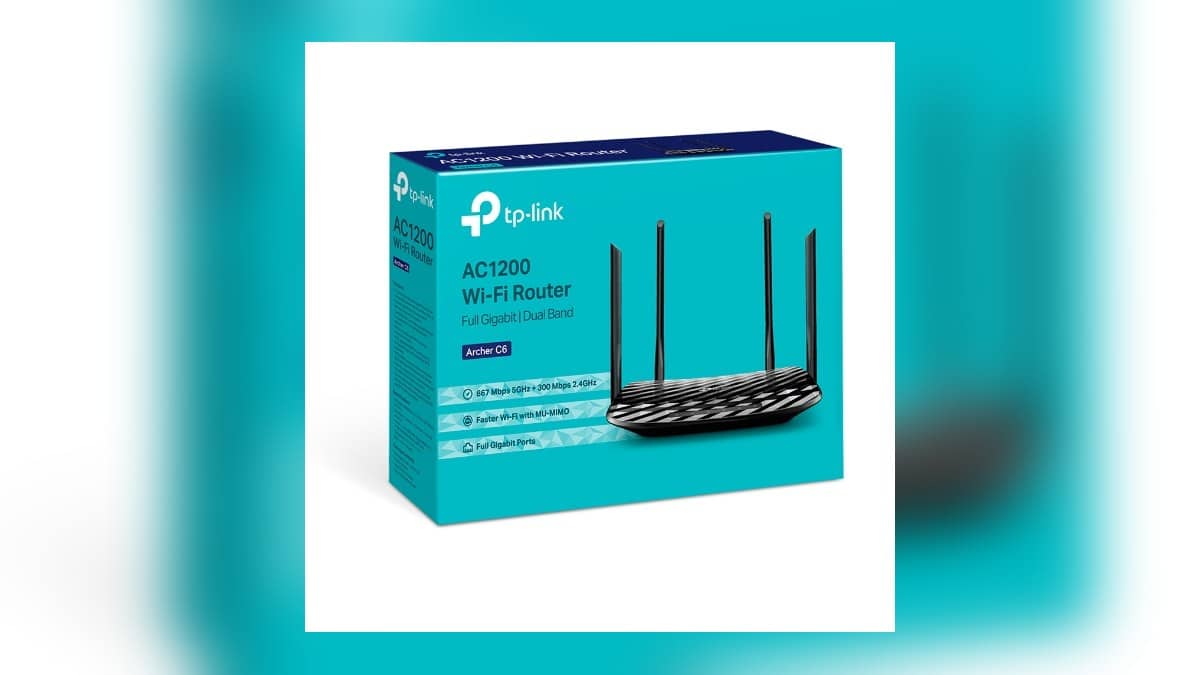
NEW DELHI: Archer C6 owners preparing an Indian warranty claim should separate the router from its bundled power adapter. TP-Link India's policy lists three-year limited cover for SOHO products and six months for adapters and other accessories supplied with a device. A router fault and an adapter fault therefore need to be identified separately before requesting service.
| Claim detail | What the official pages say |
|---|---|
| SOHO product category | 3-year limited warranty |
| Bundled adapter and accessories | 6 months |
| Purchase territory | India policy applies to products sold in India |
| Archer C6 V2 wired interfaces | 1 Gigabit WAN, 4 Gigabit LAN |
| Operating modes | Router and Access Point |
| Power specification | 12 V, 1 A |
The duration comes from TP-Link's category policy, rather than a separate C6 warranty promise on its product page. Confirm the particular unit's classification and purchase documents when lodging the claim. This guide concerns the company's published service process and does not decide an individual claim.
Describe the failed part before describing the remedy
A C6 that appears to have lost internet access and a C6 that does not power on present different problems. Record what is visible, including which indicators appear and whether the issue affects wired devices, wireless devices or both. Those observations are more useful than opening the request with a demand for a replacement.
The C6 V2 specification identifies separate WAN and LAN connections. A fault report can therefore name the affected interface rather than saying every socket is broken. If the router is being used as an access point behind the broadband provider's equipment, include that arrangement in the description.
TP-Link's product page also lists Tether management and dual-band Wi-Fi. Record whether the problem concerns the app, a particular wireless device or the whole connection. That keeps a configuration question from being confused with a failure of the physical router during the initial assessment.
Do not open the enclosure to produce a more detailed description. Photograph the exterior label and visible condition, and keep the original power unit with the router. A useful record identifies the equipment without changing the item that may need inspection.
Keep the invoice and the unit together
The policy's claim notes require the purchase invoice and warn against altered serial numbers. They also contain a manufacturing-date calculation for cases without a receipt. Because the same page includes both provisions, an owner missing the invoice should obtain case-specific confirmation instead of assuming the fallback guarantees acceptance.
Save a readable copy of the invoice beside the label photograph. Check that the paperwork names the actual product being submitted, particularly when several networking devices were bought together. Keep any seller correspondence about the supplied hardware version in the same folder.
Hardware naming deserves care here. The product specifications used in this report are for C6 V2. Our Archer AX23 version guide illustrates why the printed version matters when looking up software; its download instructions concern a different model.
Use the stated service sequence
TP-Link directs customers to obtain a fault confirmation from support, approach the selling shop and use its RMA process if the shop declines the claim. The published terms place the outbound shipping cost on the customer and permit refurbished replacements. Keep those conditions with the claim record.
Before sending anything, obtain the case reference and the current submission instructions. Make an inventory of the router and included items, then photograph the packed contents. Retain the courier receipt so the dispatch can be matched with the service request if the package is later queried.
The separate Xiaomi Camera 2i warranty guide covers another brand's smart-home product. Do not assume that a camera and a networking router share the same company service terms or warranty period. Our Deco M4 claim guide provides related context for another networking model.
A complete claim file should let someone follow the device from purchase to the reported failure and then to dispatch. That record is especially helpful when the household member arranging service is different from the person who originally bought or configured the C6.
Official sources: TP-Link India warranty and RMA policy and Archer C6 V2 specifications.