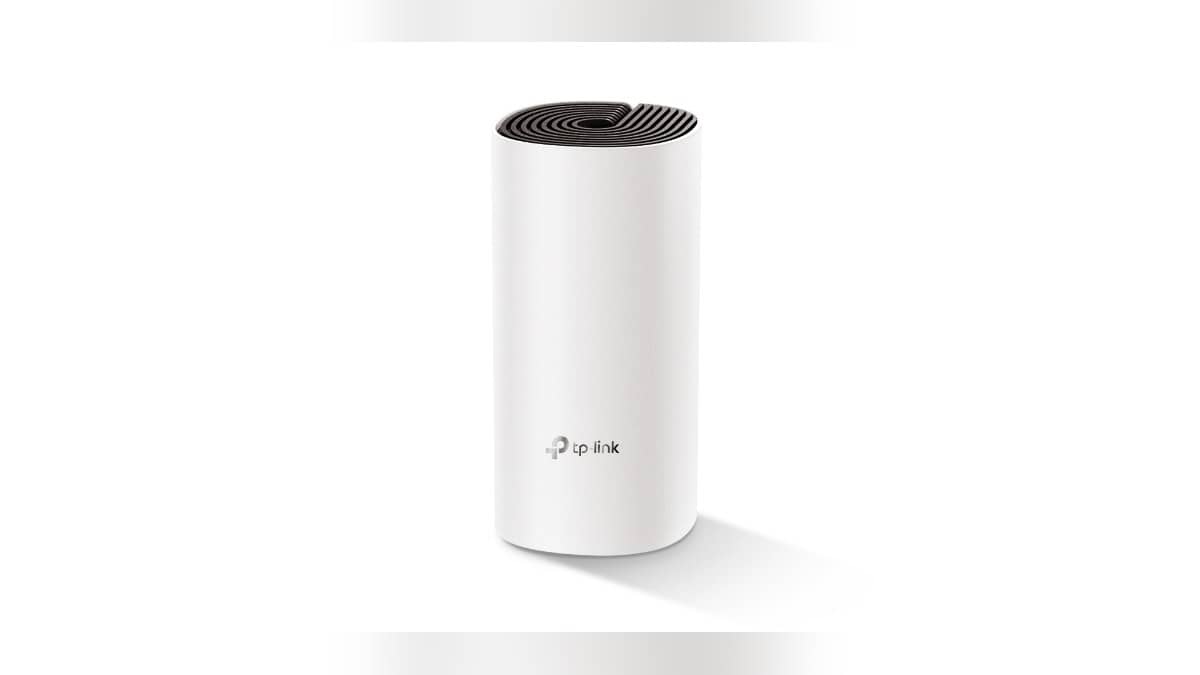
NEW DELHI: Before preparing a Deco M4 warranty claim, check TP-Link India's three-year limited warranty category for SOHO products and its separate six-month rule for bundled power adapters and accessories. Keep the invoice and identify the affected unit. A failed app connection should also be checked before it is treated as a hardware fault.
| Claim preparation | What to check |
|---|---|
| India policy category | SOHO products: 3-year limited warranty |
| Bundled adapter and accessories | Separate 6-month policy note |
| Deco M4 packs | 1-pack, 2-pack and 3-pack listed |
| Hardware in each unit | 2 Gigabit ports with WAN/LAN auto-sensing |
| Operating modes | Router and Access Point |
| Management | Deco app |
Identify the unit inside the mesh pack
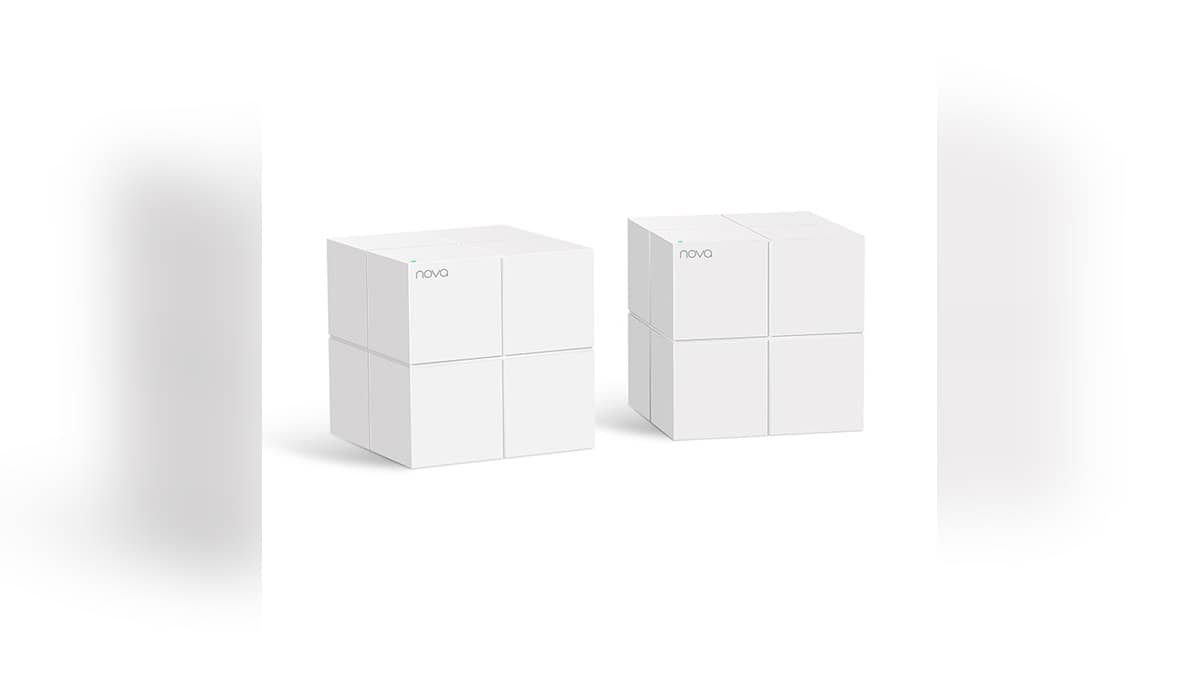
Deco M4 is an AC1200 mesh system sold in different pack sizes. TP-Link's India specifications list a Deco M4R unit and a power adapter for each node in the pack, plus an Ethernet cable and installation guide. The model page also lists router and access point operation and two Gigabit ports on each unit.
That makes a service description more specific than saying the whole Wi-Fi system has stopped. Note whether the problem affects the main unit, another node or access through the app. Keep each unit's identification with its location in the house, so the support conversation and any equipment handed over refer to the same item.
In a home where the main M4 is beside the broadband connection and another serves a bedroom, an interruption has different consequences depending on the affected node. Record which rooms and devices lose access. This is a practical description of the fault, rather than a diagnosis of which component must be replaced.
Rule out an app problem
TP-Link's Deco app guidance separates installation problems, crashes and login failures. For crashes, it suggests restarting the phone or tablet, reinstalling the app or trying another device. For login problems, it asks users to check credentials and internet access. Current phone compatibility should be checked against the app-store requirements.
A separate official FAQ explains that the message saying it cannot find Deco can appear even while the network itself is working. It asks users to check internet access and the units' LED status first. Where the connection is working, its initial steps include trying again and fully closing and reopening the app.
Keep screenshots of the message and a short account of what you tried. The same FAQ asks for information including LED status, whether the Deco network has internet, the main Deco's MAC address and the TP-Link ID when seeking support. Collect these details privately for the support case rather than posting them publicly.
Read the India warranty categories carefully
The warranty page places products with a plastic finish in its SOHO category, subject to stated exclusions. It covers material or workmanship defects and says it does not provide a refund. A replacement may be refurbished. Those terms deserve checking against the supplied product and purchase paperwork before assuming a particular outcome.
For customers, the published sequence begins with fault confirmation through TP-Link's toll-free support, then the selling shop. If the shop does not accept the claim, the page provides an RMA route. It also says customers bear the one-way shipping charge to the service centre and requires the purchase invoice.
Prepare for the handover
Ask which unit and accessories the service team needs before packing a multi-unit kit. Make an inventory of what you hand over and retain the service acknowledgement. This is particularly useful for the M4 because the order may cover several similar-looking nodes while the reported fault concerns only a particular location.
Keep the purchase date, fault description, screenshots and case reference together. If the advice changes after diagnosis, ask for the decision to identify the affected item and applicable warranty category. That leaves the household with a usable record of the claim and a clear account of what equipment is away for service.
Related reading includes our Xiaomi Camera 2i warranty guide, Airtel Xstream Fiber guide and SmartThings local-control explainer.
Official sources: TP-Link India warranty and RMA policy, Deco M4 specifications, Deco app troubleshooting and Deco discovery-error guidance.