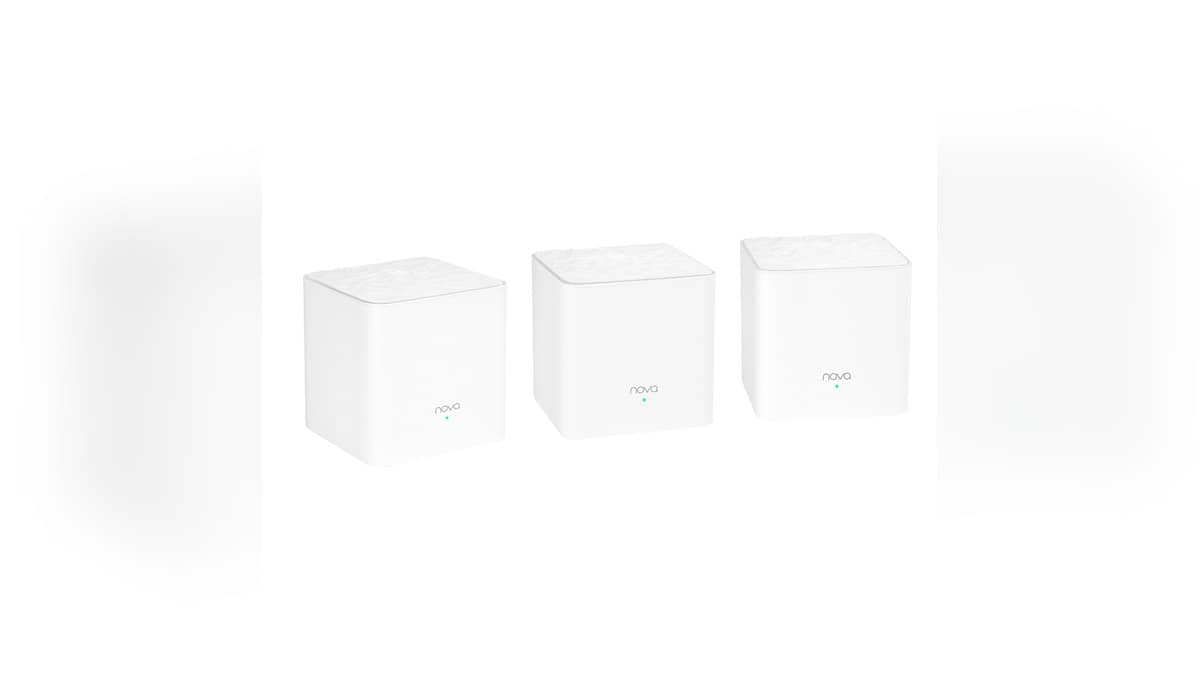
NEW DELHI: Tenda's MW3 3-Pack carries an AC1200 Wi-Fi label, but the official hardware specification lists two 10/100 Mbps Ethernet ports on each node. That distinction matters when the main unit takes its internet connection over Ethernet: the cable interface has a different speed limit from the wireless figures on the product page.
| MW3 3-Pack detail | Official figure |
|---|---|
| Ethernet per node | 2 ports, 10/100 Mbps |
| Wireless generation | Wi-Fi 5 |
| 2.4 GHz wireless rate | 300 Mbps |
| 5 GHz wireless rate | 867 Mbps |
| Processor | 1 GHz |
| Memory | 128 MB |
| Internal antennas | 2 per node |
The figures come from Tenda's MW3 overview and hardware support pages. Those accessible company pages are on its US site, so this is an explanation of the specified MW3 3-Pack hardware, not an Indian price, local warranty or current availability report. Match the model and hardware supplied in India before applying it to an installation.
Read the connection into the mesh first
The engineering implication of a 100 Mbps Ethernet interface is straightforward: traffic passing through that interface cannot use a higher Ethernet line rate. A faster radio elsewhere in the route does not change the capability of that cable connection. Actual application throughput also differs from the interface's nominal rate.
For a household checking a broadband complaint, start with a drawing of the route from the provider's equipment to the MW3 and then to the device being tested. Put the connection type beside each stretch. This makes it possible to distinguish the broadband service from the equipment carrying it across the home.
The AC1200 label describes the product's wireless class. Tenda separately lists the rates for its wireless bands and the Ethernet interfaces. Treating that single label as a guaranteed internet download speed misses the distinction that matters most when the internet feed enters through a cable.
Our Tapo C210 recording guide covers a separate task for a connected camera. When diagnosing that kind of installation, keep the camera settings distinct from the network specifications shown above.
Coverage and speed answer different questions
A resident may be trying to solve weak reception in a distant room rather than increase the broadband rate. Write down which problem is being tested. Reaching a usable signal in that room and transferring data at a particular speed are different outcomes, even though both are often described as better Wi-Fi.
For a camera near a balcony or a smart plug behind furniture, test the device in its intended position. A successful phone test beside the main node does not document that location. Keep notes on the room and device so later comparisons do not mix different test conditions.
The MW3's official overview lists band steering and mesh roaming features. These are network-management capabilities, not a change to its physical Ethernet specification. A change in where a device connects should be assessed separately from the speed of the wired feed into the mesh.
Keep the diagnosis specific to the hardware
Check the exact name on the unit before searching for instructions. Tenda's MW6 has a separate port-planning guide; the similar family naming makes it especially important to avoid reading that model's Ethernet capability into the MW3.
When recording a speed problem, keep the provider's connection test and the room's Wi-Fi test as separate observations. Note whether the test device was wired or wireless and which equipment sat in the route. This produces a more useful description than saying only that the mesh is slow.
Do the same when changing the layout. Record the original arrangement before moving nodes, then repeat the relevant check at the intended device position. Without that record, an improvement in reception can be confused with a change in the internet connection itself.
The D-Link R15 smart-home band guide provides related context on reading a router's band specifications. For this MW3 hardware, the first wired limit remains the official Ethernet figure, regardless of the product's broader wireless branding.
Official sources: Tenda MW3 hardware specification and MW3 overview.