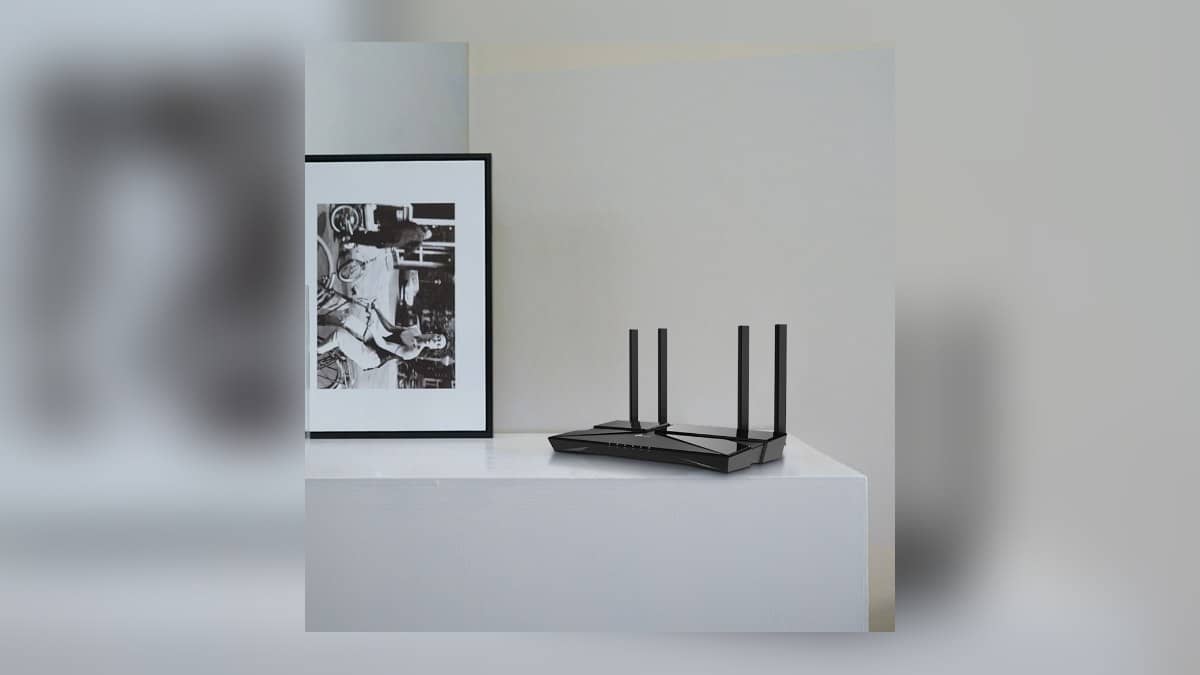

NEW DELHI: D-Link's R15 carries an AX1500 badge, but its official India specifications split that into up to 300 Mbps on 2.4 GHz and 1201 Mbps on 5 GHz. The distinction matters when planning a home with smart plugs, bulbs and cameras: read the specification for the band a device actually supports, then check coverage at its installed position.
| Item | Official detail |
|---|---|
| Router | D-Link R15 EAGLE PRO AI |
| 2.4 GHz radio | Up to 300 Mbps, 802.11n on India product page |
| 5 GHz radio | Up to 1201 Mbps, 802.11ax |
| Wired connections | 1 Gigabit WAN and 3 Gigabit LAN ports |
| Mesh expansion named by D-Link | Compatible EAGLE PRO AI devices, including E15 extenders |
| Device-count claim | Up to 128, based on company testing |
Read the bands before the badge
The R15 is marketed as a Wi-Fi 6 router, while the detailed India page identifies its 2.4 GHz connection as 802.11n. Do not read the overall badge as a promise that every connected device uses the same wireless technology. This is a specific limitation of the shorthand on this model, not a reason to ignore the detailed table.
A useful planning exercise is to list each household device and its supported Wi-Fi band before changing the router. Put a camera's network requirement beside where it will be mounted, and a smart bulb's beside the room it lights. The task is to match a working connection to each location, rather than to collect the largest headline speed.
D-Link's datasheet explicitly distinguishes maximum wireless signal rates from actual throughput. It names traffic, network overhead, construction materials and the environment as factors affecting performance. Treat its published figures as specifications, not as a measured internet speed you should expect from a camera in a distant room.
The three LAN sockets solve a different problem
The R15 has a Gigabit WAN connection for the upstream equipment and three Gigabit LAN connections for wired devices. Those are separate roles. Draw the cable layout before setup so the connection from the broadband equipment is not confused with a cable going to a television, computer or another household device.
In a home office next to the television, this makes the port count a concrete planning detail. Count the devices you intend to wire and check where the cables will run. That exercise can be more useful than adding together radio speeds, because it identifies the equipment that can connect directly at the router's location.
Expansion depends on the compatible mesh family
D-Link's India page specifically names E15 extenders for expanding the R15 network. Its mesh footnote limits the feature to compatible D-Link AI extenders or mesh systems. If you already own an extender, record its exact model and check compatibility. The presence of the word mesh on two boxes is not sufficient confirmation that the pair will work as advertised.
This matters in an Indian home where broadband equipment and privately purchased networking hardware may have arrived at different times. Sketch the current arrangement first: which unit connects to the operator, which supplies the household Wi-Fi and which is expected to extend it. Keep that sketch with the setup notes for anyone who maintains the connection later.
If a problem exists only in the room where a camera is mounted, test the connection there before making further changes. If several devices fail together, note that separately. Those observations do not diagnose the fault by themselves, but they make the next troubleshooting step more precise than describing every interruption as slow broadband.
Capacity and app controls need the same careful reading
The advertised ceiling of 128 connected devices comes with a company-test qualification and an environmental caveat. It does not establish that every device in a busy household will receive its maximum speed simultaneously. Plan around what the devices are doing together and record the circumstances when problems occur.
The India page lists EAGLE PRO AI app management, parental profiles and guest access. Review those controls after the basic connection works. For more context, read our Airtel Xstream Fiber plan guide, SmartThings local-control explainer and Samsung television price guide. Broadband plans, automation and television specifications answer different questions from the router's radio badge.
Official sources: D-Link R15 India product page and R15 India datasheet.