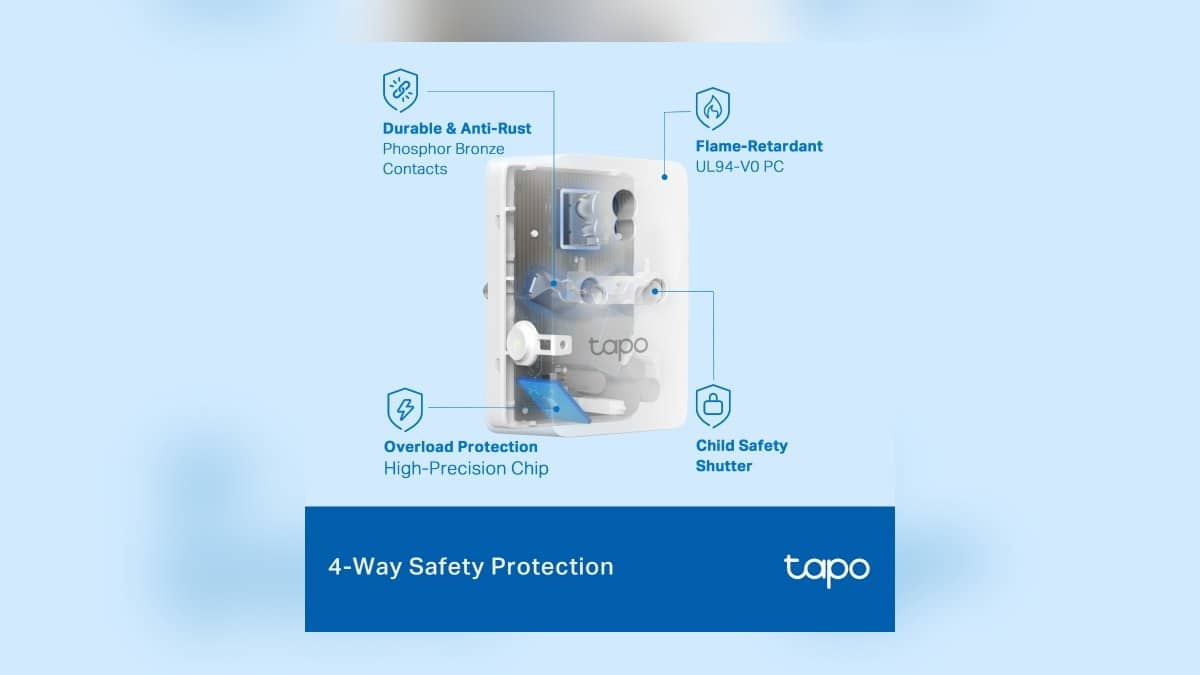
NEW DELHI: The Tapo P110 can show a connected appliance's power use and estimate its electricity cost, but the estimate depends on the tariff entered in the app. TP-Link India lists the plug at a maximum 16A and 3680W, with 2.4 GHz Wi-Fi only. Check the exact unit's label and supported load before connecting an appliance.
| Item | Official detail |
|---|---|
| Product | Tapo P110 energy-monitoring smart plug |
| India page maximum load | 16A, 3680W |
| Network | 2.4 GHz Wi-Fi only |
| Energy feature guide requirement | P110 firmware 1.1.2 or newer; Tapo app 2.10.x or newer |
| Cost settings | Singular Billing or Periodic Billing |
| What the money figure represents | An estimate based on the entered electricity rate |
Start with the connection and a recognisable name
Install Tapo, open the app and use your TP-Link ID. In the app's Home screen, choose the plus icon, Add Device, Tapo, Plugs and your model. The official setup guide uses a Wi-Fi P110 as its example. Follow the indicated pairing process, keep the phone near the plug, then enter the home network details.
Some units use Bluetooth during setup rather than broadcasting the temporary Wi-Fi network shown in older instructions. TP-Link's guide provides for that difference. Follow the path presented for your device instead of repeatedly trying to find a setup network it may not be using. Bluetooth onboarding does not change the product page's Wi-Fi requirement.
Name the plug for the appliance and location you actually want to track. A label such as the study lamp is easier to interpret later than an unexplained device number. Before recording a baseline, confirm which socket and appliance the app entry controls. Otherwise a useful-looking graph can end up attached to the wrong household activity.
Separate power now from energy over time
TP-Link's energy guide separates present power draw from accumulated consumption and historical graphs. Power is the reading to watch while an appliance is running; energy is what to compare across periods. The guide also allows exporting usage records. Keep those records if you plan to change operating habits and compare the results afterwards.
For a sensible home comparison, record what was connected, how it was used and whether the routine changed. A day with a guest using the room is not necessarily comparable with an empty day. The P110 makes consumption visible, but the graph alone cannot explain why a family's use changed. That part still needs a little observation.
Enter your tariff without assuming a universal rupee rate
Use Singular Billing for a fixed energy rate, or Periodic Billing where the rate varies by time. The official guide says the app's bill is an estimate and actual charges depend on the electricity company. Enter the rate applicable to your connection rather than copying an example from a screenshot or somebody else's home.
For an Indian household, this is best used as an appliance-level reference. Do not expect the number beside a plug to reconcile the entire electricity bill. When comparing periods, note if you changed the rate in the app as well as how you used the appliance. That keeps a pricing change from being mistaken for a consumption change.
Read the load guidance before choosing the appliance
The 16A figure is not a blanket approval for every appliance with a compatible plug. TP-Link's load guidance says these smart plugs are primarily intended for resistive loads and warns about high-power motor-driven appliances, including air conditioners, refrigerators and washing machines, because startup current can be higher than the normal running draw.
That warning matters for this particular energy-monitoring product: the appliance a household most wants to investigate may not be a suitable load. Check the supported load types for the exact P110 revision before using its monitoring features. Do not transfer the separate P100 example limits in the generic support article to a P110.
Related reading: our SmartThings local-control explainer covers another connected-home control question. The Airtel broadband plan guide and Samsung India warranty guide offer context on connectivity and appliance ownership.
Official sources: P110 India specifications, plug setup, energy feature guide and supported loads.