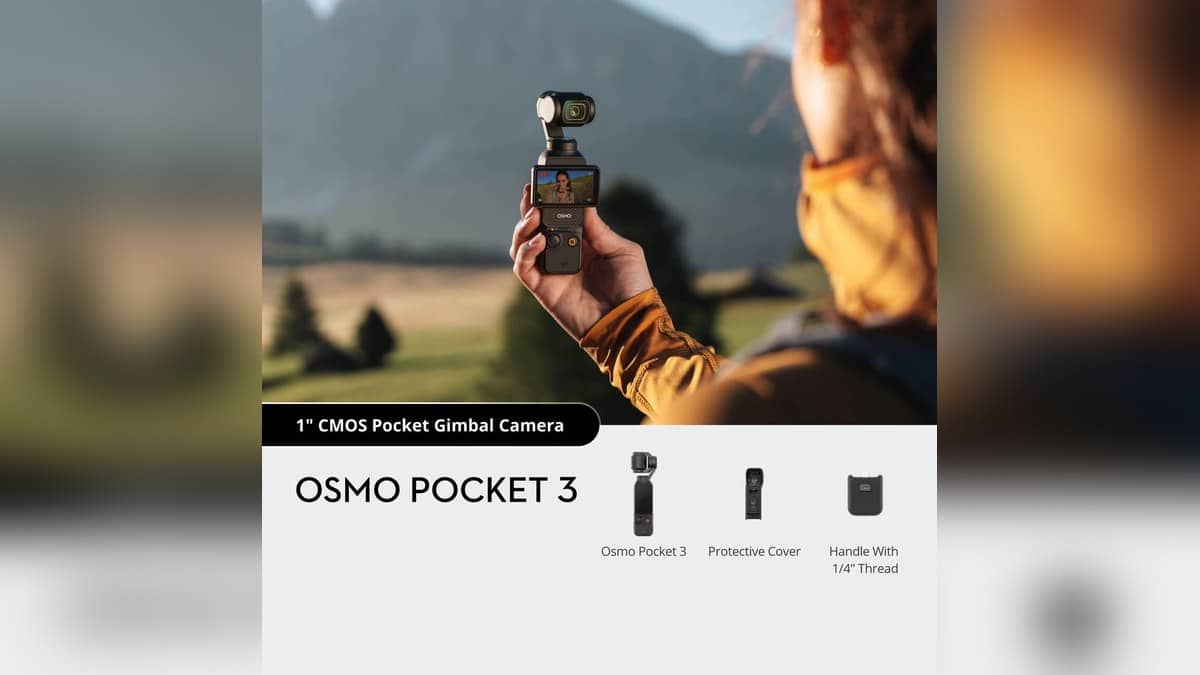
NEW DELHI: DJI's current Osmo Pocket 3 specification supports microSD cards up to 1 TB and says the camera has no built-in storage. Footage is saved to the inserted card. For owners preparing a shoot, card compatibility and a working export route therefore belong on the checklist before the camera leaves home.
| Storage item | DJI's published detail |
|---|---|
| Maximum card capacity | microSD up to 1 TB |
| Internal storage | None |
| File system | exFAT |
| Video format | MP4, H.264 or HEVC |
| Maximum video bitrate | 130 Mbps |
| Long recording files | Automatically split as a file approaches 16 GB |
Capacity and the recommended list answer different questions
The supported-capacity entry establishes the upper limit. DJI separately publishes recommended card models, with different capacities and speed markings. A capacity label alone does not establish that a particular card is on that list.
The current list includes SanDisk Extreme Pro 32GB V30 A1 UHS-I Speed Grade 3; Kingston Canvas Go!Plus at 64GB, 128GB, 256GB and 512GB; and Kingston Canvas React Plus at 64GB, 128GB and 256GB. The Kingston entries are marked Speed Grade 3, with the Go!Plus entries identified as UHS-I and React Plus as UHS-II.
DJI also names Lexar Pro 256GB and 512GB SDXC UHS-I V30 R160/W120 cards, and Lexar SILVER PLUS microSDXC UHS-I cards at 64GB, 512GB and 1TB. Those are specific entries, rather than an endorsement of every capacity sold under a similar family name.
For someone with memory cards already shared between a phone, dashcam and camera, this distinction is useful. Match the actual card label to the published entry. Do not assume that the brand name or the largest printed number provides the whole compatibility answer.
Recording mode also matters
Osmo Pocket 3 combines a 1-inch CMOS sensor with a rotatable touchscreen and mechanical gimbal. Its normal video specification includes 4K up to 60fps, while 4K at 120fps appears under slow motion. Storage planning should begin with the mode being used, rather than treating every mention of 4K as the same recording job.
The maximum bitrate is a ceiling in the specification, not a promise that every clip uses that rate continuously. Converting it into a universal hours-per-card figure would create a precision the published table does not supply. Check the camera's available-space indication with the intended settings instead.
For a wedding speech, interview or long performance, the file-splitting rule deserves separate attention. DJI says the camera automatically divides a recording as it approaches 16 GB, without damaging quality. Several files can therefore belong to a continuous recording rather than indicating that the operator repeatedly stopped the camera.
Test the export route as well as the card
DJI's FAQ describes transferring footage through the DJI Mimo app, reading the card on a computer, or using a USB-C connection to a computer or an OTG-supported phone. These routes serve different working arrangements, especially when the editing device is a phone rather than a laptop.
For a phone connected by cable, DJI instructs owners to select OTG connection in the camera's system settings. For wireless use, its instructions call for Wi-Fi and Bluetooth when connecting through Mimo. A short test recording and transfer before an assignment can establish that the intended combination works.
Keep the complete sequence of files when backing up a long take, then check playback on the editing device before reusing the card. This is a workflow precaution: a successful connection and a successful, readable copy are separate checkpoints.
Check older editing tutorials against current support
DJI's downloads page now says updates and feature maintenance for LightCut ended in September 2026 and points users towards DJI Mimo or DJI Fly instead. Owners following older Pocket 3 tutorials should account for that notice when planning how footage reaches the edit.
For other camera recording distinctions, see our Canon EOS R50 V crop explainer, Canon EOS R1 output explainer and Sony camera range report.
Official sources: DJI's Osmo Pocket 3 specifications, FAQ, product overview and downloads page.