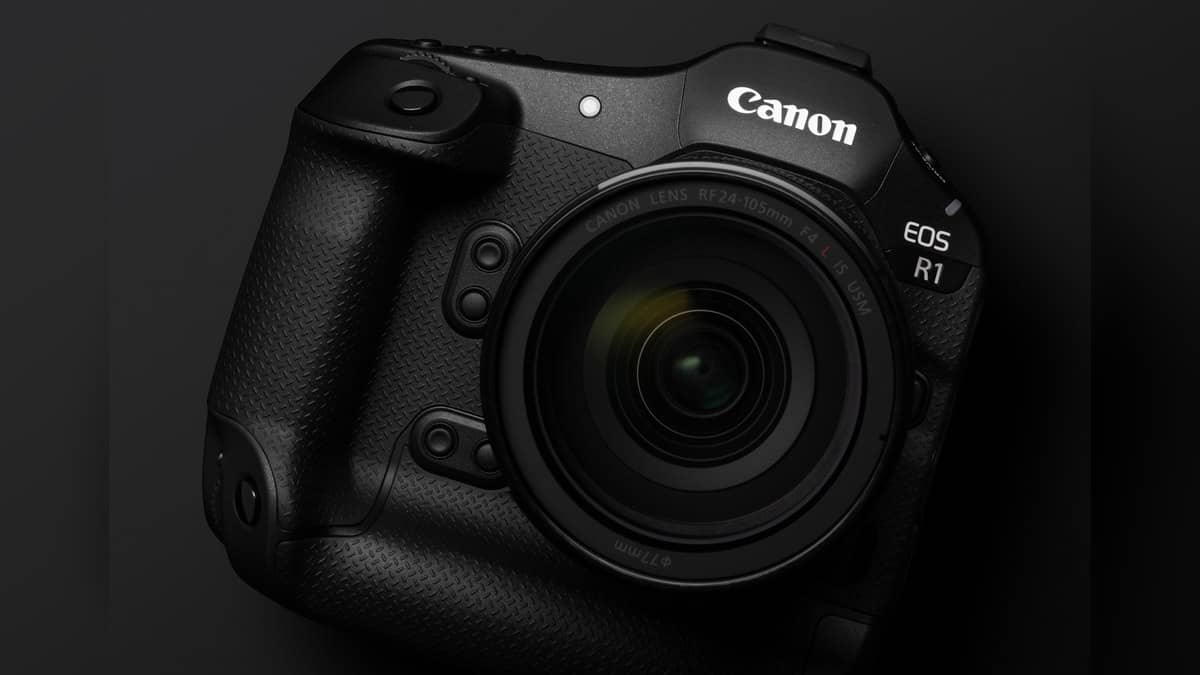
NEW DELHI: Canon EOS R1 owners can create approximately 96MP images with the camera's In-Camera Upscaling feature, but the original capture comes from a 24.2MP sensor. The distinction matters when preparing a tightly cropped photograph or a large delivery file: the larger output is generated by processing after capture.
| EOS R1 feature | Official specification or condition |
|---|---|
| Effective sensor resolution | Approximately 24.2MP |
| Large JPEG or HEIF | 6000 x 4000 pixels |
| Upscaling operation | Doubles each dimension, quadruples pixel count |
| Output described by Canon | Approximately 96MP |
| Direct RAW upscaling | Not supported |
| Capture during processing | Unavailable until processing finishes |
What the larger file means
Canon's specifications put a full-frame Large JPEG or HEIF at 6000 x 4000 pixels, or 24.0MP of recorded image data. That recorded figure and the approximately 24.2MP effective sensor specification describe different things. Neither should be replaced by the upscaled output figure when describing the camera's sensor.
For an Indian wedding photographer preparing an album spread, this is a useful distinction to preserve in the handover brief. A client asking for a larger file may be asking for a different output size, while a client asking for more captured detail is asking something else. Upscaling changes the delivery file; the original photograph remains the reference for judging focus and detail.
The R1 is built around a full-frame back-illuminated stacked CMOS sensor and uses Canon's RF mount. Its two recording slots take CFexpress Type B cards. Those specifications describe the capture platform. The enlargement tool belongs to playback and processing, so its usefulness should be assessed separately from the camera's shooting performance.
Choose an eligible original
The official upscaling instructions require a Large JPEG or HEIF. RAW files, pictures from another camera, images already enlarged with this feature, and resized, cropped or extracted images are excluded. Capture must use the Full-frame cropping/aspect setting.
This makes the order of work consequential. An editor who wants both a large master and a social-media crop should plan that sequence before changing the original. For the R1 workflow, retaining the eligible capture leaves the enlargement option available, whereas starting with an already edited derivative can close it off.
Run the enlargement from playback
Open In-Camera Upscaling in playback, choose Select images, select the photograph with the dial and SET, then press Q to execute. Confirm OK to save. The saved result retains the original format, JPEG or HEIF. Canon also offers Select range for processing a run of images.
The manual warns that processing can take time and prevents shooting until it finishes. At an event, the practical place for this operation is therefore a pause in coverage. Starting a conversion while waiting for an unpredictable entrance or an award presentation creates an avoidable conflict between making the next photograph and processing the last one.
RAW processing is a separate decision
Canon provides a separate RAW Image Processing menu that creates JPEG or HEIF files while leaving the RAW original unaffected. Its controls include white balance, Picture Style, image quality and lens corrections. The manual also describes neural-network noise reduction during this processing stage.
That separation gives a working photographer a clearer way to describe the job: first decide the appearance of the processed photograph, then evaluate any enlargement. Canon cautions that in-camera RAW processing does not produce exactly the same result as Digital Photo Professional. A consistent delivery should therefore be checked in the workflow actually used for the assignment.
For related context, read our Canon PIXMA TR160 vs SELPHY CP1500 price: CP1500 starts lower at Rs 11,995, Canon MAXIFY GX1070 and GX2070 price list: Rs 29,340 to Rs 33,275 and Canon PIXMA G1730, G2730 and G3730 price list: Rs 10,325 to Rs 16,295. The last is relevant to the eventual output of a photograph, while the camera and lens guides address the wider imaging system.
Canon says the upscaling effect may vary with the scene. Treat the enlarged result as an output to inspect against the original before delivery, especially around fine textures and faces. Official sources: Canon India EOS R1, R1 specifications and RAW processing manual.