NEW DELHI: Jio lists the JioExtender JE6000 at Rs 3,499 on its official website. The AX3000 Wi-Fi 6 device works with different home routers, but the operating mode changes: mesh is specified for JioAirFiber and Jio Universal Routers, while JioFiber and third-party routers use range-extender mode. That distinction should be settled before planning a home network around it.
| Item | Official JE6000 listing |
|---|---|
| Hardware price | Rs 3,499 |
| Wi-Fi standard | Wi-Fi 6, AX3000 |
| Bands | 2.4 GHz and 5 GHz |
| Mesh mode | JioAirFiber and Jio Universal Routers |
| Range-extender mode | JioFiber and third-party routers |
| Inter-floor connection guidance | Use a LAN cable |
| Management | JioHome app |
What the listed price buys
Price as of 31 October 2026, 00:35 IST. Jio's dedicated JE6000 page and its home-device catalogue both show the same amount. This is the extender's hardware listing, not a broadband subscription price. The catalogue lists other router and extender products separately; their prices should not be treated as JE6000 variants.
The product is intended to extend an existing network. A household should therefore identify its current router before focusing on the extender's speed label. A bill bearing the Jio name is not enough to establish which of the published operating modes applies.
Jio describes the mesh arrangement as a single Wi-Fi network with roaming and automatic device switching. The separate range-extender description does not justify promising all those same mesh behaviours with every compatible third-party router.
Who it is for
The JE6000 is relevant to a household whose broadband connection works where the router sits but does not serve a particular room well. Its suitability depends on the existing router, the intended connection between devices and the location where coverage needs to improve.
For a concrete example, a family may have JioFiber in the living room and a weak connection at a desk in a bedroom. That family should plan against the range-extender description. Assuming the Jio branding automatically puts the system into the advertised mesh arrangement would miss the product page's most consequential qualification.
A household with an eligible mesh router has a different planning question: where should the additional unit sit to serve the rooms people actually use? Walk through the route between those rooms during setup and check the devices that matter, instead of judging the result only beside the extender.
Take the LAN guidance seriously
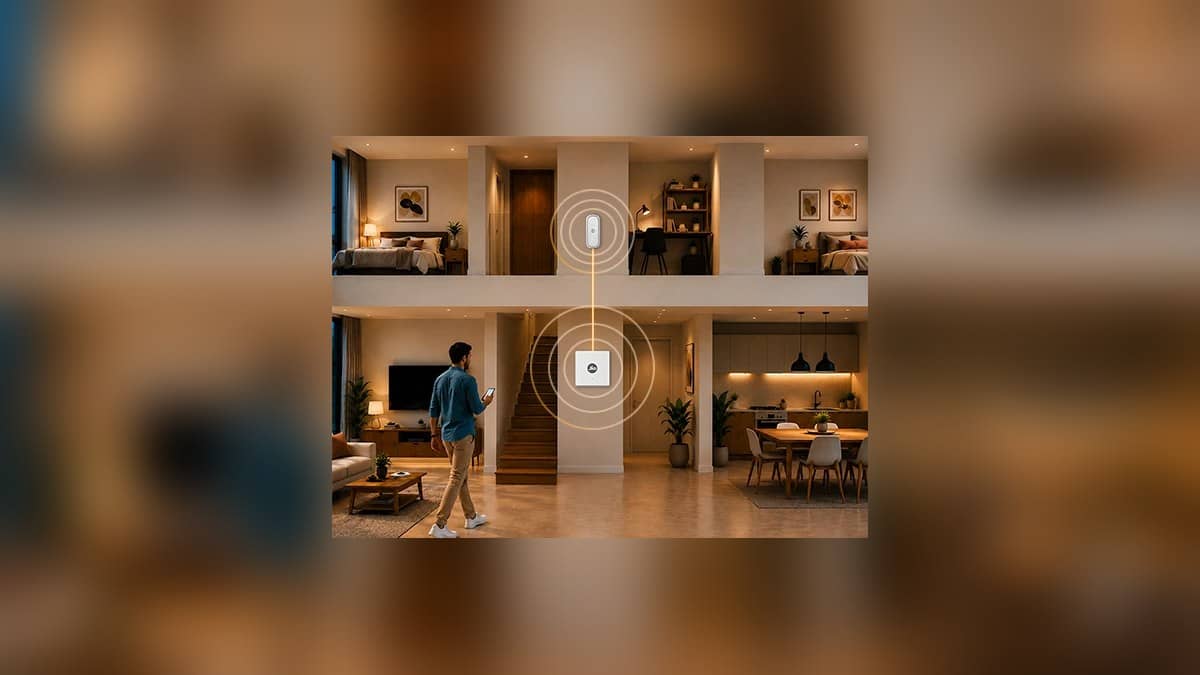
Jio explicitly asks users to use a LAN cable for connectivity between floors. A multi-floor installation plan should account for that cable route before selecting a power point. A diagram of wireless coverage is not a reason to omit an installation condition written on the same product page.
Consider a home with the router downstairs and a study upstairs. The practical discussion includes where the cable can pass, where the extender will be powered and whether that location serves the study. Those choices cannot be resolved by the AX3000 name alone.
Ask whoever configures the network to show the final arrangement in the app and identify which mode is running. Keep a simple note of the router model and where the extender is installed. That record makes later troubleshooting easier if the home network is changed.
Read speed and setup claims in context
Jio describes up to 3000 Mbps as a combined wireless speed figure. It should not be presented as the broadband speed a buyer will receive from this hardware. The home still needs a working internet service and a suitable network arrangement for its particular rooms.
The official setup outline uses JioHome, a LAN connection to the router and the app's instructions. After setup, test the task that prompted the installation, such as a call from the study or playback on the television in the weak room. A completed setup screen is only part of that check.
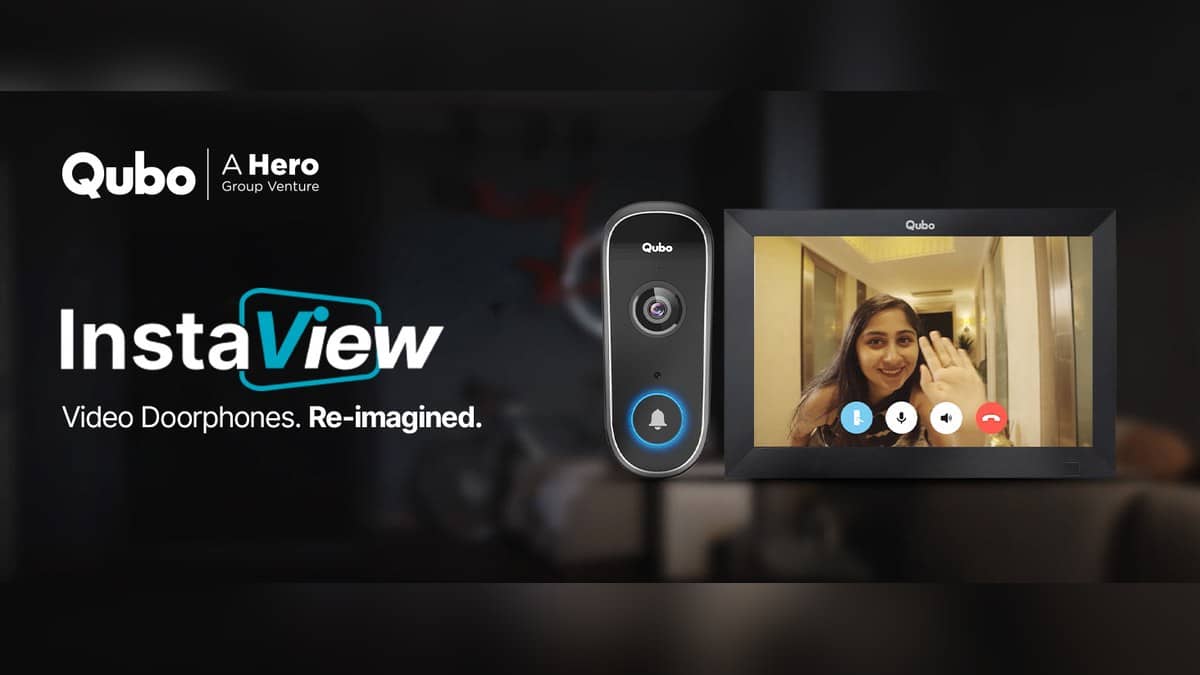
Our D-Link R15 band explainer gives related smart-home context. The JioFiber prepaid guide concerns service plans, while the Qubo Video Doorbell Pro report covers a device whose intended entrance position also needs consideration when planning home connectivity.
Official sources: JioExtender JE6000 product page and JioHome device catalogue.