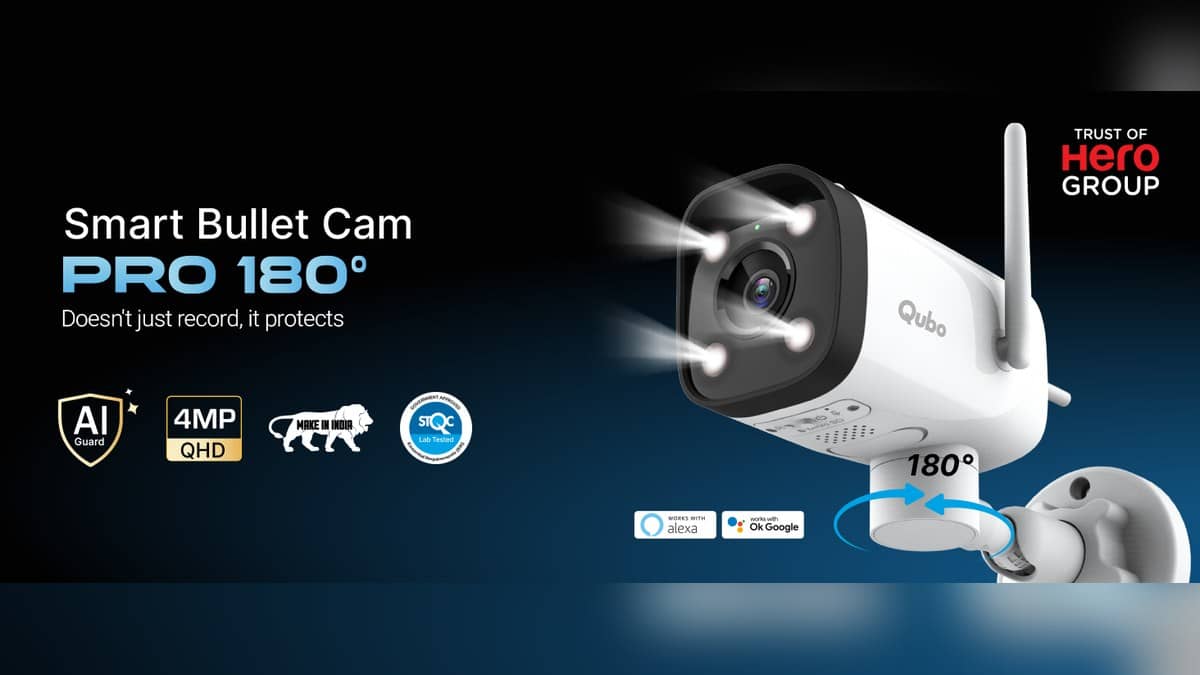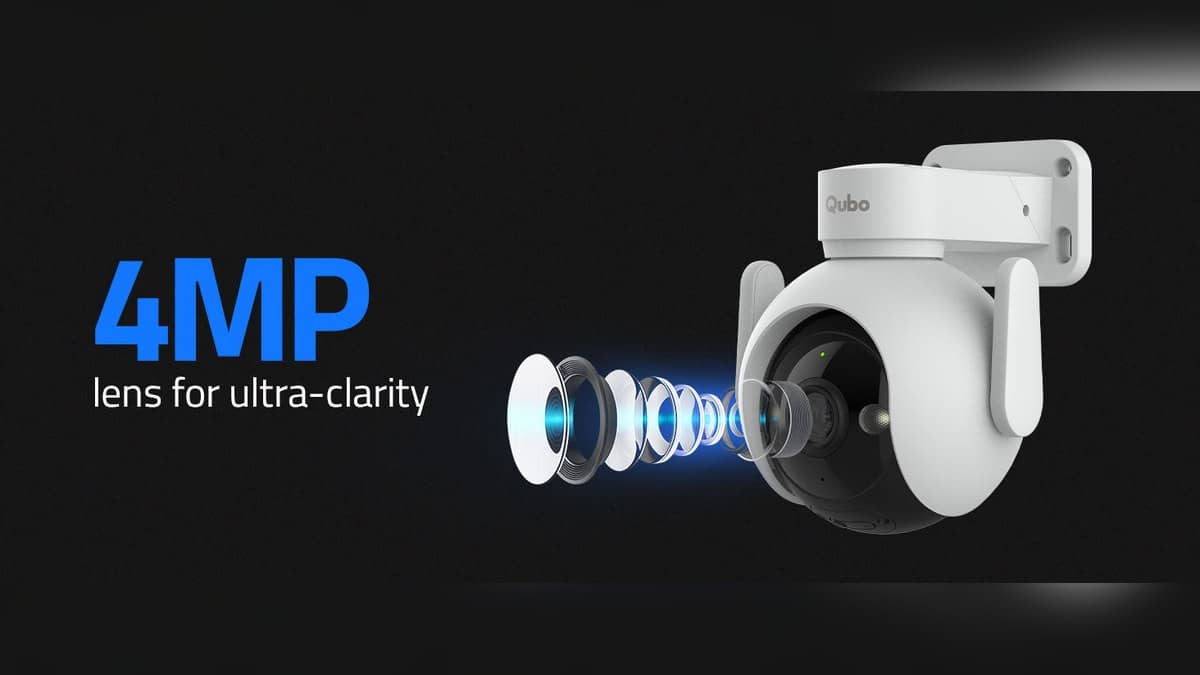
NEW DELHI: Qubo specifies 360-degree panoramic monitoring and 90-degree vertical coverage for its Smart Outdoor Cam 360 Pro. App-controlled pan, tilt and zoom are the important distinction for a household planning to look around an outdoor space. The headline coverage figure should be read alongside the camera's placement and the particular direction it needs to watch.
| Feature | Official specification |
|---|---|
| Smart Outdoor Cam 360 Pro price | Rs 4,990, tax inclusive |
| Sensor and resolution | 4MP; 1440p |
| Coverage | 360 degrees panoramic; 90 degrees vertical |
| App control | Pan, tilt and zoom |
| Network and power | 2.4 GHz Wi-Fi; 12V, 1A DC |
| Installation and rating | Wall mount; IP66 |
| Storage | Cloud or microSD up to 1TB |
What to make of the coverage figure
Price as of 31 October 2026, 00:30 IST. Qubo's listing identifies a motorised outdoor camera, with both horizontal and vertical app control. It does not give grounds to promise that every part of a property will be equally visible from any convenient mounting point.
Use the coverage claim to plan which directions should be reachable. Then check those directions at the installation site. A wall, projecting roof or parked vehicle can still determine whether the scene you care about is available from the chosen position.
For a concrete example, imagine a front courtyard with a pedestrian gate to the side and a parking bay closer to the house. The reason to consider this model is the ability to change the view between those areas. The useful demonstration is a turn towards each area from the proposed mounting point, with the actual obstructions in place.
Who it is for
The Outdoor Cam 360 Pro is relevant to households that want to inspect different parts of an outdoor area through the app. It makes less sense to choose it solely because the coverage number sounds larger. First establish whether the household will use the movement controls and which views matter.
Agree on a normal resting view as well. If the main purpose is to watch an entrance, make that the reference position when evaluating the installation. Being able to look towards a different corner should not distract from checking the doorway that prompted the camera purchase.
This is especially useful in a shared home, where several people may have different ideas about what the camera should watch. One person may care about a parked vehicle and another about visitors waiting at the gate. Decide how those jobs should be handled before accepting the final position.
Night vision has a particular description
Qubo calls this model's system dual night vision, describing infrared viewing with a colour image on person detection. It also lists two spotlights. That wording matters: the product should not be described simply as delivering continuous colour footage under every night-time condition.
A practical handover should include checking the intended area after dark, rather than assuming a daylight demonstration settles the question. Ask what changes when someone approaches and inspect the result in playback. This report has not independently measured the camera's image quality or detection performance.
The same restraint applies to alerts. Person and motion detection are listed functions, but they are not a verified response-time guarantee. Decide which events should matter to the household, then check whether the resulting notifications are understandable and useful.
Finish the network and recording plan
The camera needs a power arrangement at its wall position. Discuss where the supply will sit and how the cable will reach the device. The networking description alone does not answer those physical installation questions.
Related reading includes our Qubo Smart Cam 360 3MP price: Rs 2,789, which looks at smart-home networking. The Qubo Video Doorbell Pro 2K price: Rs 8,990 concerns a different installation setting, while the Qubo Smart Plug 16A vs 10A price: 10A starts lower at Rs 899 focuses on a visitor-facing product.
Finally, ask what recording arrangement the order includes. The stated card limit is not a supplied-card promise or a retention timetable. Save and retrieve a sample event, and check that the important approach remains visible when the camera returns to its intended everyday position.
Official source: Qubo Smart Outdoor Cam 360 Pro product page.