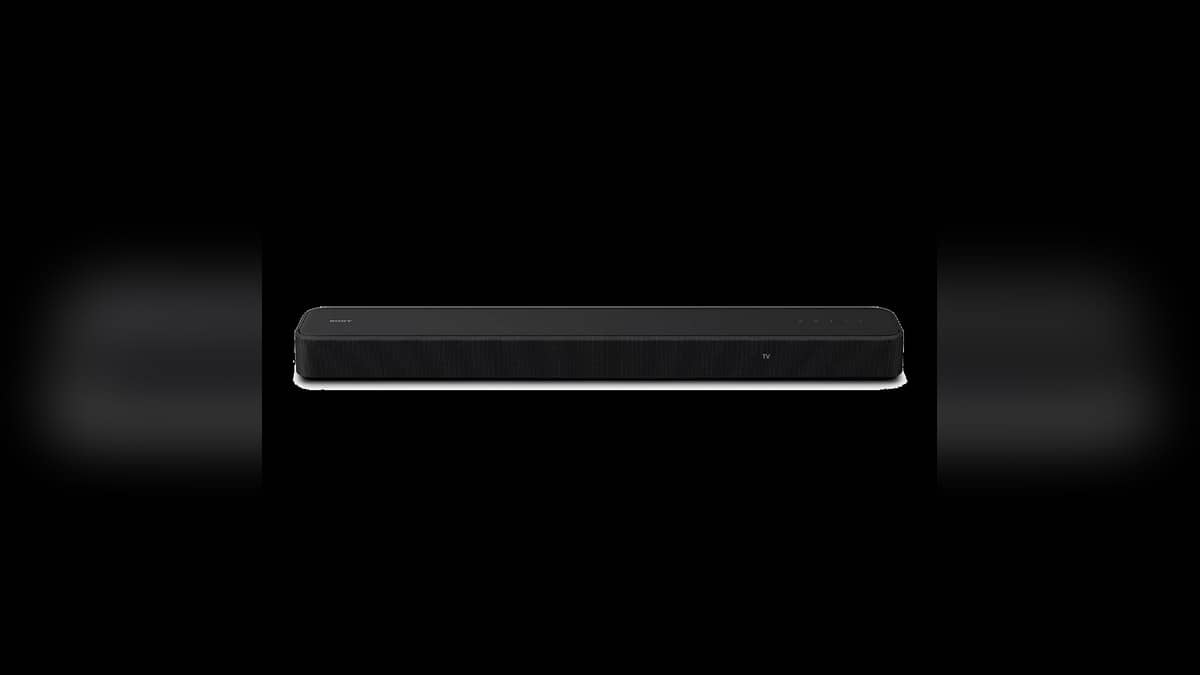
NEW DELHI: Sony HT-S2000 owners should connect the soundbar to the TV socket labelled ARC or eARC, then check the TV's HDMI control and audio settings. The 3.1-channel bar has its own built-in dual subwoofer, but hearing TV sound still depends on selecting the right connection and settings.
| Soundbar | Sony HT-S2000 |
|---|---|
| Speaker layout | 3.1 channels with built-in dual subwoofer |
| TV connection | HDMI OUT [TV (eARC/ARC)] on the soundbar |
| Alternative audio input | TV IN (OPTICAL) |
| Current help-guide app name | Sony | BRAVIA Connect |
Follow the socket label, not its position
The HT-S2000 help guide tells users to join the TV's ARC or eARC-compatible HDMI jack to the bar's HDMI OUT connector using the supplied HDMI cable. It also says to enable the TV's Control for HDMI function. If that function is disabled, Sony warns that TV sound will not come from the speaker system.
A useful installation habit is to inspect the TV labels before pushing the cabinet back against the wall. Read the markings at both ends of the cable and keep a note of the TV port used. That makes a later cable swap easier to reverse and avoids diagnosing the bar while its connection has changed.
The television is the source hub
Sony's connection diagram places devices such as a set-top box, disc player or games console at the TV. Their HDMI cables feed the television, and the TV passes sound onward to the HT-S2000. This matters when the console produces a picture but the bar stays quiet: trace the complete route, including the TV's audio output choice.
In an Indian living room that alternates between a DTH box and a streaming app inside the television, test those sources separately. The built-in app and the external box do not begin at the same point in the signal path. Write down which source works before changing several settings together; otherwise it becomes hard to identify which change helped.
Understand the eARC condition
For higher-quality audio formats such as Dolby Atmos from an external device connected through the TV, Sony directs owners to check that eARC is enabled on both products. The help guide says the soundbar's eARC setting is enabled by default. The TV's own operating instructions remain the reference for its corresponding setting.
The Atmos logo on a soundbar does not tell you what an individual television programme is sending. Start with a known source and make one change at a time. A sensible check records the content selected, the device playing it and the TV audio setting, rather than assuming every programme should trigger the same result.
What the bar does without extra speakers
Sony describes the HT-S2000 as a 3.1-channel system with a centre speaker for dialogue and a built-in dual subwoofer. Its Vertical Surround Engine and S-Force PRO Front Surround create a virtual surround presentation, while an upmixer processes stereo content. These descriptions explain how the single bar is intended to work before optional speakers are added.
Optional wireless rear speakers add sound from behind, and an optional wireless subwoofer adds bass output. They are expansion choices rather than evidence that the base bar is missing a compulsory box. Plan the connection of the television first; an extra speaker purchase is a separate decision from fixing a silent TV connection.
Use the current app instructions
The India product page still refers to Sony | Home Entertainment Connect, while the current help guide uses Sony | BRAVIA Connect. The guide says to keep the app and speaker software current. Seeing the newer name in support material therefore need not mean that you have opened instructions for the wrong soundbar.
The app handles initial setup, settings and support information, while the supplied remote covers frequent listening operations. Leave the current help guide open during setup and follow its route for a TV without ARC or eARC if that matches your television. Do not substitute a generic soundbar tutorial for the connections shown for this model.
Related reading: Sony speaker and soundbar price list: ULT Field 1 at Rs 9,990, 27 models in stock | Sony BRAVIA extended warranty price list: Rs 2,600 to Rs 1,05,000, and what it excludes | Sony BRAVIA TV price list: 27 models from Rs 28,490 to Rs 25,64,991.
Official sources: HT-S2000 help guide, Sony India product page and India support hub.