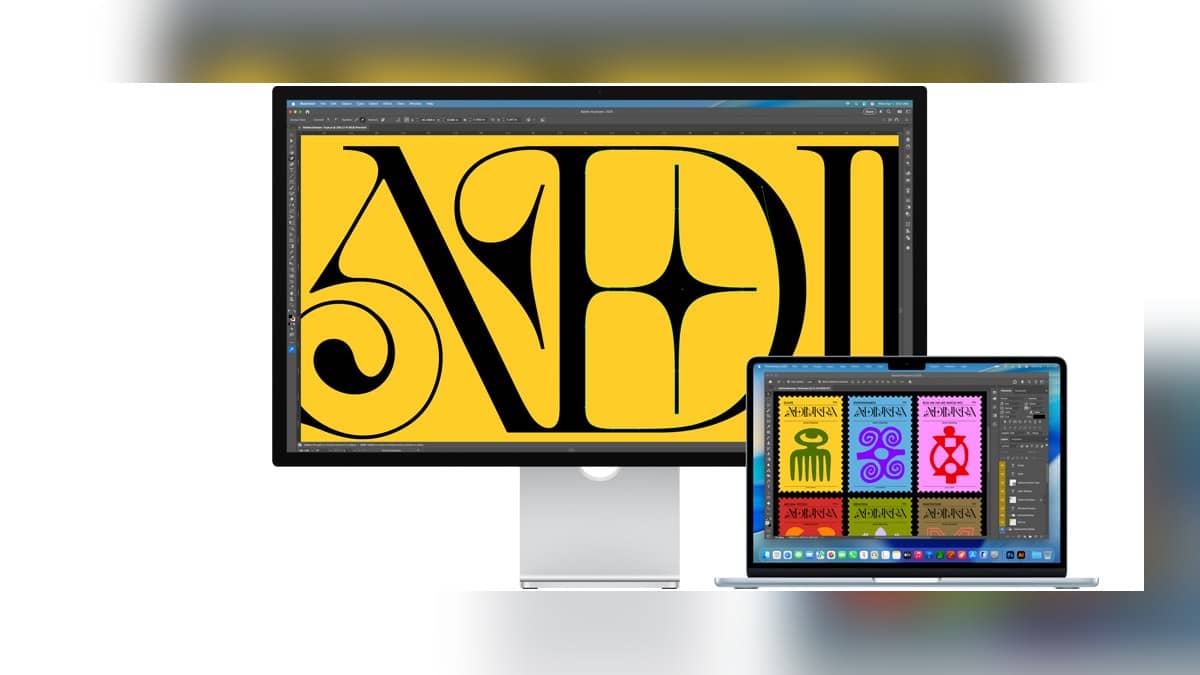
NEW DELHI: Apple's Studio Display costs Rs 1,89,900 to Rs 2,79,900 on its India store, with six configurations covering standard or nano-texture glass and three mounting choices. The display hardware is shared across those versions. The price changes pay for the glass finish and how the screen sits on a desk or mounting arm.
| Glass | Stand or mount | India price |
|---|---|---|
| Standard | Tilt-adjustable stand | Rs 1,89,900 |
| Standard | Tilt- and height-adjustable stand | Rs 2,39,900 |
| Standard | VESA mount adapter | Rs 1,89,900 |
| Nano-texture | Tilt-adjustable stand | Rs 2,29,900 |
| Nano-texture | Tilt- and height-adjustable stand | Rs 2,79,900 |
| Nano-texture | VESA mount adapter | Rs 2,29,900 |
Price as of 1 November 2026, 00:17 IST. These are the full prices displayed by Apple, without applying a card benefit, exchange value or instalment calculation. Studio Display is the Mac monitor discussed here; Studio Display XDR is a separate product.
What stays the same across the six versions
Every version has a 27-inch 5K Retina display. Apple's specification page lists 5120x2880 resolution, 600 nits brightness and a 60Hz refresh rate, alongside P3 wide colour and True Tone. Paying for the most expensive configuration therefore does not turn this panel into a higher refresh rate display. That distinction matters when comparing configurations whose names otherwise look very similar.
The camera and audio equipment also stay with the display. Apple lists a 12MP Center Stage camera with Desk View, a three-microphone array and a six-speaker system. For a Mac mini desk, these are practical parts of the setup rather than additions to a built-in laptop screen. Our MacBook Air and Mac mini comparison provides context on portable and desktop setups.
Glass and stand solve different problems
Apple describes nano-texture glass as a way to scatter light and reduce reflections, particularly around bright light sources. It is a surface treatment choice. The standard version already carries an anti-reflective coating, so the distinction is about the working environment rather than whether the cheaper display has any reflection treatment at all.
The mounting choice deserves its own line in a desk plan. The tilt-adjustable version changes the viewing angle. The tilt- and height-adjustable version also offers vertical movement, while the VESA version is intended for a separate compatible mounting arrangement. A shared editing desk with different users has a different ergonomic problem from a fixed workstation with an existing arm.
Apple specifies 105mm of height adjustment for the adjustable stand and compatibility with 100x100mm VESA mounting equipment for the adapter version. The latter supports landscape or portrait orientation. Its identical listed price to the tilt-only version does not mean a desk arm is included: the configuration is named for the mount adapter.
The connection has changed too
The current specification lists two Thunderbolt 5 connections and two USB-C connections. One Thunderbolt connection links the host Mac and supplies up to 96W of host charging; the downstream connection can serve high-speed accessories or additional displays. The USB-C connections are for peripherals, storage and networking. This makes the generation of the monitor relevant when reading an older Studio Display accessories guide.
There is a separate host limit to consider before arranging several screens. The monitor's downstream connection does not remove the Mac's own display restrictions. The iPad Air M4 external display guide provides another example of why the host device and the proposed screen must be considered together.
A Mac workstation needs a complete configuration
For an Indian design studio, a monitor quote should identify both glass and mounting hardware explicitly. A quotation that simply says Studio Display leaves open a substantial configuration difference. It also obscures whether an existing arm can be reused or whether a height-adjustable stand is part of the agreed workstation.
That is particularly relevant for a desktop installation where the display is a separate purchase. Our Mac lineup price guide gives background on Apple's computer range. The display table above remains a separate bill, and none of its six entries changes the computer's processor, memory or storage.
Official sources: Apple India Studio Display configurator, technical specifications and product overview.