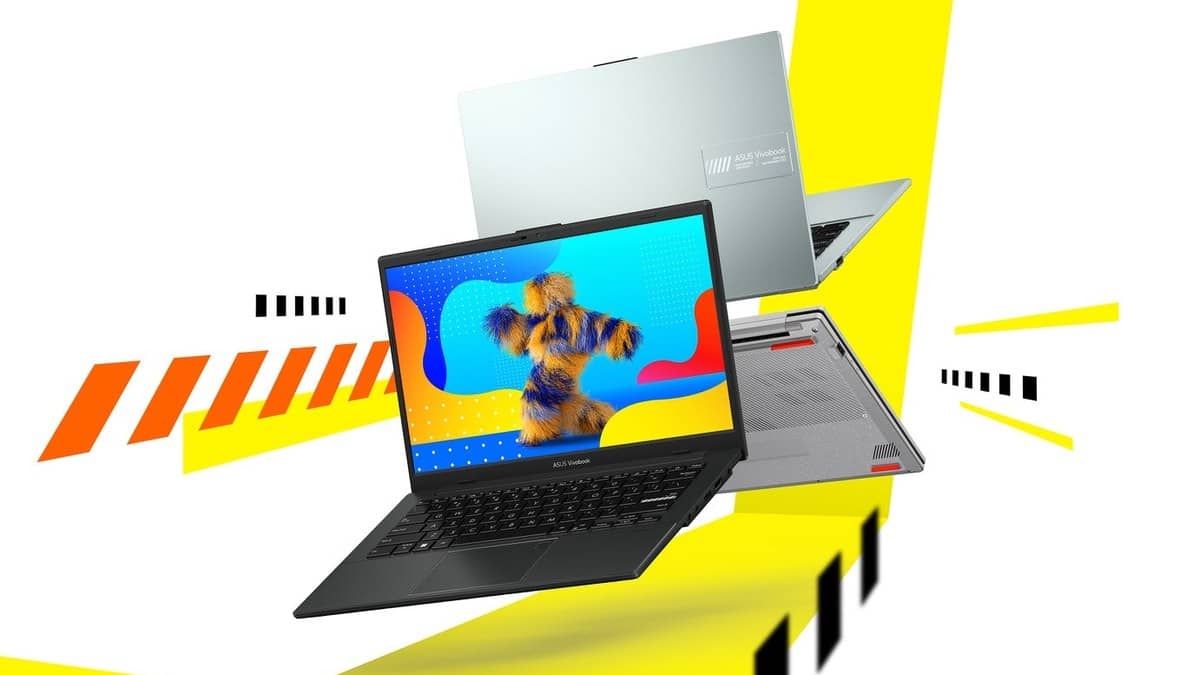
NEW DELHI: If an ASUS Vivobook Go 14 E1404FA stops charging around 80%, check Battery Health Charging in MyASUS before assuming that its charger has failed. ASUS lists battery health charging among this model's software features, and its official support guide explains how a selected charging limit can produce this behaviour.
| Check | Official detail |
|---|---|
| Model family | Vivobook Go 14 E1404FA |
| Battery | 42Wh, three-cell lithium-ion |
| Listed adapter | 45W, 19V DC, 2.37A, round 4.5mm connector |
| Software | MyASUS with battery health charging and system diagnosis |
| Legacy Balanced Mode | Stops above 80%, resumes below 78% |
| Legacy Maximum Lifespan Mode | Stops above 60%, resumes below 58% |
Start with the setting on your laptop
Open MyASUS and look for Battery Care Mode or Battery Health Charging. ASUS's power-adapter support guide distinguishes the software names used across generations. Work with the controls actually displayed on your computer; a general support screenshot does not establish that every menu appears on every E1404FA configuration.
If the older three-mode interface is present, Full Capacity Mode allows a full charge. Balanced Mode and Maximum Lifespan Mode apply the thresholds in the table. A pause between the stopping and restarting levels is part of the published design, so plugging the adapter back in need not immediately restart charging.
Record the selected mode and the displayed percentage before changing anything. For a student who alternates between a hostel desk and a classroom, this provides a useful distinction: a deliberately restricted charge needs a settings check, while a laptop that loses charge unexpectedly needs a separate investigation. The same observation is useful for a small office keeping a laptop connected throughout the working day.
Why a restart can confuse the diagnosis
ASUS says the charging limit can temporarily reset during startup, while the BIOS screen is open or while Windows is updating. The chosen restriction is reapplied after Windows reaches the desktop. A brief charge beyond a selected limit therefore does not, on its own, establish a fault.
Allow Windows to finish loading before checking again. If the battery has already passed the chosen threshold, ASUS explains that it may hold that level while connected rather than actively discharge. Its suggested procedure is to unplug, let the charge fall naturally below the threshold and reconnect.
These are observations to make during normal use, rather than a reason to repeatedly empty and recharge the battery. Write down whether the behaviour occurs before the desktop appears, after it appears, or in both situations. That makes the next troubleshooting step more specific than reporting that charging sometimes stops.
The E1404FA has a separate charging connection
The official specification lists a round-connector power adapter alongside a USB-C port described for data transfer at up to 5Gbps. Do not infer charging support merely from the presence of that USB-C socket. Check the adapter supplied with the exact unit and its documentation before substituting another power source.
This matters on this compact model because its portability can encourage owners to leave the original adapter at home and carry a phone charger instead. The charging-limit setting and the power connection are separate checks. Resolving one does not establish that the other is correct.
For related reading, our Laptop and tablet price guide examines a different configuration issue. The ASUS Vivobook Go 14 EB1236WS: checking its 8GB RAM limit examines a different model's runtime test, while the Activate Vivobook Go 15 Office benefits within 90 days of setup shows why power requirements need a model-specific check.
Keep software settings separate from a repair claim
ASUS's India store displayed Rs 52,990 for the E1404F family when checked. Price as of 1 November 2026, 00:09 IST. That family-level display does not identify the price of every processor and memory combination, and is included only to establish this laptop's place within the budget covered here.
If the selected mode does not explain the problem, ASUS's power-adapter guide recommends MyASUS system diagnosis. Keep the result with the exact product code. Its repair guidance asks owners to provide the battery, power cable and adapter for examination, so retain the complete charging kit rather than treating the laptop in isolation.
Official sources: ASUS charging-limit guidance, E1404FA specifications and India store listing.