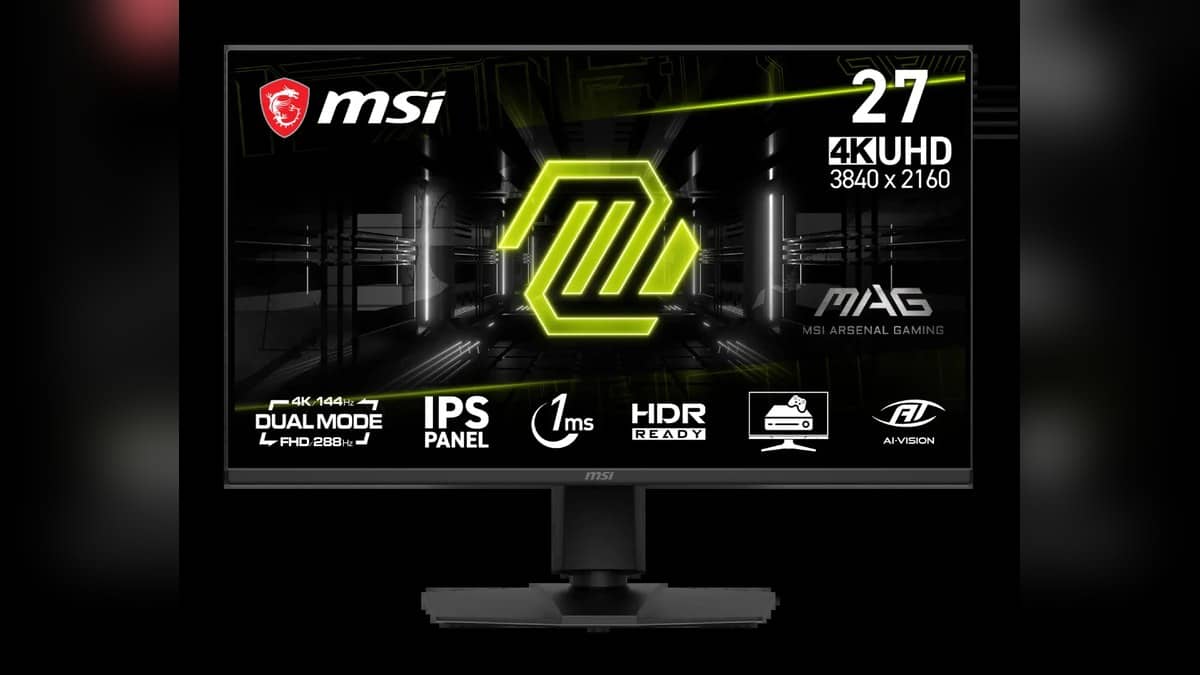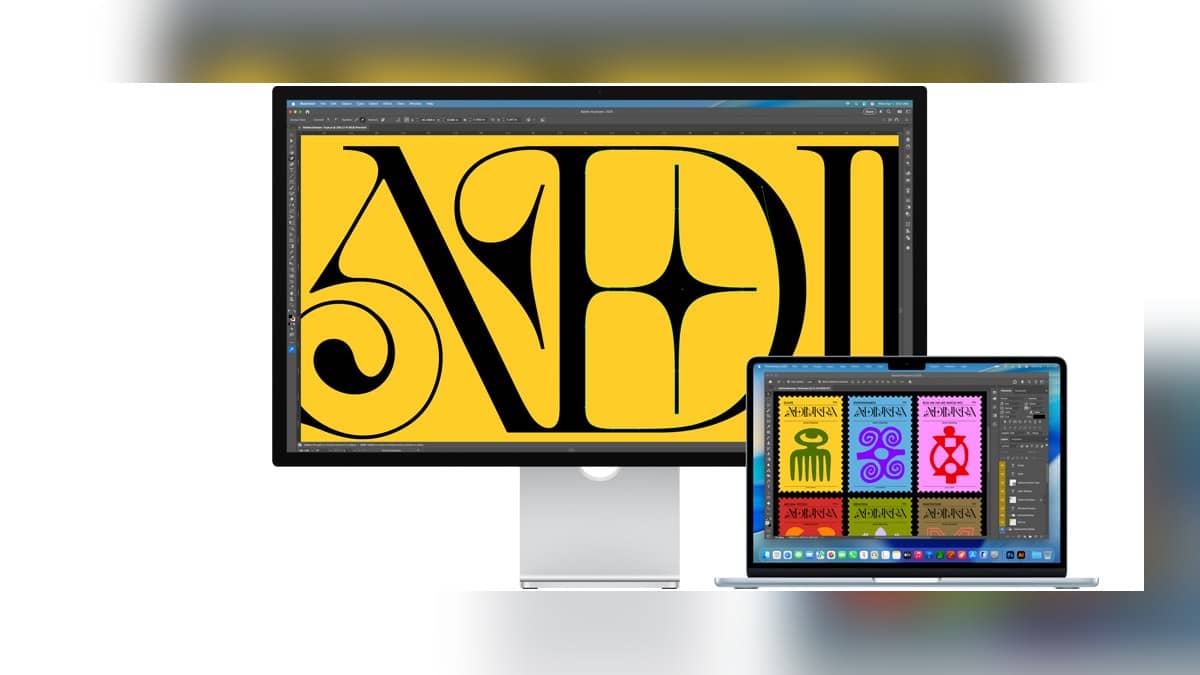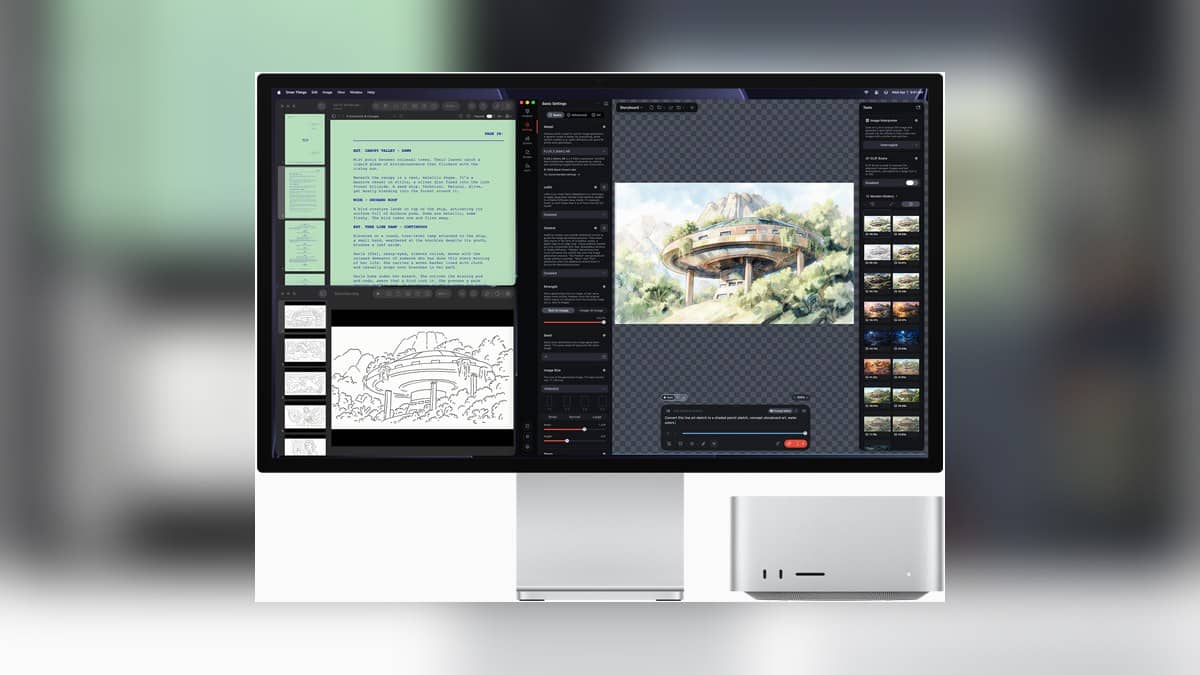
NEW DELHI: Mac Studio with Apple's M5 Ultra chip supports up to eight external displays, but that headline number depends on resolution, refresh rate and the connection arrangement. Apple's current specification allows eight screens at up to 6K and 60Hz, or 4K and 165Hz. A desk built around higher resolution or faster screens has different limits.
| M5 Ultra display arrangement | Official maximum |
|---|---|
| Largest screen count | Eight displays |
| Eight-screen resolution options | Up to 6K at 60Hz or 4K at 165Hz |
| Higher resolution or refresh arrangement | Up to four displays at 8K 60Hz, 5K 120Hz or 4K 240Hz |
| Single Thunderbolt connection | Up to four displays with a supported arrangement |
| Eight-screen setup requirement | Supported display daisy chain, or dock on the front Thunderbolt ports |
Start with the chip inside the computer
Mac Studio is sold with M5 Max and M5 Ultra processors. The case name alone does not identify its display capability. Apple lists a lower maximum of five external screens for the M5 Max version. Its current support index separates the two chips, as well as older Mac Studio generations, rather than assigning one limit to every machine.
The difference is relevant in an Indian post-production room where the main editing monitor, a client screen and reference material can occupy separate outputs. A computer that has enough connectors may still have a display limit below the intended arrangement. The chip must be identified before an installer starts counting sockets or ordering cables.
Our Mac lineup guide places the desktop in Apple's wider computer range. Here, the focus is the display arrangement, which should be specified independently of a workstation's memory and storage choices.
Eight screens is one supported arrangement
Apple's M5 Ultra specification distinguishes screen count from the maximum operating mode. Its eight-screen line specifies the resolution and refresh options shown in the table. The higher resolution line allows up to four screens. These figures describe different supported configurations; combining the largest number from each line would produce a claim Apple has not made.
That is why a brief saying only that the workstation needs eight displays is incomplete. The installer also needs the intended resolution and refresh rate of each screen. A spreadsheet wall and a high refresh preview station ask different things of the same display outputs, even if both use monitors with physically similar connectors.
Apple's dedicated M5 Ultra support article says a supported hub or a display daisy chain can put up to four displays on a single Thunderbolt connection. It also says that doing so does not increase the computer's total display limit. Moving several screens onto a hub changes the wiring arrangement, rather than creating an additional allowance.
Plan the connections before arranging the desk
The same support article specifically requires a supported display daisy chain or a dock on the front Thunderbolt ports for the eight-screen arrangement. It advises connecting the highest resolution display first. A proposed installation should therefore include a connection plan, rather than assume that an arbitrary collection of adapters will reproduce every row of the compatibility table.
A useful planning sheet records each monitor's required mode, the port used and any intermediate dock. This is especially helpful when reusing an older reference screen alongside newer panels. The exercise separates a computer limit from a limitation introduced by the accessory chain.
The MacBook Air and MacBook Pro comparison provides background for readers considering a portable workstation. A laptop's screen arrangement has to be checked separately from this desktop's documented support.
A studio requirement beyond the headline count
For a facility sharing project files across workstations, repeatability matters as much as the maximum number. Keeping a record of the approved screen arrangement makes it easier to reconnect equipment after a desk move or investigate a screen that returns at an unexpected mode. This is an installation consideration, not a claim of performance measured in our own testing.
Readers comparing other Apple desktops can also see our iMac port configuration explainer. The practical question is always the complete machine and its required setup. On M5 Ultra, eight displays is a supported ceiling with stated conditions.
Official sources: Apple India Mac Studio specifications and Apple's M5 Ultra display support table.