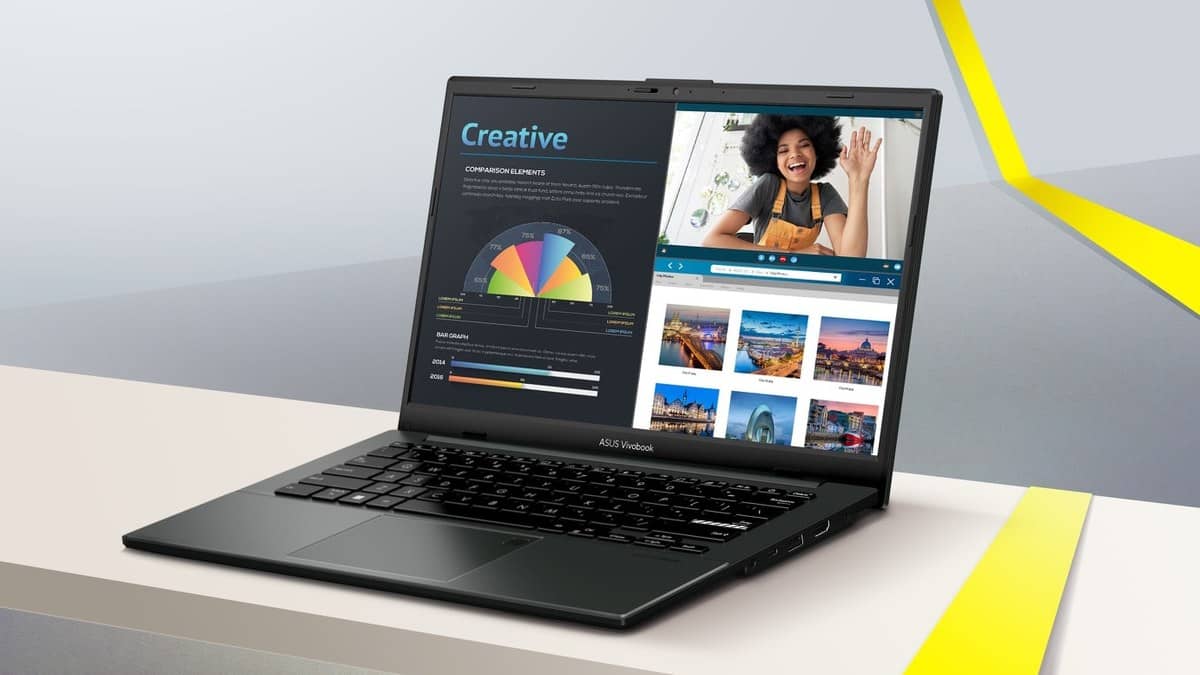
NEW DELHI: The ASUS Vivobook Go 14 E1404FA-EB1236WS is listed at Rs 52,990 with 8GB of onboard LPDDR5 memory. ASUS's E1404FA technical specification pairs the 8GB configuration with an 8GB maximum, so this is not a laptop to choose on the assumption that another RAM module can be added later. Price as of 28 October 2026, 00:24 IST.
| Item | Verified specification |
|---|---|
| India model | E1404FA-EB1236WS |
| Displayed price | Rs 52,990, including taxes |
| Processor | AMD Ryzen 3 30 |
| Memory | 8GB LPDDR5 onboard |
| Storage | 512GB PCIe 3.0 SSD |
| Screen | 14-inch, 1920 x 1080, 60Hz |
| Finish | Green Grey |
Why the family page can cause confusion
The Vivobook Go 14 family is promoted with memory up to 16GB. That describes a configuration available within the range. It does not mean the 8GB machine can be expanded to match it. The technical page lists separate onboard capacities and a corresponding maximum for each.
This distinction is particularly relevant to a family planning to keep a college laptop through changing course requirements. A memory upgrade is sometimes treated as an inexpensive fallback when the initial budget is tight. For this configuration, that fallback should not be part of the plan.
ASUS's own upgrade guidance distinguishes onboard memory from a replaceable SODIMM module. Its worked example uses a different laptop with a combination of the two. Copying that example's upgrade allowance into an E1404FA specification would be a mistake; the correct reference is the actual model's memory table.
How to check the machine you have
ASUS describes a simple way to read the installed capacity: open MyASUS and select System info. The memory and storage entries show what is installed. This is useful when checking a delivered unit against an order, particularly when several similar model names appear on a shop page.
Windows provides another check. Search for System Information and look for Installed Physical Memory. For the drive, ASUS directs users to Components, then Storage, then Disks. These screens report the installed hardware; they do not establish whether the motherboard has a spare memory socket.
Keep the full model suffix with those readings. E1404FA is the platform identifier, while EB1236WS ties this article to the India listing. A screenshot of installed memory and the complete model number is more useful for resolving a specification question than a photograph of a box bearing only the Vivobook name.
Storage is a separate question
The official technical page lists an M.2 storage slot, with the qualification that its expansion-slot count includes slots already in use. A slot appearing in that section therefore does not establish that an empty second position is waiting for an additional drive.
For someone accumulating recorded lectures or project files, the practical distinction is between replacing an existing drive and adding another alongside it. ASUS advises consulting its authorised service channel about storage expansion. The published RAM limit should not be confused with an SSD limit, and neither is a reason to open the chassis without first checking the exact configuration.
Who it is for
The clearest audience is a student or office user with a known, modest workload: writing, reading, online classes and routine browser-based administration. This is a suitability assessment from the specifications, not a measured multitasking result. The relevant question is whether the required applications fit the installed memory today and over the intended ownership period.
The Go 14 also has practical features beyond its processor label. ASUS describes a hinge that opens flat and a physical webcam shield. Its NumberPad feature places number entry on the touchpad, an interesting compromise for someone who wants a compact keyboard area but occasionally enters marks, quantities or expenses.
The India listing includes Office Home 2024 and a Microsoft 365 Basic benefit lasting a year. Those software entries do not change the memory ceiling. They should be recorded separately when comparing the laptop's hardware with an institution's application requirements.
A useful check before the specification is final
For related ownership questions, read our ASUS faulty-laptop process explainer. The Office support guide and Windows update report address software considerations separately from hardware capacity.
Official sources: ASUS memory and storage checking guide, E1404FA technical specifications, Vivobook Go 14 design page and E1404FA-EB1236WS India listing.