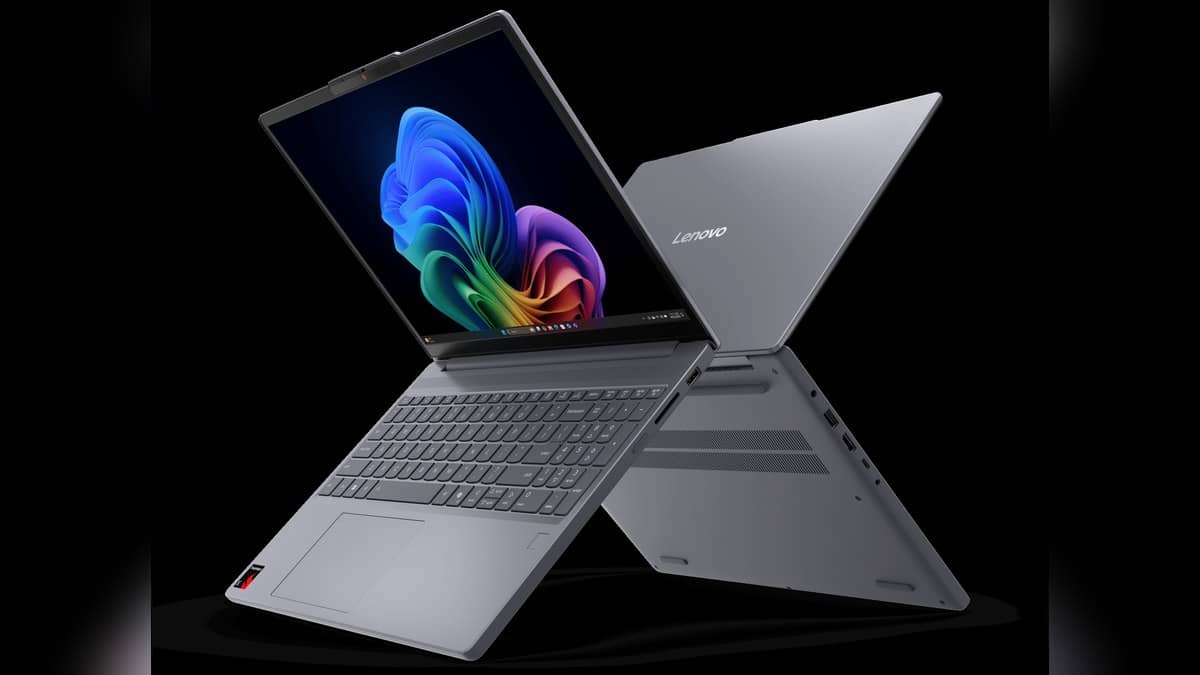
NEW DELHI: Lenovo's IdeaPad Slim 3x Gen 10, identified in its technical reference as IdeaPad Slim 3 15Q8X10, supports two M.2 2242 PCIe 4.0 x4 SSDs. Lenovo says it supplies a single SSD configuration and leaves the second slot for user expansion. That is useful flexibility for local files, but it does not make the laptop's soldered memory upgradeable.
| Storage question | Lenovo's specification |
|---|---|
| Internal drive support | Up to two M.2 SSDs |
| Slot format | Two M.2 2242 PCIe 4.0 x4 slots |
| Tested capacity | Up to 1TB per M.2 2242 SSD |
| Factory storage offerings | 256GB, 512GB or 1TB |
| Memory construction | Soldered, no memory slots |
Match the platform before the drive
The Slim 3x name matters because it denotes the Snapdragon platform in this case. Do not apply these storage details to another IdeaPad simply because its lid carries the same brand. The 15Q8X10 identifier is the useful reference when comparing the machine with Lenovo's specification document.
Lenovo's launch announcement highlighted the additional SSD slot as a way to retain more files and applications later. Its accompanying datasheet identifies second-slot options of 512GB and 1TB. That expansion provision is a concrete part of this model's design, rather than a general promise attached to the IdeaPad range.
For a student keeping lecture recordings, project assets and internship documents on the same machine, the practical question is what must remain available locally. Put those folders on a list before planning an expansion. A storage decision should begin with the files involved, rather than the largest capacity advertised on a shop page.
The limit describes Lenovo's tested offerings
The technical reference explains that its capacity support is based on testing with Lenovo's current storage offerings. It also says actual transfer rates depend on the connected device and system conditions. The interface label should therefore not be converted into a promised file-copy speed for an untested SSD.
Lenovo's broader datasheet lists Windows 11, Snapdragon X processing and integrated graphics. It also includes an SD card reader. Those are separate features: the card reader does not change the internal SSD specification, and the processor's AI branding does not establish whether a particular replacement drive is suitable.
The distinction is especially relevant when an office gives a worker an already configured laptop. An empty internal slot is a hardware capability, not permission to change company equipment. An employer's IT process should determine how work files and any additional storage are handled.
Recognising a newly installed disk in Windows
Microsoft's Windows disk guidance says a new disk may need initialisation before it appears in File Explorer. Its instructions apply to a new, uninitialised disk without existing data. They require an appropriate administrator account and careful identification of the disk being prepared.
In Disk Management, Microsoft's procedure is to bring an offline disk online if necessary, select Initialise Disk and confirm the intended disk. After initialisation, a new simple volume can be created in unallocated space, with a drive letter and file system assigned. This software procedure does not replace the laptop's physical installation instructions.
Do not apply that process casually to an existing drive. Microsoft warns that initialising a disk already in use erases its data and says existing files should be backed up first. If the disk contains coursework, invoices or client documents, resolving which device holds those files comes before any formatting action.
Storage expansion is only part of the configuration
The second slot gives this Slim 3x a route to more internal storage without treating the original drive as the only possible location. It does not settle memory, software compatibility or the condition of an individual machine. Record the model code and existing configuration before planning a change.
For related background, see our Lenovo Idea Tab Plus vs Idea Tab price: Idea Tab starts lower at Rs 20,998, IdeaPad Slim 1 HDMI supports 4K at 30Hz; USB-C is data only and Lenovo IdeaPad Slim 1 at Rs 40,414: what 82VG009MIN includes. Each concerns different specifications or policies.
Official sources: Lenovo platform reference, Lenovo announcement, Slim 3x datasheet and Microsoft disk instructions.