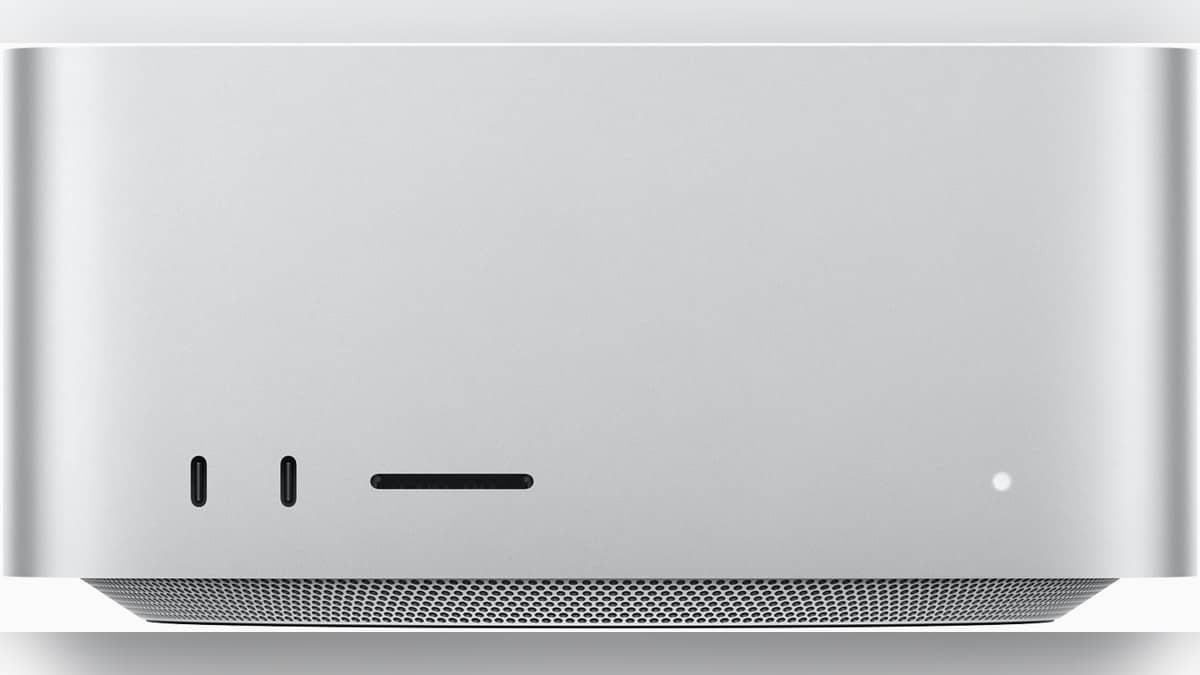
NEW DELHI: Apple's current power-mode guidance lists High Power Mode for Mac Studio introduced in 2026, alongside Low Power and the default Automatic setting. For owners of the M5 Max or M5 Ultra desktop, the useful distinction is the workload: extra cooling for demanding creative work, balanced operation for ordinary use, or reduced energy consumption when full performance is unnecessary.
| Item | Official detail |
|---|---|
| Current chips | M5 Max and M5 Ultra |
| Default mode | Automatic |
| High Power eligibility | Mac Studio introduced in 2026 |
| Desktop settings | System Settings, Energy |
| Low Power purpose | Lower energy use and reduced fan noise on supported actively cooled Macs |
Read the year as carefully as the chip name
Apple's support list makes the introduction year significant. Low Power support includes Mac Studio introduced in 2025 or later, while the High Power entry specifically identifies the 2026 desktop. An owner following instructions written for an earlier Studio should therefore check the current eligibility list before assuming that a missing or newly available setting is a fault.
The hardware choices also deserve a separate reading. Apple's specification sheet lists an M5 Max configuration with an 18-core CPU and 32-core GPU, configurable to a 40-core GPU. M5 Ultra starts with a 30-core CPU and 64-core GPU, with a 36-core CPU and 80-core GPU option. Changing a power setting does not convert one of those configurations into another.
Memory is another purchase-time distinction. The specification page lists 36GB for the starting Max configuration and 96GB for Ultra. Higher memory options depend on the chip configuration. Treat capacity choices and the operating mode as separate parts of planning a workstation: a mode selector is not a substitute for choosing enough memory for the project.
What each setting is meant to do
High Power allows faster fan operation, creating additional cooling capacity that may help sustained intensive work. Apple gives demanding video and graphics workflows as examples. It does not attach a universal percentage improvement to the setting. A quicker export or a higher benchmark score should not be promised for every application simply because the menu offers the option.
Automatic remains the default balance between performance and energy use. That makes it a useful reference point when assessing a project. Save a representative export or compile task, note its completion time, and compare the same task after changing the setting. This is a suggested way to evaluate the control, rather than a performance result from our own testing.
Low Power serves a different working condition. Apple's product page explicitly points desktop users to it for reducing consumption while the machine is on and being used. For a Studio left available for a long working day, the relevant question is whether the current task needs its full resources, rather than whether a desktop has a battery to preserve.
Find the control before a deadline
Open the Apple menu and enter System Settings, then choose Energy on the desktop. Select the available mode there. Apple's support guide also says energy modes can be selected through Control Centre in macOS Sequoia 15.1 or later. If a guide shows Battery settings, remember that its screenshot may be demonstrating a notebook rather than the Studio's desktop menu.
For an Indian editing room where the computer shares space with a voice recording setup, this is a practical trade-off to evaluate before a session. Higher fan speeds may be acceptable during an unattended export but less welcome during a recording. That is a workflow consideration, not a claim that a particular mode will make the Studio silent or deliver a measured saving on an electricity bill.
The current product page pitches the two chip families at demanding creative and development work. That does not mean every stage of such work is equally intensive. Reading a script, organising media and rendering the finished project are different activities. A useful operating routine allows the setting to follow the actual task instead of treating the most powerful mode as a permanent badge of ownership.
Keep adjacent decisions separate
Our iMac M4 variant explainer covers how physical port choices affect a desk. The MacBook Air M5 charging guide addresses a notebook's power source, while our MacBook Pro M4 battery guide explains a separate maintenance measure.
Official sources: Apple's power-mode instructions, Mac Studio product page and India technical specifications.