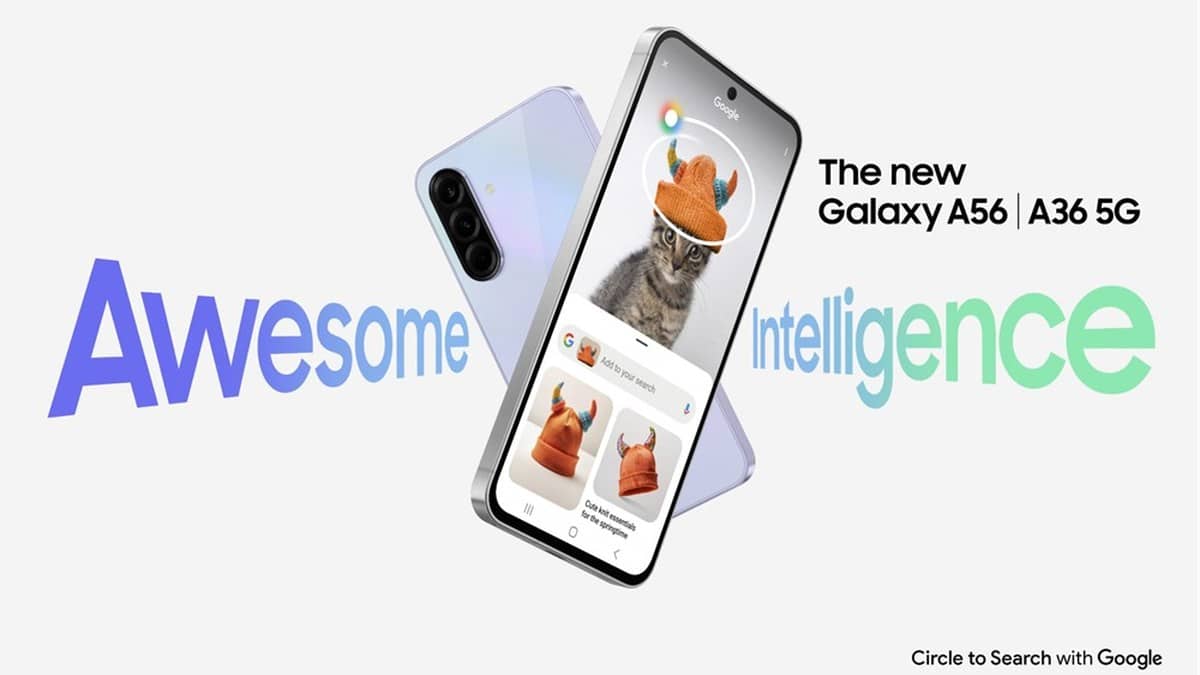
NEW DELHI: Samsung's India specification page for the Galaxy A56 5G lists 31 March 2032 as its security update validity date. The same page continues to advertise up to six generations of operating system upgrades and up to six years of security updates. Owners should read those entries together and check the update offered to their exact handset, rather than infer a new Android version or a newly announced support extension.
| Official entry | What Samsung currently shows |
|---|---|
| Model checked | Galaxy A56 5G, 12GB/256GB, Awesome Graphite |
| Security update validity field | 31 March 2032 |
| OS upgrade statement | Up to 6 generations |
| Security update statement | Up to 6 years |
| Launch software described by Samsung | One UI 7 |
Start with the handset, then read the support page
Find the model information on your phone before using a product page as a support reference. The page checked here is the India listing for the Awesome Graphite model with 12GB RAM and 256GB storage. A similar-looking name, an imported phone or an Enterprise Edition should not automatically be treated as the same support proposition.
This distinction matters particularly for A56. Samsung's launch announcement separately described an Enterprise Edition with seven years of security and One UI updates. That corporate product statement does not, by itself, establish the entitlement of every ordinary retail A56. The consumer page and the enterprise announcement are different documents.
A date and an upgrade count answer different questions
The validity field is a calendar endpoint. The OS statement is a maximum count of major upgrades. Neither tells an owner that a particular update will arrive tonight, or that every market receives it simultaneously. Samsung explicitly says availability and timing can vary by device model and market.
The current consumer page therefore presents a detail worth preserving without overinterpreting it. Its calendar field runs to 31 March 2032, while its general copy still says up to six years. We could verify both entries, but found no explanation on that page reconciling them. This report records the displayed information; it does not recast the discrepancy as a confirmed extension.
For someone keeping the phone for work messages and personal accounts, the practical question is the patch actually installed now. A distant endpoint is useful context for ownership, but it cannot substitute for checking the device. Our report on the Galaxy F16 support field explains another example of why model-specific dates deserve a separate reading.
Check the update offered to your A56
Samsung's India update instructions say to open Settings, enter Software update and select Check for updates. Labels can differ with the installed software; some phones use System updates. Follow the options displayed on the handset rather than assuming every illustration on a help page matches your current interface.
To check the security update separately, Samsung gives the route Settings, Security and privacy, Updates, Security update, then Check for updates. A message that the software is current reports the result of that check. It is not evidence that a newly advertised feature is available on every A56.
The support instructions ask for at least 20% battery before updating. They also describe Smart Switch on a Windows PC or Mac as another route when an update is offered. During a computer-assisted update, Samsung says not to disconnect the cable or use the phone. These preparation steps concern installation, not the length of the support commitment.
Keep software support separate from hardware cover
The A56's Exynos 1580 processor, 45W charging support and camera editing tools describe its hardware and feature package. Samsung introduced it with One UI 7 and tools including Best Face. An update promise does not guarantee that every later Galaxy feature will be added to that original package.
Equally, software support is separate from repair eligibility. Our Samsung India warranty explainer covers that distinction. For related hardware preparation, the Galaxy A36 charging guide shows why a charging specification requires its own adapter and cable checks.
Official sources: Galaxy A56 India specification and support fields, Samsung India update instructions and Samsung's launch announcement.