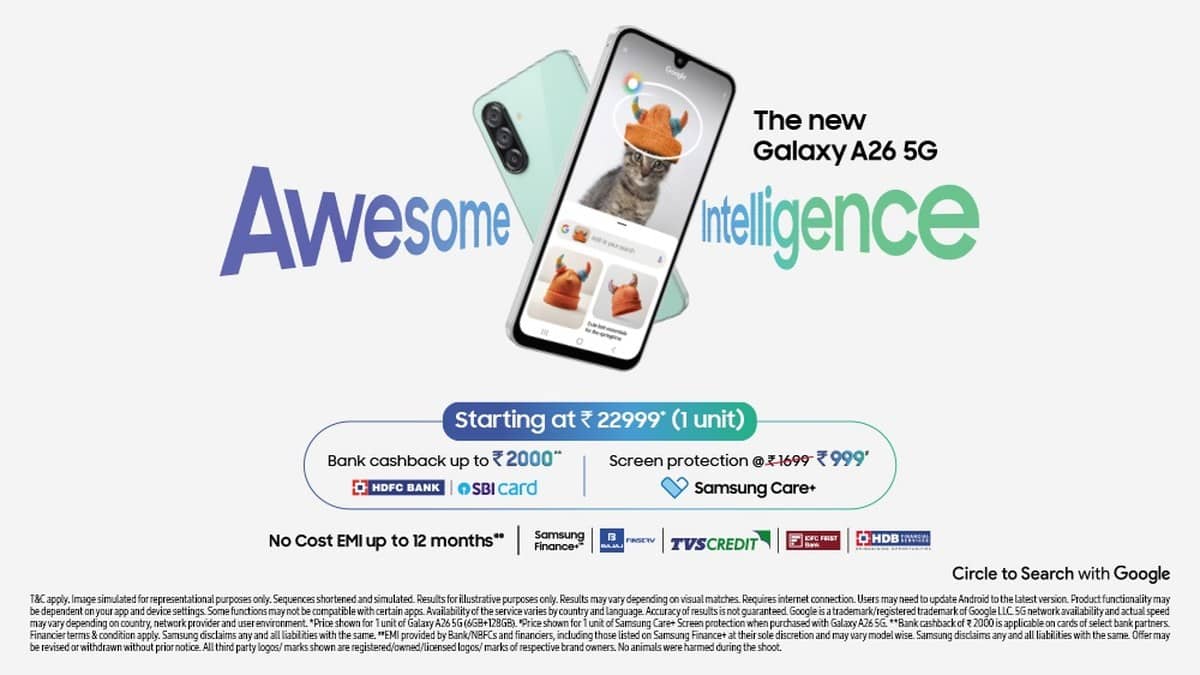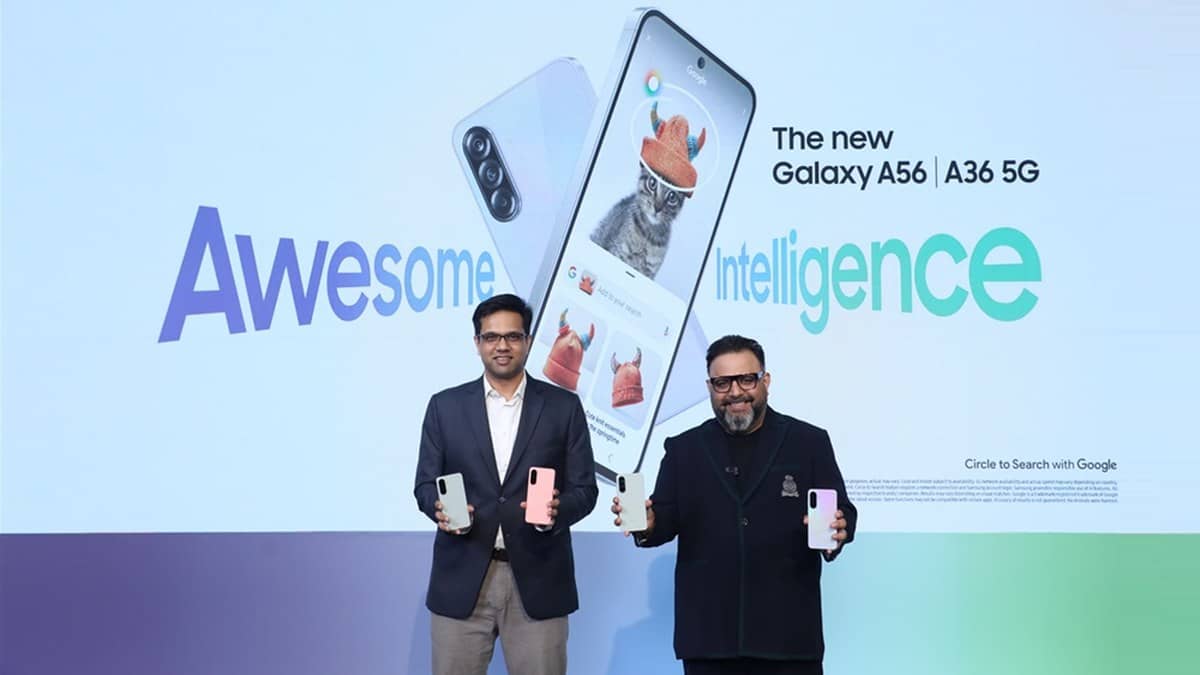
NEW DELHI: Samsung Galaxy A36 5G supports 45W charging and Super Fast Charge 2.0, but Samsung sells the required wall charger separately. Before troubleshooting a slow top-up, owners should check the adapter, cable and charging setting together. The phone's advertised charging capability alone does not describe everything connected to the socket.
| Item to check | Galaxy A36 5G detail |
|---|---|
| Charging capability | 45W, Super Fast Charge 2.0 |
| Battery capacity | 5,000mAh typical, 4,905mAh rated |
| Wall charger | Sold separately |
| Processor | Snapdragon 6 Gen 3 |
| Display | 17.01cm FHD+ Super AMOLED, up to 120Hz |
Start with the adapter and cable
Read the adapter label before assuming that a spare charger can reproduce the phone's supported mode. Samsung India says Super fast charging also requires USB PD PPS support; the maximum wattage alone does not establish compatibility. Samsung's troubleshooting guidance recommends a compatible Samsung charger and cable. For Super Fast Charging 2.0, that guidance specifies a suitable USB-C adapter and a cable rated for the required current.
In the guidance opened for this report, Samsung recommends a 5A-rated USB-C cable for this charging class. Treat the adapter and cable as a pair when checking compatibility. A connector that fits the phone is only the beginning of that check; it does not establish the charging mode that the combination can deliver.
This is particularly relevant to the A36 because Samsung's India product page explicitly separates the wall charger from the handset. Someone moving from an older phone may already own several adapters, yet still need to establish which one supports this model's advertised charging feature. Check what you have before paying for another accessory.
Check the switch inside the phone
Samsung's support instructions put the wired charging control under Settings, Battery, Charging settings, then Fast charging. Enable the wired option if it is disabled. Menu wording and layouts can vary with software version, so use the on-device search if your screen differs from the support illustration.
The support page also discusses wireless charging across the wider Galaxy range. That does not establish wireless charging support for every handset mentioned in a separate product article. For this A36 check, follow the wired charging instructions and the features confirmed on its own official product page.
Reconnect the cable securely at the phone and adapter. If charging is interrupted, inspect the accessories for damage and try another compatible set. Keep track of which combination changes the behaviour, so any later service enquiry contains a useful description rather than just a complaint that charging feels slow.
Allow for temperature and daily use
Samsung says charging may slow or temporarily stop when a device becomes too hot. Let the phone cool before trying again. A charging test performed immediately after heavy use can therefore tell you something different from a check made when the handset is resting.
The A36 uses a Snapdragon platform and Samsung promotes a larger vapour chamber for handling demanding tasks. That cooling provision is part of the handset's design, but it does not cancel the temperature controls described in the charging guidance. Avoid reading a thermal safeguard as proof of a failed battery or an incompatible charger.
There is also a practical difference between capacity and charging power. Samsung gives both typical and rated battery capacity on the product page. Those describe the battery, while the wattage describes charging capability. Neither figure, by itself, provides a verified full-charge time for your particular starting percentage and conditions.
Make a useful service record
If the issue continues, note the adapter model, cable used, starting battery level and any warning shown on screen. Samsung suggests its Members phone diagnostics for checking cable charging condition. A repeatable problem with compatible accessories is a better basis for a hardware inspection than comparisons with another person's handset.
For an A36 used for video, navigation and family photographs, reliable access to the supported charging mode is more useful than chasing a single number on every charge. Keep the equipment details with the purchase record so another member of the household can reproduce the setup when needed.
Related reading: our Galaxy M36 adapter guide, Galaxy M16 and M06 display comparison and Galaxy F36 recording explainer.
Official sources: Galaxy A36 specifications, Samsung charging troubleshooting, Samsung India charging settings and PPS guidance and Samsung India launch details.