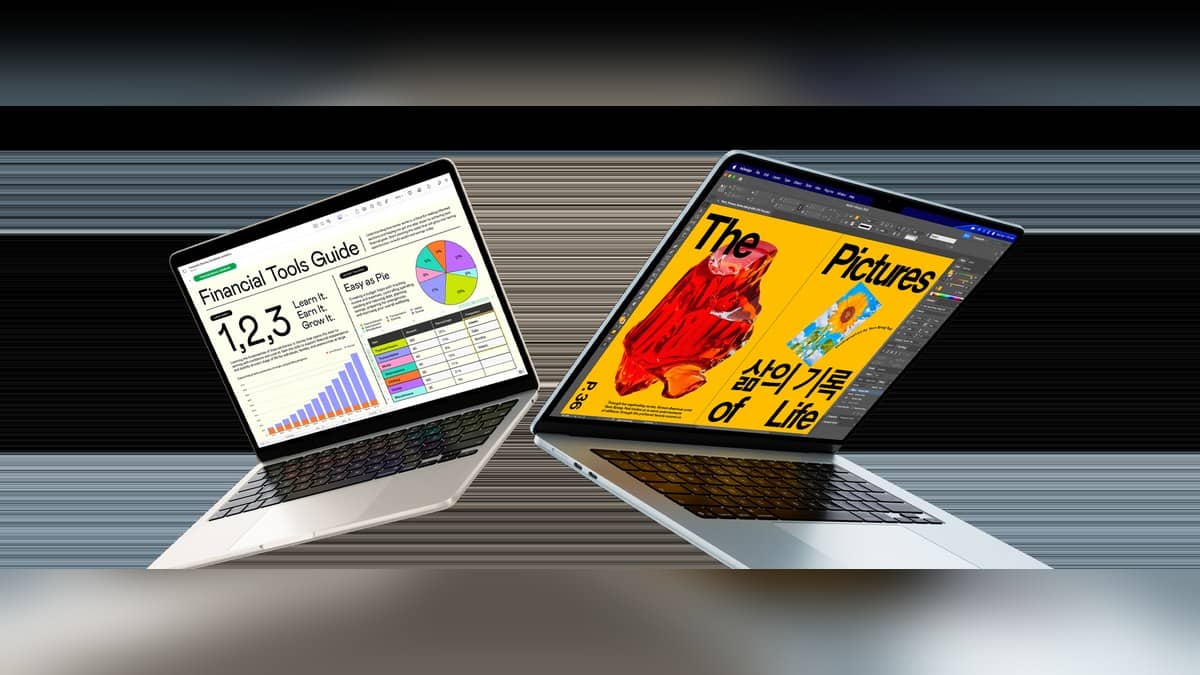
NEW DELHI: The 13-inch MacBook Air M5 is fast-charge capable with a 70W or higher USB Power Delivery source, according to Apple's technical specifications. Apple's India product page describes the result as up to 50% battery in about 30 minutes. For an owner planning a short charging break, checking the power source is the first useful step.
| Check | Official detail |
|---|---|
| Model covered | MacBook Air, 13-inch, M5 |
| Fast-charge power source | 70W or higher USB PD |
| Advertised charging result | Up to 50% in about 30 minutes |
| Charging connections | MagSafe 3 or either Thunderbolt 4 port |
Read the adapter label before timing a charge
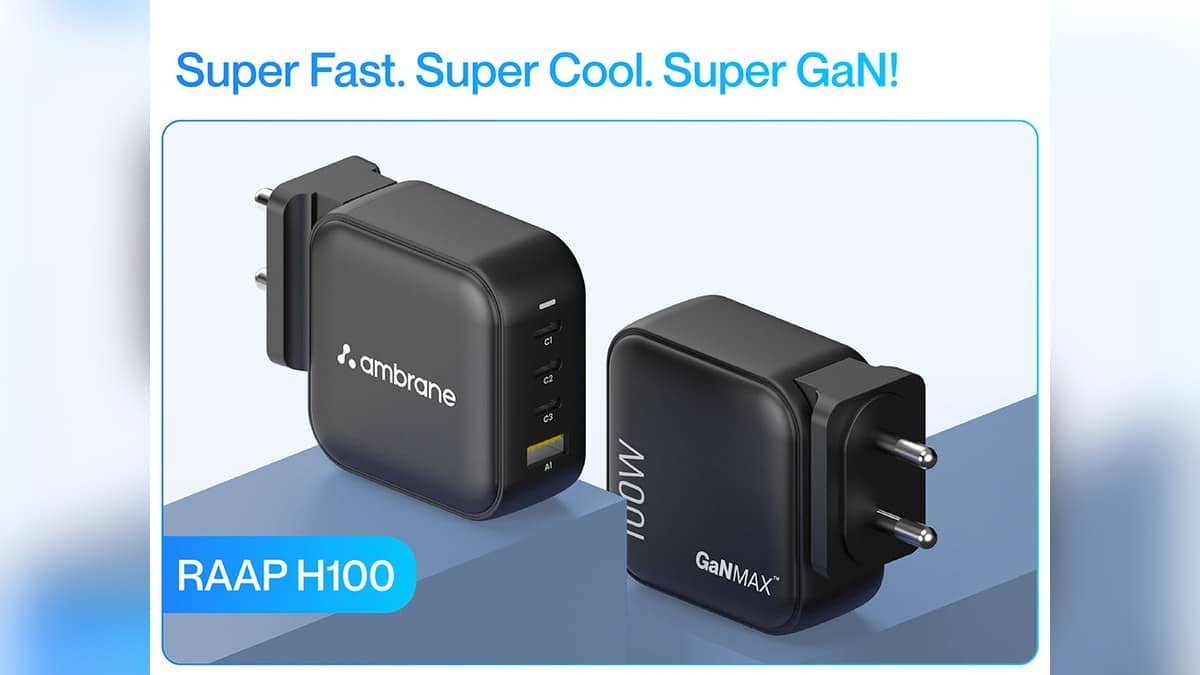
Start with the adapter already in your bag. Read its output label and identify the model, then compare that information with the fast-charge requirement. A charger that can power a laptop does not automatically reproduce the charging result advertised for that laptop. Keep the adapter specification separate from the battery percentage shown on screen.
This matters when a family shares charging equipment across an iPad, phone and Mac. The connector can look familiar while the power supply is different. Before concluding that the Air's battery is faulty, establish which adapter and cable were actually used. A photograph of the label is more useful for a later support conversation than a description such as the small white charger.
Choose the connection around your desk
Apple's charging guide allows the USB-C to MagSafe 3 cable at the dedicated charging port, or a USB-C charge cable at either Thunderbolt port. Connect the chosen cable to a compatible power adapter and then the electrical outlet. These are alternative charging routes; the guide does not require a particular side of the desk.
For this Air, the separate MagSafe connection has a practical consequence: charging there leaves both Thunderbolt connections available for accessories. Someone editing coursework from external storage while connected to a display can plan the cables before sitting down. That is a more useful desk check than assuming every cable with the same connector has the same purpose.
The M5 Air's starting configuration on Apple's India page includes 16GB unified memory and 512GB storage. Those describe the computer, while 70W describes the fast-charge power source. Keep those categories separate when reading a long configuration sheet. A storage upgrade is not evidence that the charger in an existing travel kit meets the charging requirement.
Check the battery screen as well
In System Settings, open Battery to inspect usage. Apple's guide also describes charging optimisation, which learns the user's routine and can delay charging beyond 80% when a long connection to power is expected. A paused charge therefore needs a settings check before it becomes a battery complaint.
For a student leaving home for a lecture, the sensible question is whether the present charge covers the planned session. For someone working at the same desk all afternoon, charging optimisation may explain a different pattern. Treat the advertised short charging window as a capability, and record your own starting percentage and usage when comparing results.
Do not turn the half-charge claim into a full-charge timetable. The India page says about 30 minutes and up to 50%; it does not promise that a completely full battery takes twice that time. Scheduling a deadline around an inferred full-charge time would add a promise Apple has not made on that page.
Keep charging speed separate from battery wear
Charging equipment, charging settings and long-term battery condition answer different questions. Our MacBook Pro M4 battery-cycle explainer covers the condition question for that separate model. Its figures should not be substituted for the Air's power-source requirement.
For wider lineup context, see the MacBook Neo and MacBook Air M5 comparison and the Air and Pro comparison. When the immediate issue is charging, keep the exact model, adapter label, cable route and battery settings together. That makes the next troubleshooting step concrete.
Official sources: 13-inch MacBook Air M5 specifications, Apple India MacBook Air page and Apple charging guide.