NEW DELHI: Baleno's official brochure lists the 22.86 cm SmartPlay Pro+ touchscreen from Zeta, while the Head Up Display is reserved for Alpha and Alpha (O). A larger central screen and a display in the driver's line of sight are separate equipment choices. Reading them as one technology package can lead to the wrong expectation about a particular variant.
| Grade | Central infotainment | Head Up Display | Instrument information display |
|---|---|---|---|
| Sigma | No listed touchscreen | No | Segment display |
| Delta | 17.78 cm SmartPlay Pro | No | Segment display |
| Zeta | 22.86 cm SmartPlay Pro+ | No | TFT colour display |
| Alpha | 22.86 cm SmartPlay Pro+ | Yes | TFT colour display |
| Alpha (O) | 22.86 cm SmartPlay Pro+ | Yes | TFT colour display |
Three displays, three different roles
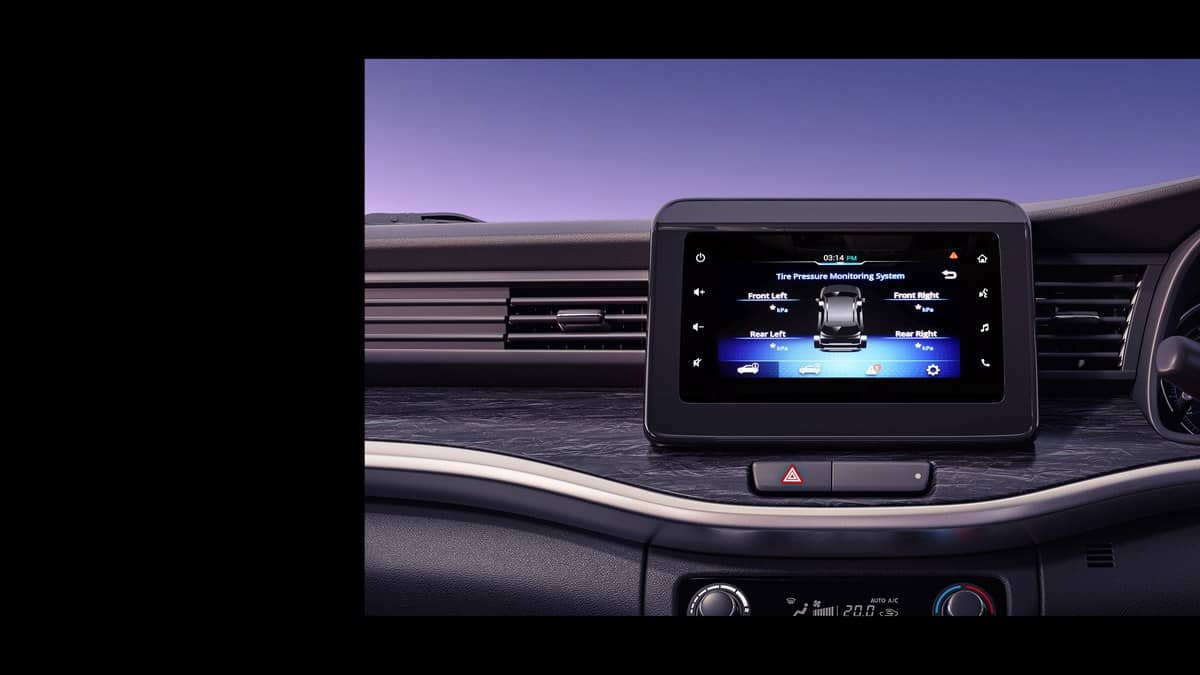
The central touchscreen handles infotainment. NEXA describes SmartPlay Pro+ as combining navigation, entertainment and smartphone connectivity, with voice assistance and wireless Apple CarPlay and Android Auto. This is the screen passengers may notice first, but its size does not identify every information feature available to the driver.
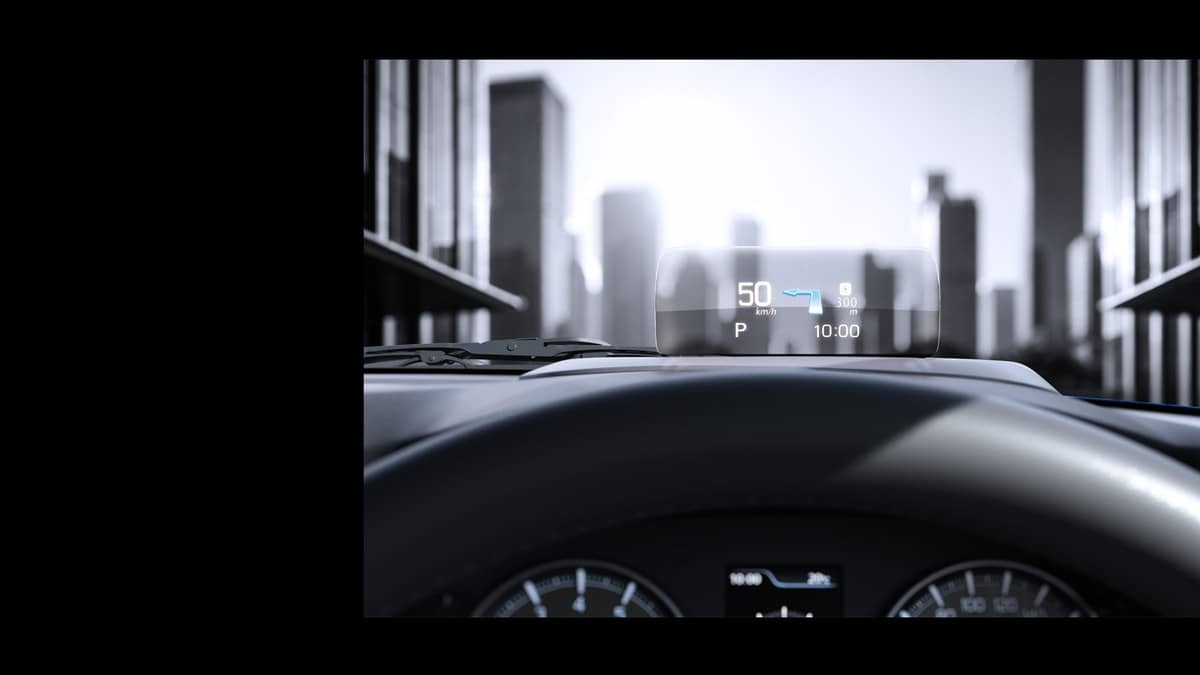
The instrument display sits within a different part of the information system. NEXA describes the Multi-Information Display as presenting driving information and vehicle updates at a glance. The Head Up Display places selected driving information within the driver's forward line of sight. These locations are different even though all can be discussed casually as the car's screens.
For someone comparing Delta with Zeta, the brochure identifies a change in both central touchscreen specification and instrument-display type. For someone comparing Zeta with Alpha, the larger central screen is already present at Zeta; the HUD is the additional display entry. That is the model-specific distinction hidden by a broad statement that Baleno offers premium cabin technology.
What the Head Up Display is intended to solve
Maruti's earlier Baleno booking announcement described HUD information as including speedometer and climate-control information. The announcement sits in the company's February 2022 archive. It provides useful background to why the feature was introduced: bringing information closer to the driver's view, rather than simply adding another entertainment surface to the dashboard.
That historical explanation is not a complete operating guide for the current car. The current NEXA page describes the HUD's role in general terms, while the current brochure establishes which grades receive it. Owners should use the instructions supplied with their particular vehicle for its controls and available display settings. A photograph from an earlier version cannot establish every function in a later car.
Maruti's general safety page similarly connects a Head Up Display with keeping vital information in sight and reducing distraction. The practical point is about where information appears. It does not make the HUD an alternative to watching pedestrians, surrounding traffic or the road surface. Its usefulness depends on the driver understanding the information while continuing to observe the journey.
Keep a display check separate from a driver-assistance check
NEXA lists the current Baleno's HUD, 360 View Camera and infotainment as separate technologies. Its overview also describes adaptive cruise control, lane assistance and emergency braking under driver assistance. Those functions should not be assumed merely because a car has a particular screen. A display is the place information appears; assistance is a different equipment and operating question.
At a vehicle handover, ask to identify the instrument display, central touchscreen and HUD separately while the car is stationary. Then match those fitted items to the named grade on the documents. This avoids a common comparison mistake: remembering an impressive cabin demonstration without recording which variant was used for it. The demonstration car and the ordered car need to be compared explicitly.
The product page lists CNG versions under Delta and Zeta, while the petrol range extends to Alpha and Alpha (O). A fuel-type comparison therefore also needs a grade check: the CNG label alone does not establish a HUD specification.
A useful checklist for a shared family car
If different family members use the Baleno, each driver should be shown where the relevant information is presented. Someone familiar with an instrument display may not immediately look at a newly introduced HUD, while a passenger using navigation may be focused on the central screen. Explaining those roles at handover is more useful than describing the cabin only by touchscreen size.
Our Baleno price-list report covers the separate pricing question. Ownership paperwork is discussed in the Baleno warranty explainer. Readers comparing the hatchback with another NEXA model can also read our Baleno and Fronx comparison.
Official sources: Baleno product page, current Baleno brochure, earlier HUD introduction and Maruti Suzuki safety technologies.