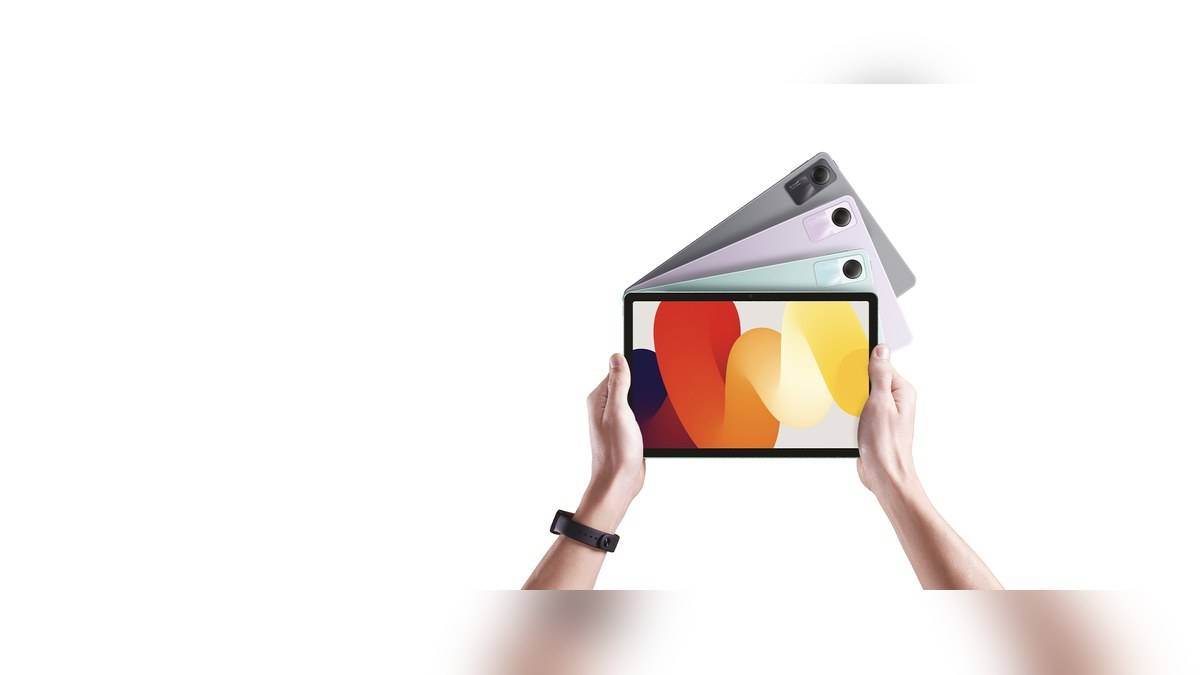
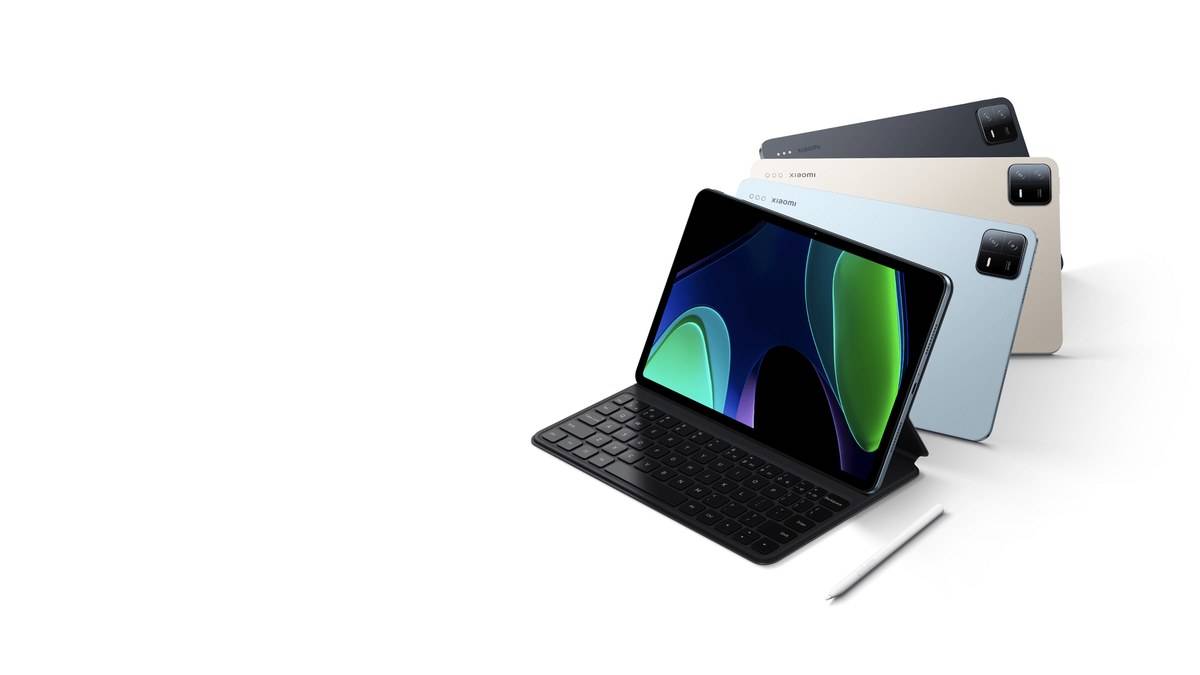
NEW DELHI: Xiaomi Pad 6's meeting tools pair an 8MP FocusFrame front camera with a four-microphone array, according to Xiaomi's India product page. The important qualification is that Conference tools work only with certain applications. Owners preparing for an interview, class or family call should check the intended app before relying on automatic framing or directional sound.
| Meeting-related feature | Official description |
|---|---|
| Front camera | 8MP with FocusFrame |
| Front camera recording modes | 1080p at 30fps; 720p at 30fps |
| Microphones | Four-microphone array |
| Single-person sound mode | 60-degree front sound reception |
| Group sound mode | 360-degree audio pickup |
| Conference tools compatibility | Certain apps only |
| Display | 11-inch LCD, 2880 x 1800 |
Start with the app you will actually use
Open the intended meeting application ahead of the appointment and look for the Conference tools available with that application. Xiaomi names this toolbox on its product page but expressly limits support. The page does not justify promising that every video-call service exposes the same controls.
This is particularly relevant to an online interview. The organisation chooses the meeting service, while the candidate supplies the device. A feature demonstrated in a tablet advertisement cannot establish what that service will allow during the interview. A short practice call in the same app resolves a more useful question than a trial in an unrelated camera application.
Xiaomi also says that its illustrated interface may differ from the actual one. Treat the feature descriptions as the starting point, then use the controls visible on the installed software. There is no reason to assume a missing button has the same location across every software version.
Set the frame for the number of people
FocusFrame is described as automatic portrait centring that responds when people move, join or leave the view. Xiaomi also describes a front-camera fill-light function. During a trial, sit where the real call will happen and check whether the visible framing leaves enough room for the expected participants.
For an individual interview, that means checking the seated position rather than walking around simply to demonstrate tracking. For a family call, let everyone take their usual place before judging the result. The useful outcome is a stable view of the intended speakers, not movement for its own sake.
The specification lists 1080p at 30fps and 720p at 30fps for front-camera recording. Those are device recording modes, not a guarantee of the resolution delivered by a meeting service. The service and connection remain part of the call, so judge the received picture during the rehearsal where possible.
Match the microphone mode to the room
Xiaomi describes front-facing 60-degree sound reception for a single participant and 360-degree pickup for several participants. That creates a practical distinction between someone speaking from in front of the tablet and a group seated around it. Choose the available sound mode around the actual seating arrangement.
The product page also explains that turning noise reduction off restores more ambient sound. This can be useful to understand before a shared call: surrounding sound may be part of what someone wants to transmit, or it may be precisely what makes a speaker difficult to hear. Test rather than assuming one setting suits every room.
A practice call should include normal speaking volume from the positions people will occupy. Ask the remote participant whether each speaker is understandable. That is a preparation method, not an independent claim that the tablet suppresses every fan, conversation or street sound.
Prepare notes without losing the meeting
Xiaomi advertises a three-finger slide for quick split screen and drag-and-drop sharing of text, images and files across apps. Before the appointment, check whether the needed notes and meeting app can coexist in the layout you intend to use. Avoid reorganising the workspace for the first time while someone is waiting for an answer.
For related tablet details, our Xiaomi 165W vs 5i 67W price: 5i starts lower at Rs 3,199 covers another generation. The Why Xiaomi Pad 7 uses UFS 3.1 at 128GB and UFS 4.0 at 256GB addresses file transfers, while the Xiaomi Pad 8 needs a separate cable for its 5Gbps USB link concerns adapter compatibility. Those model-specific features should be checked separately from Pad 6's meeting tools.
The Pad 6 specification lists Wi-Fi 6, dual-band 2.4GHz and 5GHz connectivity, Bluetooth 5.2, four microphones and four speakers. The operating-system entry is MIUI 14 for Pad based on Android 13. Xiaomi names an accelerometer, gyroscope, ambient light sensor and Hall sensor in the sensor list.
The tablet measures 253.95 x 165.18 x 6.51mm and weighs 490g. Its Snapdragon 870 uses a 7nm manufacturing process. The listed memory combinations are 6GB + 128GB, 8GB + 128GB and 8GB + 256GB, using LPDDR5 RAM and UFS 3.1 storage. The display resolution is 2880 x 1800.
Official sources: Xiaomi Pad 6 India overview and Conference tools qualifications and India technical specifications.