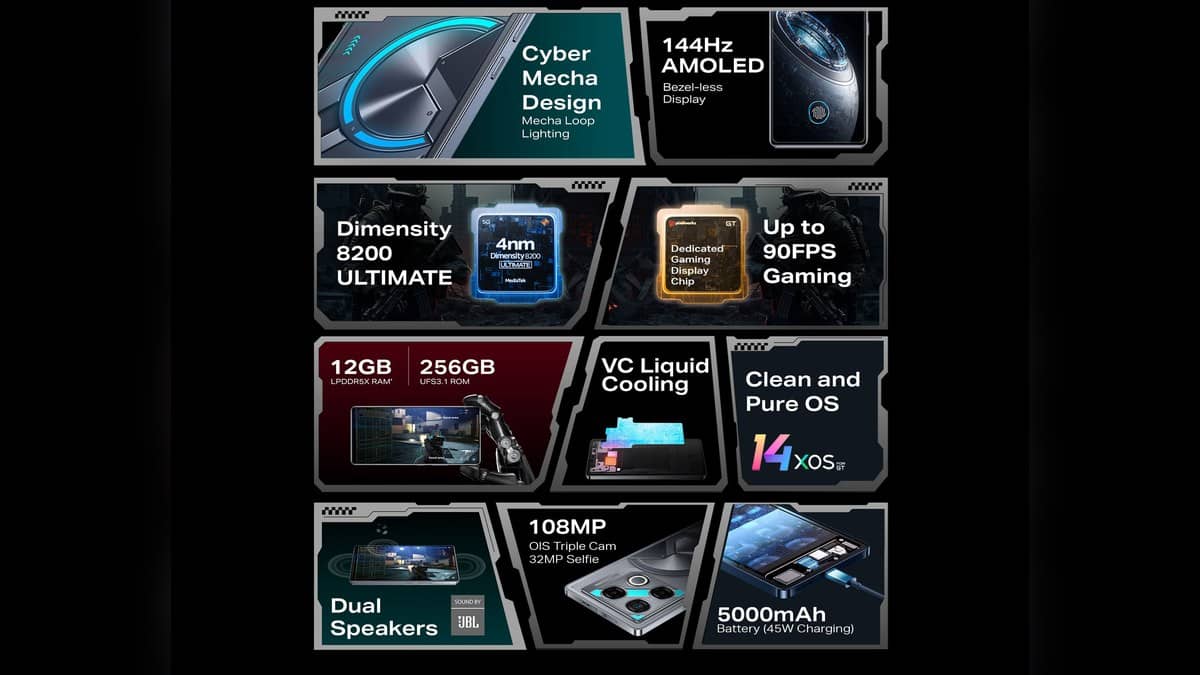
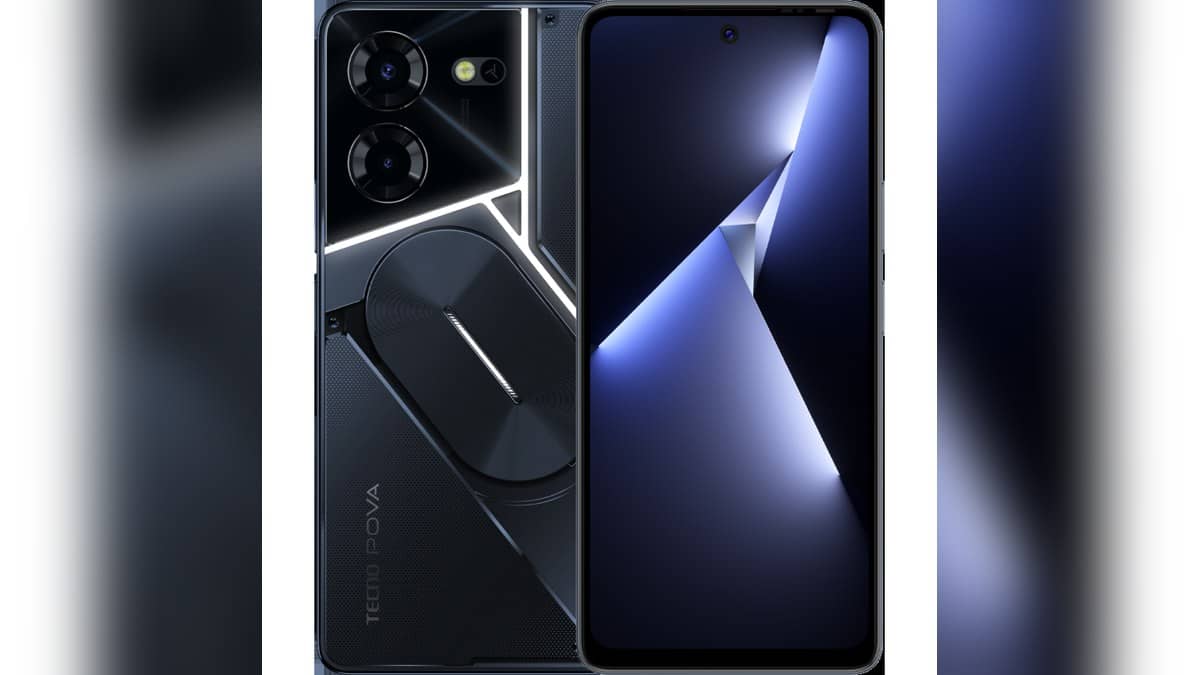
NEW DELHI: TECNO POVA 5 Pro 5G owners reporting a charging problem should identify the handset, cable and adaptor involved before arranging a repair. TECNO's India specification page lists a 5000mAh battery, 68W Ultra Charge and an included charger and charging cable. Those entries provide a starting checklist, rather than a diagnosis of the fault.
| Item to identify | Official model detail |
|---|---|
| Handset | POVA 5 Pro 5G |
| Battery and charging | 5000mAh, 68W Ultra Charge |
| Listed charging equipment | Charger and charging cable included |
| Processor | MediaTek Dimensity 6080 |
| Memory configurations | 8GB RAM with 128GB or 256GB storage |
Keep the Pro and 5G suffixes on the paperwork
TECNO's India product page links POVA 5 and POVA 5 Pro 5G separately. Use the complete name when checking a box, an invoice or a service request. A shortened POVA description leaves too much room for information about another handset to enter the conversation.
The Pro specification sheet also lists a 6.78-inch FHD+ display with a 120Hz refresh rate, a 50MP rear-camera system and a 16MP front camera. These help identify the published hardware record. They should not be used to guess which part has failed in a particular unit.
For an owner preparing an older handset for assessment, keeping the identity straight is useful before any timing test begins. A charging figure from a different POVA product cannot establish what this model should do, even when the names and external styling seem related.
Separate no charging from slower charging
Write down the actual symptom. Does the phone show a charging indicator? Does it lose the connection when the cable moves? Does it remain blank? These are different observations, and describing them separately gives the technician a clearer starting point than simply saying the battery is bad.
The official specification confirms the charging rating but does not, in the page reviewed, provide a full-charge time or a complete test procedure. Do not turn 68W into a promise of a particular number of minutes. A power rating by itself cannot supply a missing timing test.
Our charging-protocol guide gives background on reading charging claims. For the POVA repair discussion, the equipment actually used is more useful evidence than the largest wattage printed on an unrelated adaptor.
Check the external setup before the handover
Google's general Android troubleshooting guide recommends checking secure cable connections, looking for dust or lint in the phone's port, trying another cable or power adaptor and seeing whether the original equipment can charge another device. These are external checks, not instructions to open the handset.
Record the result of each check you can safely complete. If a cable works with another device, tell the service team that observation rather than declaring the whole charging system fault-free. Likewise, a different adaptor making the phone respond is useful information without establishing whether it reproduces the model's fast-charging behaviour.
Keep the original kit together if you still have it. TECNO's box list names both charger and cable, so a service discussion can identify whether the reported symptom involves that kit or replacement equipment. Bring the components involved and ask which items the centre needs to examine.
A blank screen does not identify the battery fault
Google's guide also distinguishes charging problems from display problems. It advises seeking an authorised repair if a handset rings while the screen remains blank. The guide notes that battery icons and indicator lights can vary between phones, so avoid treating another model's indicator pattern as a POVA-specific diagnostic code.
For this POVA, a useful handover note can therefore contain the full model name, the memory configuration, the charging equipment used and what happened during the external checks. That preserves the facts without asking the technician to work backwards from a self-diagnosed failed battery.
TECNO's India support page directs owners to Carlcare for nearby repair centres. Use that official route to confirm the service location and the assessment arrangements. Neither the model's specification sheet nor the general Android checklist establishes a repair charge or a warranty decision.
For wider ownership context, our Xiaomi accessory-coverage guide and Samsung service-terms explainer concern separate policies. Keep TECNO's own assessment and applicable terms attached to this repair.
Official sources: POVA 5 Pro 5G specifications, India product page, TECNO support and Android charging troubleshooting.