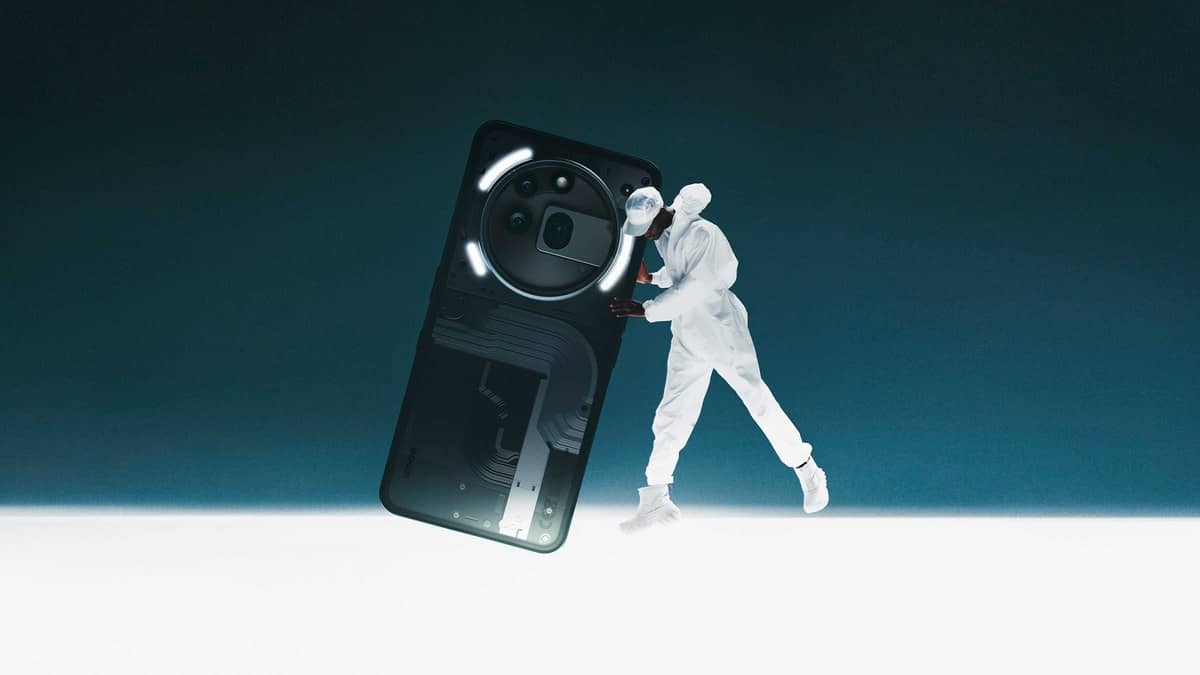
NEW DELHI: Nothing Phone (3a) Pro units bought through authorised India channels have a 1-year limited phone warranty, starting from the invoice date, for eligible defects. Nothing asks claimants for the purchase invoice, model name, IMEI or serial number and photographs of the fault. Prepare those records before opening a support request.
| Item | Official India position |
|---|---|
| Phone | 1 year, labour and parts, walk-in service |
| Battery | 1 year |
| USB cable or adaptor | 180 days |
| Phone DOA/replacement period | 7 days, subject to assessment |
| Model identification | Phone (3a) Pro, not Phone (3a) |
Start with the correct product record
The India product page identifies Phone (3a) Pro separately and displays an 8GB RAM, 128GB storage selection in Grey. Use the configuration on your own invoice when describing your handset. A product selector is useful for identifying the model; it does not establish the warranty status of an individual phone.
This matters because a shortened description such as “3a” can lose the Pro suffix. Keep that suffix in the subject of the request and on any repair paperwork. A clear record helps connect your report to the right handset without assuming that similarly named products use interchangeable parts.
Our earlier Nothing Phone (3a) store report covers the separately named standard model. Its buying information should not be used to identify a Pro handset submitted for service.
Build a useful fault report
Gather the invoice and device identifier, then photograph the problem where possible. Add your own short description of when it happens. For an intermittent fault, a note explaining the trigger is more helpful than a broad statement that the phone has stopped working properly.
Nothing's contact page offers Phone (3a) Pro in its product list and includes warranty enquiries and malfunction diagnostics. Choose the matching product and enquiry category. Keep a copy of what you submit so that a later service visit begins with the same account of the problem.
The listed support hours are 9am to 9pm, Monday to Sunday, and the India toll-free number is 18002021232. These are contact arrangements, not a commitment that a diagnosis or repair will be completed within the same working day.
Check the Glyph behaviour before describing a defect
Phone (3a) Pro has a specific complication when reporting rear-light problems: its Glyph Interface includes a Bedtime Schedule that can disable the lights at selected times. The model's support guide also describes Flip to Glyph, which uses rear-facing light alerts when the handset is placed face down.
If the complaint concerns missing lights, record whether a schedule or notification setting is involved. This is a useful diagnostic detail, rather than proof that the hardware is healthy. A technician should still assess a persistent failure. Keep reports about the Glyph lights separate from problems with screen brightness or camera operation.
Protect the information you need back
Nothing instructs owners to back up their information and remove confidential data before service. Its Phone (3a) Pro support page provides a manual backup route: Settings, Google, Backup, then Back up now. Review the backup result before handing over the handset.
For this model, also think through how you use Essential Space and the Essential Key. The support material describes a dedicated way to capture and revisit content. Do not assume that starting a general backup proves every recording, screenshot or app-specific item is recoverable; check the material that matters to you.
A practical handover note can distinguish the fault from your data priorities. For example, describe a rear-light failure separately from the recordings you need to retain. That gives the service discussion a clear purpose without turning a repair request into an assumption that data recovery is included.
Know which promise you are invoking
Nothing separates hardware defects from accidental damage, liquid exposure, ordinary wear and unauthorised repairs. Assessment determines eligibility. The 7-day entry is a DOA/replacement period, not an unconditional return promise. The policy also says repair and transit time do not extend the warranty.
Accessory coverage deserves a separate check if the symptom is charging-related. Read our charging-protocol explainer for background, and the Xiaomi warranty guide as a reminder that another brand's terms are separate. The decision on this handset rests with Nothing's applicable policy and inspection.
Official sources: India warranty policy, contact support, Phone (3a) Pro product page model support guide and Glyph feature guidance.