NEW DELHI: Nokia 150 (2023) needs a microSD card to use its camera and MP3 player, and HMD specifies support for cards up to 32GB. The card is sold separately. For an owner whose new handset makes calls but cannot take a picture, checking this requirement is the first useful step before treating the camera as faulty.
| Item | Official Nokia 150 (2023) information |
|---|---|
| Model covered by the India user guide | TA-1582 |
| Memory-card support | microSD, up to 32GB |
| Camera | 0.3MP VGA rear camera with LED flash; card required |
| Local audio | MP3 player and voice recorder require a card |
| Radio | Wired and wireless FM modes |
| Display | 2.4-inch QVGA |
| Battery | 1,450mAh, removable |
Identify the phone before following the steps
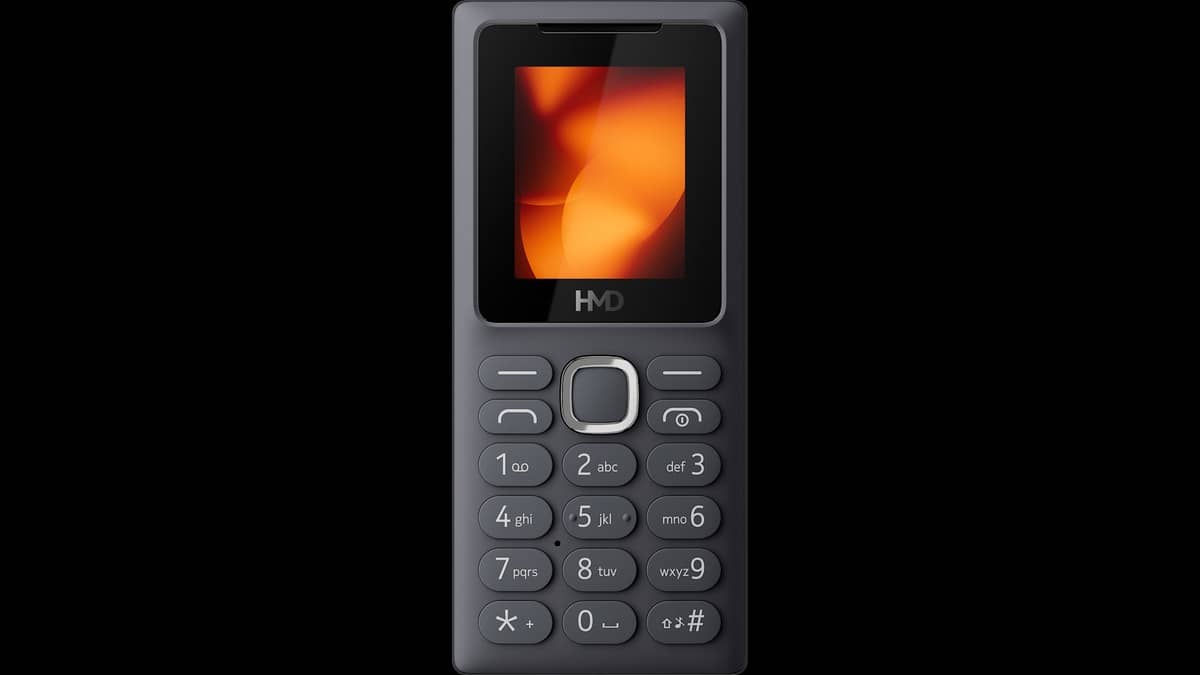
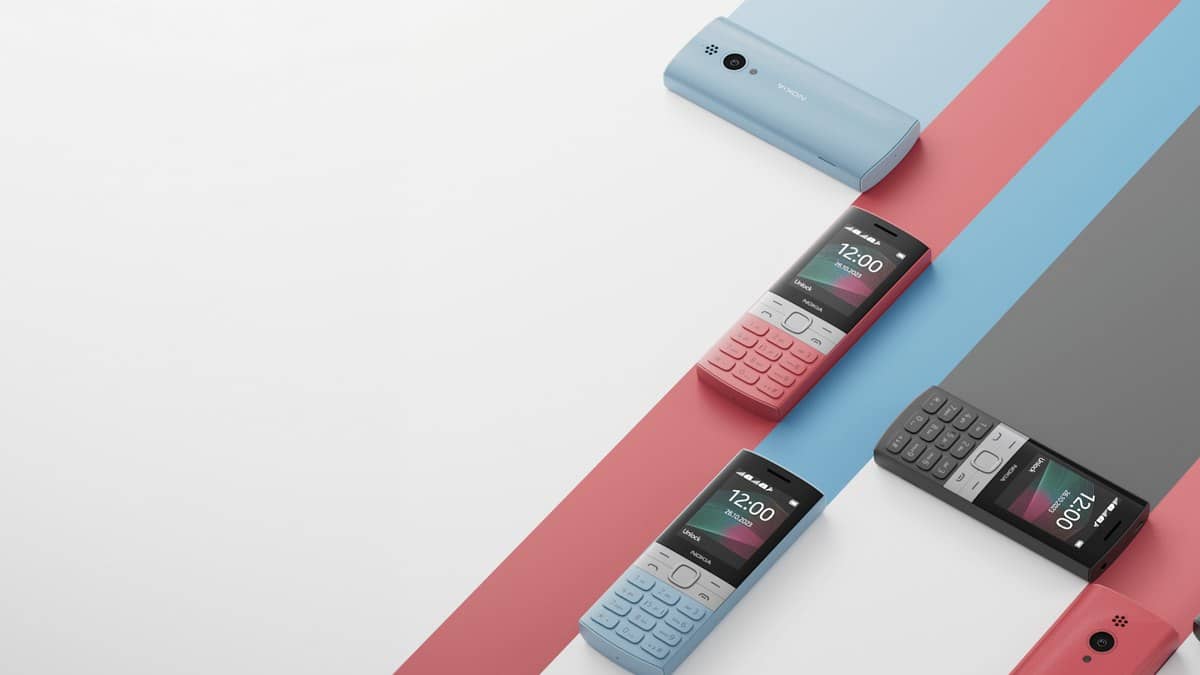
HMD's support library contains more than one Nokia 150 generation. The instructions here apply to the Nokia 150 (2023), whose India guide identifies model TA-1582. Matching that identifier avoids assuming that a similarly named handset has the same card arrangement, controls or supported capacity.
The capacity figure is a supported upper limit, not a statement that a card is already fitted. It also does not mean an owner must use the largest supported card. HMD's setup guide recommends a compatible, fast microSD card from a recognised manufacturer, within the stated limit.
Fit the card with the phone switched off
Start by switching off the handset and disconnecting the charger and other attached devices. The official setup instructions place the card installation behind the removable back cover. Use the small opening at the side to lift the cover, then take out the battery if it is already installed.
Slide the microSD card into the memory-card slot shown in HMD's setup illustration. This is separate from the SIM-card installation described on the same page. Put the battery back, replace the cover and press around its edges until it sits securely in place. The handset should be used with its covers fitted.
Keep the manufacturer's illustrated guide open while doing this, especially when setting up the phone for someone else. Its slot diagram is more useful than trying to identify the opening by memory. HMD cautions that an incompatible card can affect both the device and stored data, so the physical fit alone is not the full compatibility check.
Test the camera after installation
The camera section of the Nokia 150 guide explicitly makes a memory card a prerequisite. After fitting it and switching on the phone, open the camera from Menu. HMD's instructions use the scroll control for zooming and the Capture command to take a photograph.
A practical setup check is to take a simple test picture and confirm that it can be found again. That is an editorial suggestion for checking the completed setup, rather than a separate manufacturer guarantee. If the camera still fails with an appropriate card installed, the card requirement alone does not diagnose the remaining fault.
Music, recordings and radio are different functions
The specification sheet makes the card requirement explicit for the MP3 player and voice recorder too. By contrast, FM radio is listed as a separate wired and wireless function. Hearing a station successfully therefore does not demonstrate that the phone has usable storage for a personal music collection or recordings.
That distinction matters when a family member prepares the handset as a simple calling-and-music phone. The visible camera lens and music menu can make the phone appear ready for every advertised function before storage is fitted. Completing the card setup and checking the intended function is more useful than adding unrelated applications or changing calling settings.
Keep a separate copy of anything important
HMD's care guide recommends keeping important information in at least two places, including a computer or memory card. Its product page also describes moving saved photographs to a computer. A removable card is convenient storage, but leaving the only copy inside the phone does not provide a separate backup.
Our old-phone data checklist covers preparation before handing over a device. Related reading includes the itel ACE 4 Shine feature-phone report and Lava O2 and O1 comparison. Their instructions should not replace the Nokia 150's model-specific guide.
Official sources: Nokia 150 product page, specifications, model identification, card installation guide, camera instructions and device care guidance.