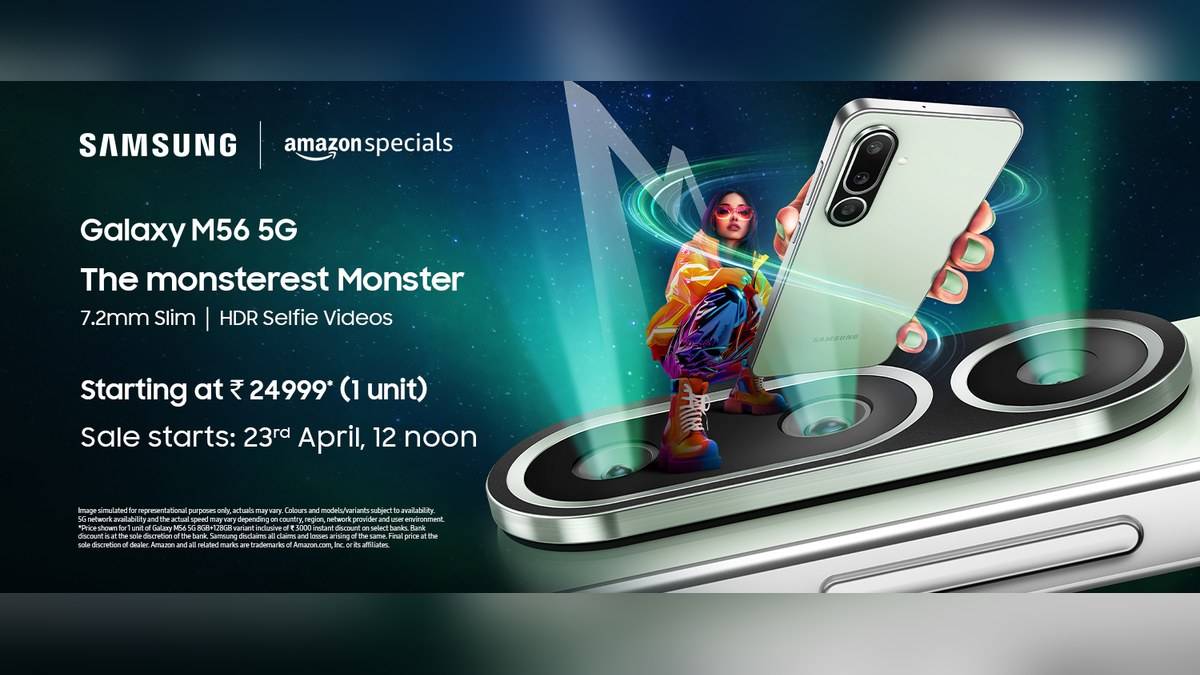
NEW DELHI: Samsung Galaxy M56 5G supports 45W wired charging, but the fast charger is sold separately. Owners checking a slow top-up should look at the adaptor's USB Power Delivery PPS support, the cable and the phone's charging setting before assuming the battery has a fault.
| Galaxy M56 5G charging fact | Official specification |
|---|---|
| Maximum supported wired charging | 45W |
| Battery capacity | 5,000mAh typical; 4,905mAh rated minimum |
| Fast adaptor | Sold separately |
| Connector | USB Type-C |
| Body | 7.2mm thick; 180g |
Start with the adaptor specification
A large wattage printed on a charger does not establish compatibility by itself. Samsung's India charging guide says Super fast charging also depends on USB PD PPS, short for Programmable Power Supply. Check the detailed output specification on the adaptor or its official product page, rather than relying on the headline power figure alone.
This matters when an M56 shares a household charger with a laptop or another phone. The useful question is whether that particular output supports the charging method the Galaxy requires. A powerful adaptor with an unsuitable output profile can leave the owner wondering why the handset is not showing the expected charging behaviour.
The M56's combination is relatively specific: a 5,000mAh battery inside a 7.2mm, 180g handset, with an Exynos 1480 processor and a 120Hz Super AMOLED Plus display. Samsung has kept the charging ceiling at 45W. None of those specifications supplies a verified promise that every charging session will finish within a fixed number of minutes.
The cable and selected port matter
Samsung's support table lists the EP-T4511 45W adaptor with Super fast charging 2.0 based on a 5A cable. That is a useful reference combination when checking an existing accessory. Read the cable specification as carefully as the adaptor specification, particularly when cables from several devices have become mixed together.
Multiport adaptors need another check. For the EP-T5020 dual-port and EP-T6530 trio-port chargers, Samsung lists the faster charging mode on the first USB-C port and says it is unavailable when multiple ports are used. The number printed on the entire charger therefore cannot be treated as the power assigned to every connected device.
For a fair troubleshooting attempt, connect the M56 by itself to the relevant output using a suitable cable. Check that the connection is secure at the wall adaptor and at the phone. Samsung specifically identifies an incompletely inserted cable as a reason normal charging behaviour may not appear.
Check the setting before repeating the test
Samsung's current India instructions direct users to Settings, Battery, Charging settings and the Fast charging switch. Menu wording can change with software versions, so use the equivalent charging control visible on the handset. Turning on that option permits the supported mode when compatible accessories are connected; it cannot make an unsuitable adaptor compatible.
A computer's ordinary USB connection is a poor reference for this check. Samsung says fast charging does not activate through a PC or standard USB port. If the M56 charges slowly there, repeat the check with a compatible wall adaptor before drawing a conclusion about its advertised wired capability.
Keep the screen off during the comparison and avoid running a demanding task at the same time. Samsung says device use, rising ambient temperature and heat can reduce charging speed. This is relevant to a phone whose 120Hz screen and Exynos processor may be in use for entertainment while it is plugged in.
When asking for a charging check, keep the adaptor model and cable specification together. For the M56, that makes it possible to distinguish the phone's confirmed 45W support from an accessory combination that has never supplied the required output. A photograph of the adaptor label can also prevent confusion between similar-looking chargers in the same household.
Why 45W is not a constant reading
Samsung says maximum charging current varies with the remaining battery level and that a Galaxy does not charge at maximum power throughout a session. A lower reading later in a top-up is therefore insufficient evidence of a defective M56. Compare the accessory, battery level and usage conditions before comparing charging results.
The practical distinction is between establishing compatibility and measuring a charging time. This guide establishes the former from Samsung's documentation. It does not attach a full-charge duration to the M56, or convert its battery capacity into a guaranteed day's runtime. Those would require evidence under stated test conditions.
For related model-specific checks, read our Galaxy A36 5G charging guide, the Galaxy M36 5G adaptor explainer and our explanation of typical versus rated battery capacity.
Official sources: Galaxy M56 5G specifications and Samsung India charging instructions.