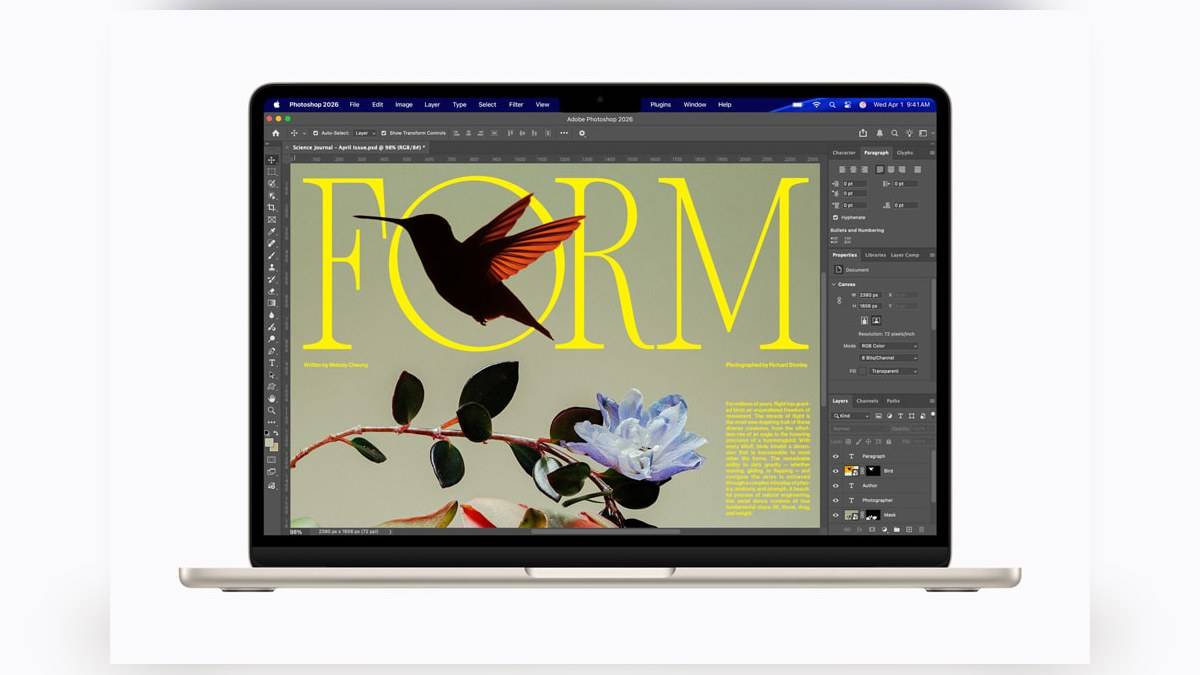
NEW DELHI: MacBook Air with M5 supports two external displays while keeping its own screen active. Apple's current India specifications allow both external screens to run at up to 6K and 60Hz, or 4K and 144Hz. A different limit applies when using just one external screen: up to 8K at 60Hz, 5K at 120Hz or 4K at 240Hz.
| M5 MacBook Air arrangement | Official limit |
|---|---|
| Two external displays | Each up to 6K at 60Hz or 4K at 144Hz |
| One external display | Up to 8K at 60Hz, 5K at 120Hz or 4K at 240Hz |
| Built-in display | Can remain active at full native resolution |
| Video connections | Two Thunderbolt 4 USB-C ports |
| Single-port arrangement | Up to two external displays through one Thunderbolt port |
Plan the arrangement before choosing cables
The distinction matters for a home office where a spreadsheet, a document and a video meeting need separate spaces. An M5 Air can supply the laptop screen alongside the two external displays. There is no need to assume that attaching the second monitor automatically forces the lid shut, or that a larger MacBook is required simply to keep the built-in panel available.
Those are display-output capabilities, not a promise that every workload will run equally quickly across every screen arrangement. A large desktop gives applications more space, but it does not change the memory selected when the laptop was configured. Keep the question of available screen area separate from the question of application performance.
The M5 Air is available in Apple's 13-inch and 15-inch product families. Apple's launch material describes a fanless design, a starting storage capacity of 512GB and a 12MP Center Stage camera. These characteristics explain the appeal of a machine that travels as a notebook and then becomes the centre of a larger desk setup.
Two screens and one screen have different ceilings
Read the table as alternative arrangements. The single-screen 4K at 240Hz figure cannot be applied to a pair of external monitors. Apple's published two-display combination instead specifies up to 4K at 144Hz on each screen. Likewise, the single-display 8K figure is not a claim that the Air drives two 8K monitors.
A monitor's resolution describes its pixel layout, while refresh rate describes how often the picture updates. For document work, text size and workspace arrangement may matter more than pursuing the highest refresh rate. For motion-sensitive work, the refresh setting deserves a separate check after the monitor is connected.
The USB-C shape does not settle compatibility
The Air's video-capable connections are its Thunderbolt ports. Apple's instructions say to check the display's own documentation when choosing a cable or adapter. If the display's supplied cable fits the Mac, it may provide the direct route; a different connector requires an appropriate adapter rather than an assumption based on appearance.
Apple also permits both external displays through one Thunderbolt port. That specification does not certify every inexpensive dual-monitor hub for the same resolution and refresh combination. The complete connection arrangement must support the intended output. The spare port can then serve other equipment, while MagSafe provides a dedicated charging connection.
That division is useful on a desk with an external drive and a monitor connection competing for sockets. It is also separate from charging speed. Our MacBook Air M5 fast-charging report explains the power-source requirement; display support does not establish that an attached hub delivers the necessary charging power.
Connect, arrange and check the result
Apple's setup guide says to power the display as required, connect the appropriate cables and, when attaching multiple displays, connect the highest-resolution screen first. Once the screens appear, open System Settings and select Displays. That is where resolution, brightness and colour-profile options can be checked rather than inferred from the monitor's retail description.
Choose an extended desktop when different material needs to stay visible on different screens. Mirroring serves a different purpose, showing the same material for a presentation or demonstration. Decide which behaviour the room needs before treating a repeated image as a connection fault.
Apple cautions that scaled resolutions above an external display's native resolution can affect the available refresh-rate or HDR modes. If the expected setting is missing, record the cable, adapter, display model and selected resolution before changing equipment. That is a more useful diagnosis than assuming the M5 chip has reached a general performance limit.
Keep this guide tied to the M5 generation
Apple explicitly identifies its current connection guide as covering M5 MacBook Air and warns that older models have different specifications. Owners sharing a household dock should therefore check the chip in each machine. For other desk setups, see our iMac M4 port-layout guide and iPad Air M4 external-display explainer.
Official sources: M5 MacBook Air technical specifications, Apple's external-display setup guide and M5 MacBook Air announcement.