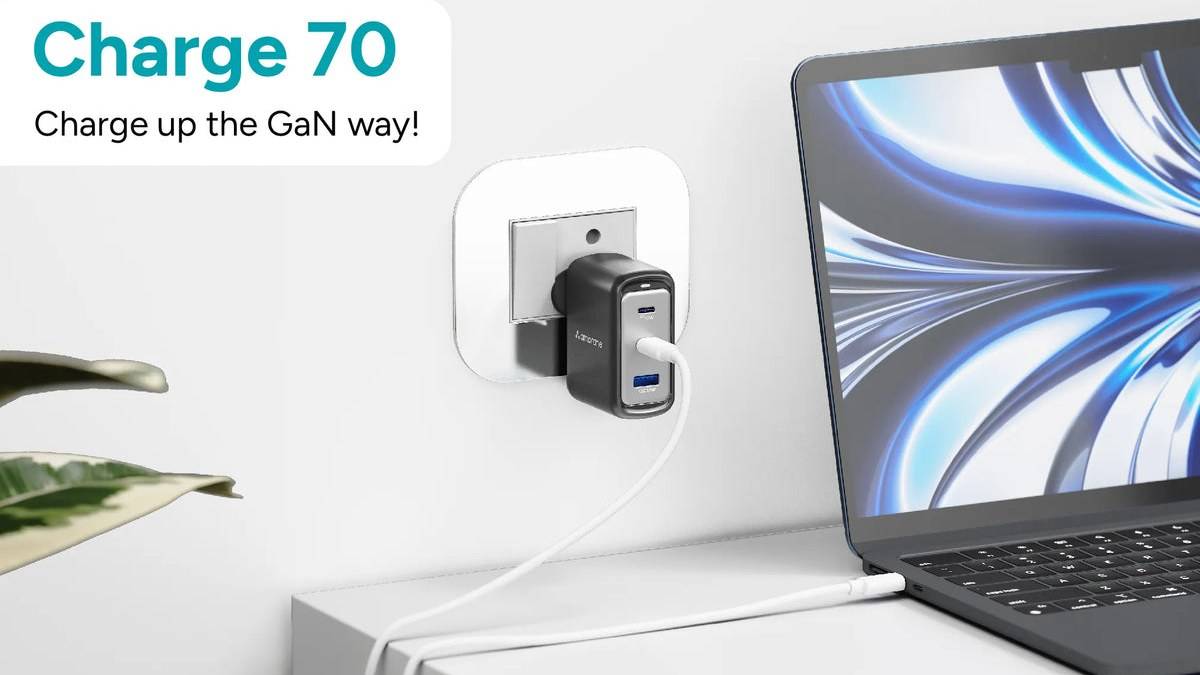
NEW DELHI: Ambrane Charge 70 allocates 45W to C1 and 7.5W each to C2 and USB-A when all its output ports are used, according to the official manual. Its 70W individual Type-C maximum therefore does not describe every multi-device arrangement. The specific sockets selected change the published power budget substantially.
| Connections in use | Manual's power allocation | Total |
|---|---|---|
| C1 and C2 | 45W and 20W | 65W |
| C1 and USB-A | 45W and 18W | 63W |
| C2 and USB-A | 7.5W and 7.5W | 15W |
| C1, C2 and USB-A | 45W, 7.5W and 7.5W | 60W |
Ambrane lists the Black charger at Rs 4,999, including taxes. Price as of 11 November 2026, 00:27 IST. This report explains the company's published connection table, rather than measured charging speeds. The figures describe the charger's allocation; the connected device still needs to support the relevant charging mode.
Who it is for
Charge 70 is relevant to a desk with a Type-C laptop, a phone and an accessory using USB-A. Its appeal is combining those charging connections in a wall adapter. Whether it suits that desk depends on what must charge together and which device should retain the larger power allocation.
Consider someone working from home who plugs in a laptop for the working day, then adds a phone and an audio accessory. The port plan should begin with the laptop's needs. The available sockets may look interchangeable from a distance, but the manual gives C1 a different role once other connections are occupied.
Keep the priority device on C1 during shared use
The published paired arrangement for C1 and C2 retains the larger allocation on C1. That makes C1 the logical starting point for the device that needs more power in a shared setup. It is a planning conclusion from the table, rather than a claim that a particular laptop has been tested here.
A laptop owner should compare that shared allocation with the notebook's official charging requirements. The charger being able to provide its larger individual maximum does not establish that the same notebook gets it while another device is connected. If the laptop needs the higher output, consider charging it separately before adding the remaining devices.
The physical labels matter as much as the cable ends. Before arranging leads behind a desk, identify C1 and C2 on the product and keep the priority lead associated with its intended socket. That avoids a setup in which an apparently harmless cable swap changes the published charging arrangement.
C2 and USB-A are a particularly limited pair
The manual's lowest combined figure appears when C2 and USB-A are used together. Moving the Type-C device from C2 to C1 changes the listed arrangement, while still leaving USB-A occupied. This is the model-specific reason to read the connection table before assuming that any free Type-C socket is equivalent.
For a phone accompanied by a small accessory, the lower-power pairing might still be sufficient for an unhurried session. It should not, however, be treated as evidence that the phone retains the charger's highest advertised capability. Decide whether the task is maintaining charge on a desk or restoring a depleted device quickly.
Connecting every socket changes the arrangement again. The practical lesson is to revisit the port plan whenever another device is added. A charging setup is defined by the active combination, so an expectation formed while a laptop was connected alone may no longer describe the same desk later in the day.
What the individual ratings tell you
The product page lists a maximum of 70W for either Type-C port individually, PPS up to 55W and USB-A up to 18W. Ambrane describes the device as a GaN wall charger with Quick Charge and Power Delivery support. Those individual specifications provide context, but the manual's table is the relevant reference for shared use.
The manual instructs laptop owners to use a Type-C to Type-C cable suitable for laptop charging. A working cable from a low-power accessory should not automatically become the reference lead for assessing the whole setup. Identify the intended device and cable first, then select the appropriate socket combination.
For travel between home and office, keep a record of the arrangement that suits the actual devices carried. Rebuilding the same port plan at the next desk is more useful than remembering only the adapter's headline wattage. This approach also makes it easier to explain the setup when the charger is shared within a household.
Related reading: our Ambrane RAAP H100 port guide, Charge D100 and Charge 100 comparison and Charge 25 price report address other charging arrangements.
Official sources: Charge 70 product page and Charge 70 manual and port-combination table.