NEW DELHI: Owners of an iPad Pro M4 with nano-texture glass can use a clean Apple Polishing Cloth, another microfibre cloth intended for electronic displays, or cotton blended with elastane or spandex, according to Apple's current cleaning guide. For stubborn marks, Apple permits occasional use of a cloth moistened with 70% isopropyl alcohol. The cloth itself should air-dry for at least 24 hours after washing.
| Question | Official guidance |
|---|---|
| Applicable screen | Optional nano-texture glass on iPad Pro M4 |
| Routine cleaning | Clean Apple Polishing Cloth or another listed suitable fabric |
| Persistent smudges | Infrequent use of 70% isopropyl alcohol on the cloth |
| Cloth after washing | Rinse thoroughly, air-dry at least 24 hours |
Check the glass before choosing a cleaning method
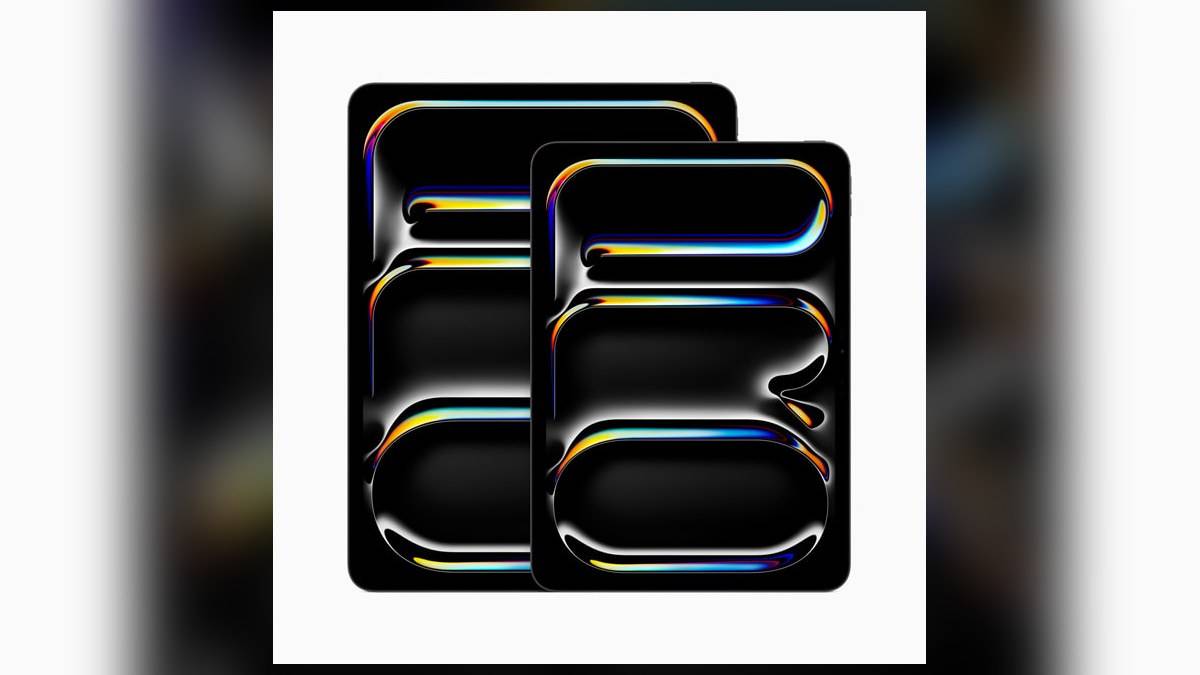
Apple introduced this option for both the 11-inch and 13-inch M4 models. Screen size therefore cannot settle which cleaning instructions apply; the fitted glass finish must also be identified.
The M4 generation introduced nano-texture glass as an iPad Pro option. Apple's launch material describes an etched surface that disperses surrounding light to reduce glare. It sits alongside the tablet's tandem OLED display technology. These are different parts of the specification: owning an M4 iPad Pro does not by itself establish that its screen has the optional finish.
That distinction matters when a tablet changes hands within a family or office. Before treating a mark, look up the original configuration or purchase record. A description that simply says iPad Pro is insufficient. Keep a note of the finish with the device details so that someone borrowing the tablet does not have to guess which instructions apply.
This is also separate from the memory differences covered in our iPad Pro M4 variant explainer. Storage and memory labels help identify a configuration, but the cleaning task begins with the surface actually fitted to the device.
Prepare the tablet and the cloth
Apple's general iPad cleaning instructions begin with disconnecting cables and switching the tablet off. They direct owners of nano-texture models to the separate display guide. Put that specialised guidance ahead of a general screen-cleaning routine, particularly if a bottle of household cleaner is already sitting on the desk.
For routine dust or fingerprints, choose one of the fabrics listed in the current nano-texture article. The wording now includes suitable alternatives to Apple's own cloth. It does not establish that every cloth sold as a cleaning cloth is suitable. Check what the cloth is made for rather than relying on its colour, packaging or an informal description from a seller.
Give the cloth its own clean storage space. A cloth kept with keys, loose stationery or other cleaning supplies is harder to assess before it touches the screen. This is practical housekeeping rather than an additional Apple specification: the purpose is to make the condition of the cloth easy to check each time.
Keep alcohol for marks that need it
The specialised guide allows a cloth moistened with 70% isopropyl alcohol for infrequent cleaning of difficult smudges. That is a conditional step, not a direction to apply alcohol whenever the tablet is used. Read the concentration on the product rather than assuming that all bottles described as alcohol have the same formulation.
Apple's broader cleaning guidance says to keep moisture out of openings, avoid excessive wiping and never spray cleaners directly on a product. It also rules out abrasive materials. Together, these instructions favour a restrained approach: address the mark with the appropriate cloth rather than repeatedly rubbing the whole display or treating the tablet like a window.
A display used to judge photographs deserves a repeatable routine. For example, an editor checking an image beside a bright window can inspect the glass before starting work, clean only when necessary, and then assess the image again. This separates a physical smudge from a reflection or something within the photograph, without promising that cleaning changes the display's calibration.
Wash the cloth separately from cleaning the screen
Apple tells users to hand-wash the polishing cloth with washing-up liquid and water, rinse it thoroughly and leave it to air-dry for at least 24 hours. Plan that pause before a work session. Washing the cloth immediately before leaving for a presentation creates an avoidable problem if it is the only suitable fabric available.
Keep other maintenance questions separate. Our iPad Air M2 charging guide concerns battery settings, while the iPad mini Pencil compatibility guide concerns accessories. Neither substitutes for the instructions attached to this particular glass finish.
Official sources: Apple nano-texture cleaning guide, Apple product cleaning instructions and Apple's M4 iPad Pro announcement.