NEW DELHI: The iPad mini A17 Pro works with two Apple Pencil models: Apple Pencil Pro and Apple Pencil USB-C. Apple's compatibility list does not include the first-generation or second-generation Pencil for this mini. If a Pencil from an older iPad will not pair, check the accessory name before treating the tablet as faulty.
| Apple Pencil model | Works with iPad mini A17 Pro? | Official compatibility requirement |
|---|---|---|
| Pencil Pro | Yes | iPadOS 17.5 or later |
| Pencil USB-C | Yes | iPadOS 17.1.1 or later |
| Pencil, 2nd generation | No | Previous mini 6 is listed instead |
| Pencil, 1st generation | No | Mini 5 is listed instead |
The generation change affects the accessory drawer
Apple lists the iPad mini sixth generation under second-generation Pencil compatibility, while the A17 Pro mini appears under Pencil Pro. That is the trap for an owner moving between these tablets: an accessory used with the earlier mini is not automatically a supported accessory for the A17 Pro model.
For a family passing an older mini to a child, keep each tablet and Pencil identified during the handover. Put the complete accessory name in the household's device note. The fact that both items say Apple Pencil is less useful than knowing which generation or connector version is involved.
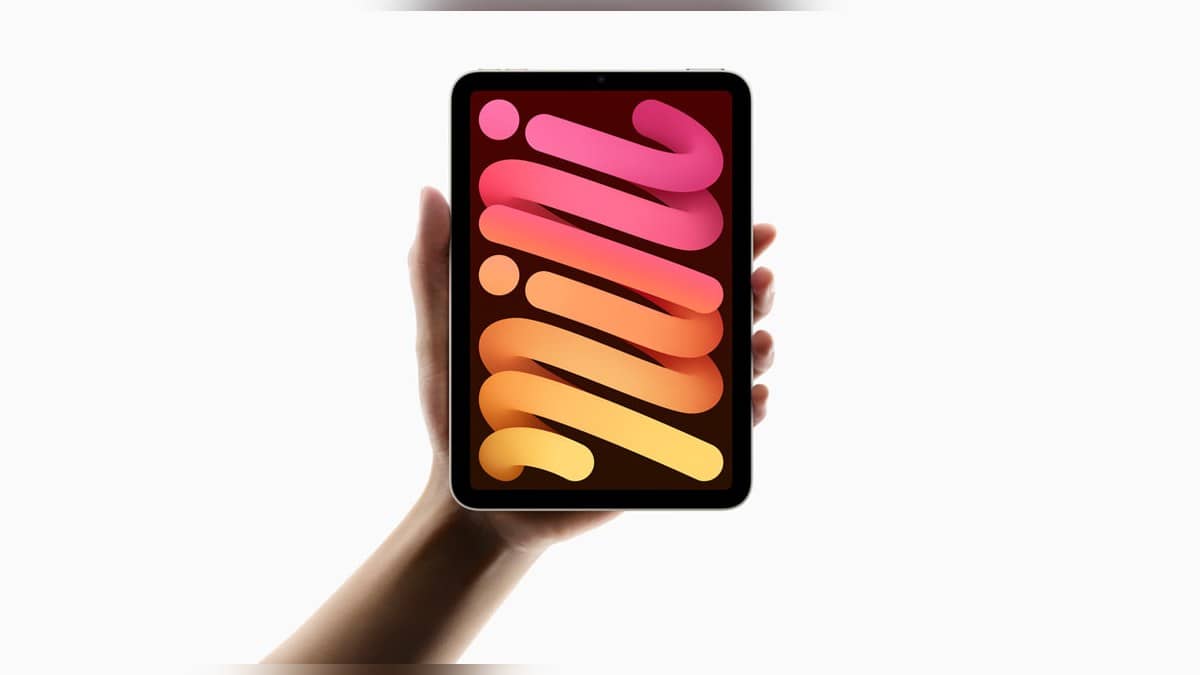
This is specifically a guide to the A17 Pro mini introduced in 2024, not a statement about every tablet carrying the mini name. Apple's announcement describes its 8.3-inch Liquid Retina display and support for Pencil Pro. The compact screen is relevant to someone using it as a portable notebook, where the stylus can be central to the whole workflow.
Compatibility does not make the two Pencils identical
Apple's launch material describes Pencil Pro features including squeeze, barrel roll, haptic feedback and Find My support. It also describes the magnetic interface used to pair, charge and store Pencil Pro on this mini. These are specific accessory functions, rather than features to assume from the general Pencil name.
The same announcement lists Pencil USB-C support for activities such as notes, sketches and annotation. For an owner preparing a reading or teaching kit, begin with the task: handwritten comments on a document are a different requirement from controlling the orientation of a shaped drawing brush. Compatibility establishes whether the pairing is supported; the workflow establishes which functions matter.
A useful preparation exercise is to list the gestures or tools used in the intended app, then match them to the named Pencil. This avoids discovering during a lesson or client demonstration that a remembered gesture belonged to a different accessory. Keep app behaviour and Apple's hardware compatibility list as separate checks.
If Pencil Pro still will not pair
Apple's troubleshooting page says to update the iPad, confirm the supported Pencil model and make sure the accessory has charge. For Pencil Pro, centre it on the magnetic connector. Keep it attached, restart the iPad and try pairing again. These steps are for a compatible accessory; repeated restarts do not change the compatibility list.
Next, open Settings and check that Bluetooth is enabled. If Apple Pencil appears under My Devices, use its information control and choose Forget this Device, then reconnect and wait for the pairing prompt. Apple's guidance says to allow one minute for charging if the Pair button has not appeared before trying again.
If Pencil Pro still refuses to pair, Apple says to remove cases or covers and retry. That makes the case a useful variable to isolate before describing the magnetic connection as broken. Record the Pencil model, iPad model and steps completed so that any later support discussion starts with an identifiable pairing.
Keep model-specific instructions together
The iPad Air M2 charge-limit guide covers a separate battery setting. Our iPad lineup guide and Galaxy Tab and iPad Pro comparison provide broader tablet context. Use the mini A17 Pro compatibility row for the immediate accessory question.
Official sources: Apple Pencil compatibility, Pencil pairing troubleshooting and Apple's A17 Pro mini announcement.