NEW DELHI: Surface Laptop 7th Edition needs a minimum 39W power source for the 13.8-inch version and 45W for the 15-inch version, while Microsoft recommends 60W for fast charging on both. Those separate columns in Microsoft's support table are the place to start when a USB-C charger seems slow.
| Surface Laptop 7th Edition | Minimum wattage | Recommended for fast charging |
|---|---|---|
| 13.8-inch, Snapdragon | 39W | 60W |
| 15-inch, Snapdragon | 45W | 60W |
| 13.8-inch, Intel | 39W | 60W |
| 15-inch, Intel | 45W | 60W |
Identify the size and edition first
Microsoft's features page distinguishes the 13.8-inch and 15-inch Laptop 7th Edition and lists both Snapdragon and Intel processor versions. Write down the complete model before consulting the charger table. The Surface name alone is too broad to settle a charging question, particularly when equipment is shared between home and an office.
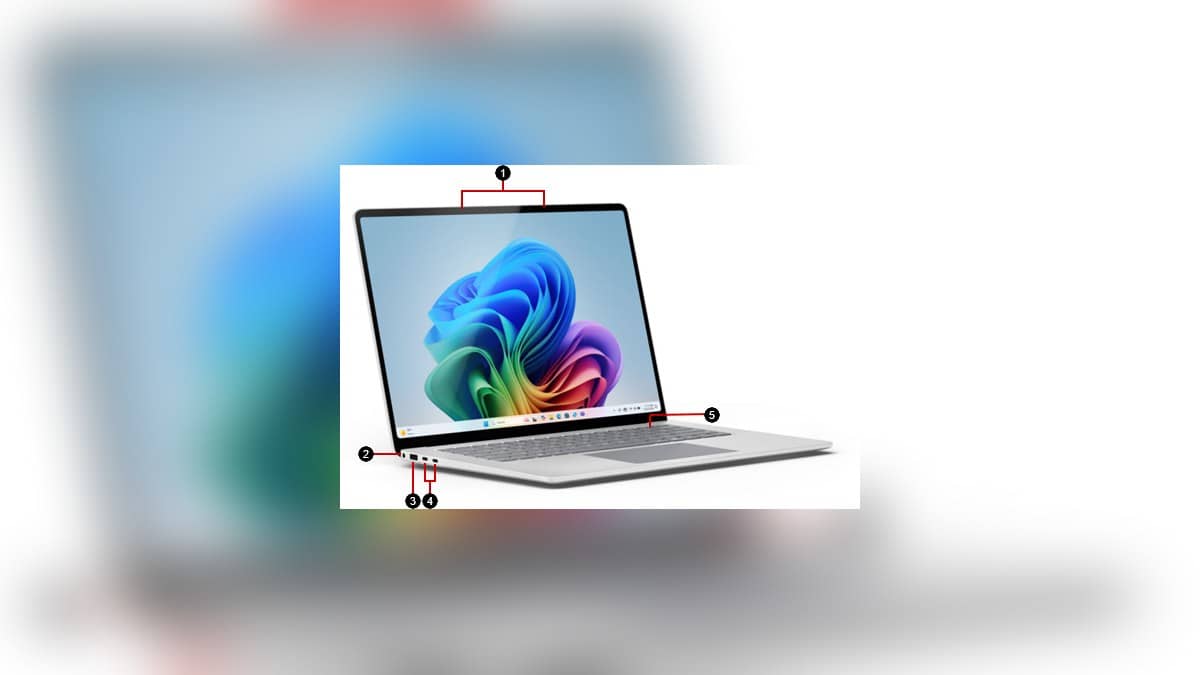
The charging table puts these models in the group that accepts USB-C or Surface Connect power. The features diagram identifies the Surface Connect socket and two USB-C/USB4 ports. This gives an owner a choice of connection, but the wattage still needs to match the relevant row.
For a household with the smaller and larger Laptop 7, the important detail is that the minimum changes with screen size while the fast-charge recommendation stays the same. Labelling a shared adapter by its actual output avoids calling it simply the Surface charger. Keep a record of which laptop was tested with it.
Check power delivery before blaming the battery
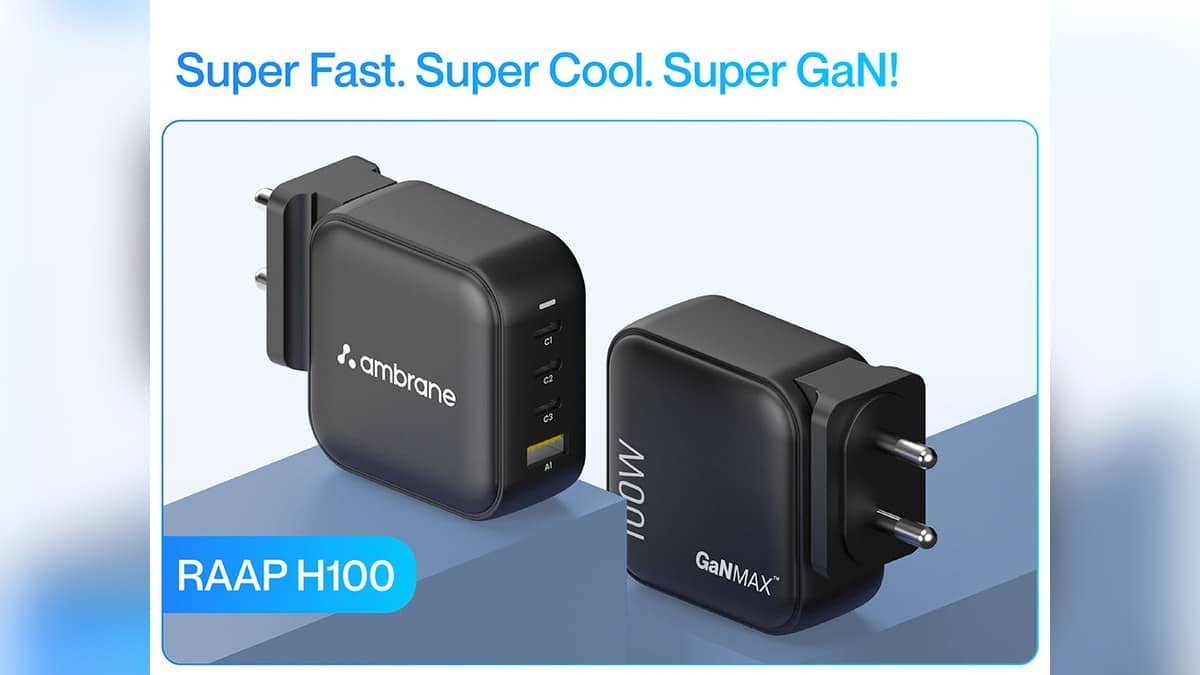
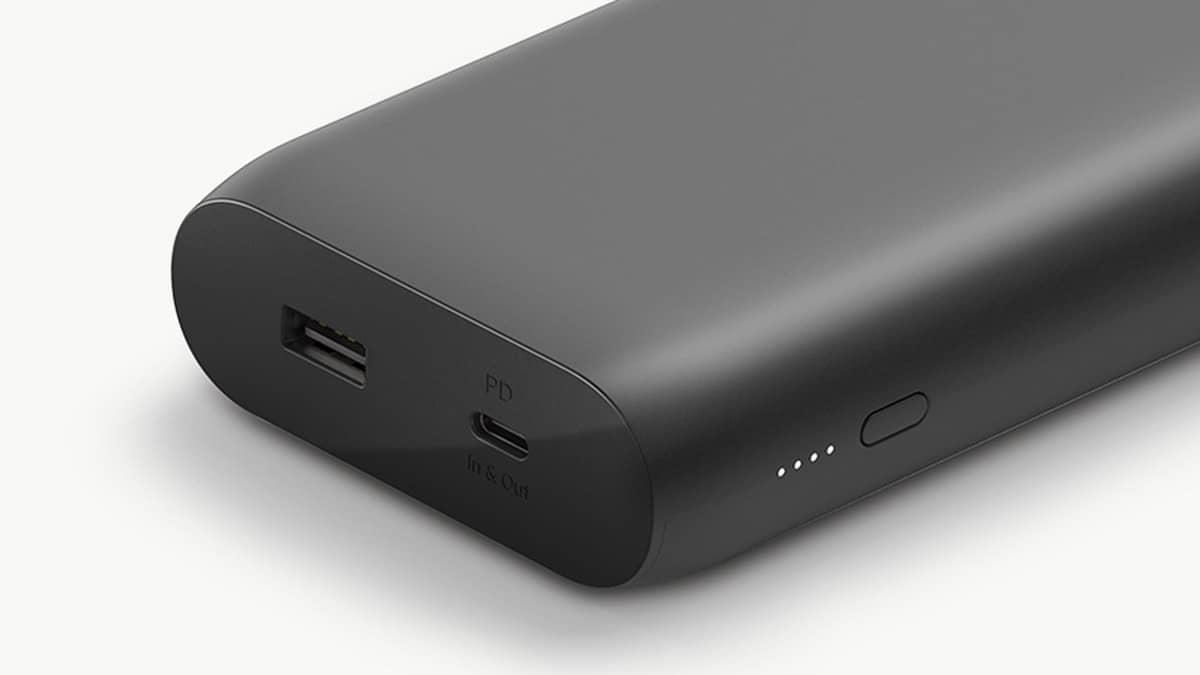
Microsoft specifies a USB Type-C Power Delivery charger for USB-C charging. Its guidance says a lower-wattage supply, or a USB-A supply used with a USB-A-to-USB-C cable, may charge slowly or fail to charge. Fast charging is unavailable in that situation. Matching the connector shape is therefore only the beginning of the check.
Read the output information on the adapter rather than relying on the name printed on its box. Compare it with the minimum and fast-charge columns separately. An owner who only needs to maintain power during a quiet desk session is asking a different question from someone trying to replenish the battery between meetings.
Connecting both charging routes does not combine their output. Microsoft's USB-C guide says that when Surface Connect and USB-C chargers are attached together, Surface charges only from Surface Connect. Testing the USB-C supply while leaving the other charger attached can therefore make the result misleading.
Set a sensible fast-charge expectation
Microsoft describes up to 80% in about an hour on most supported devices at an ambient temperature of 25 degrees Celsius. Its stated fast-charging temperature range is 25 to 35 degrees Celsius. This is a qualified capability, not a promise that every session with a sufficiently powerful adapter produces an identical result.
For Indian owners moving between an air-conditioned office and a warmer room, note the surroundings when comparing sessions. Keep the starting battery percentage and the work being done in the same note. Changing the charger, room and workload together leaves little basis for understanding which change affected the result.
Try the official software check
If the charger meets the requirement but USB-C behaviour remains troublesome, Microsoft's troubleshooting page directs owners to the Surface app. Expand Help & support to inspect the update status. If updates are offered, Check for updates opens Windows Update so the available updates can be installed.
That gives the owner a useful sequence: confirm the exact model, compare adapter output, isolate the charging route and check updates. It also produces a clearer account of the problem if further assistance is needed. Keep firmware status separate from assumptions about battery wear or the age of a cable.
For context on Microsoft's newer machines, our Microsoft Surface Laptop Ultra with NVIDIA RTX Spark opens for pre-order at USD 2,599, no India price yet and Surface Laptop Ultra price: $2,599.99 in US, £2,599 in UK, available from 16 October; no India listing yet cover different products. Their specifications should not replace the Laptop 7 row. Readers comparing platforms can also consult the Office 2021 support deadline: India prices and free alternatives.
Official sources: Surface Laptop charging table, USB-C charging guidance and USB-C troubleshooting.