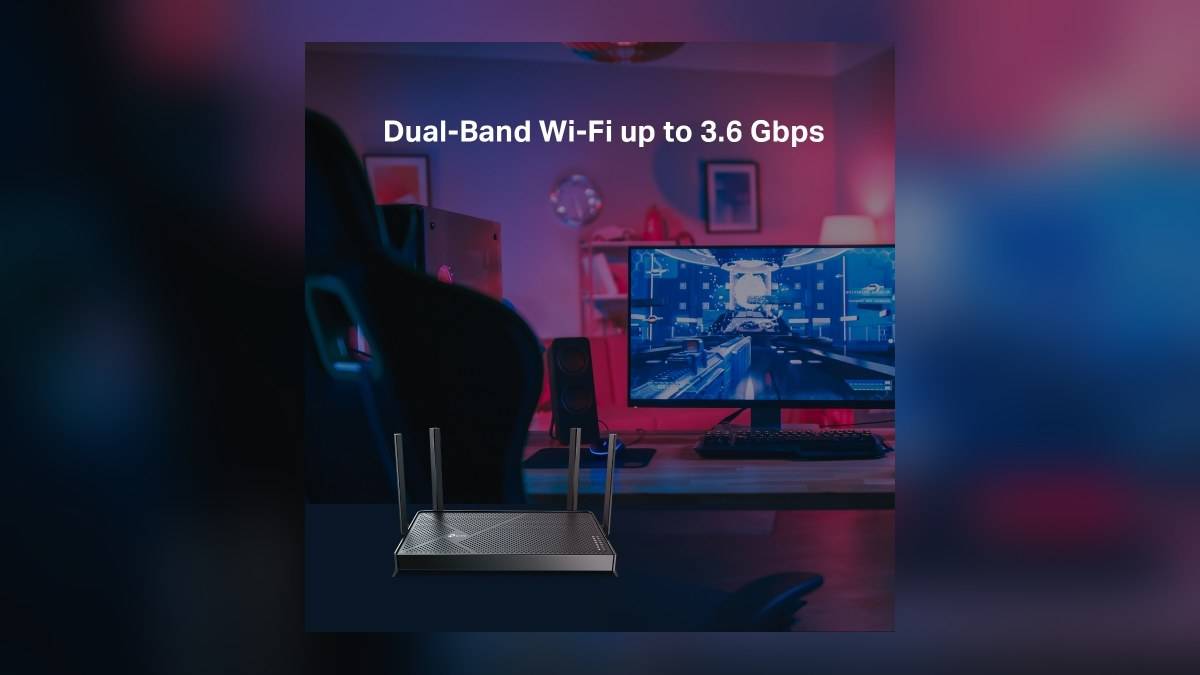
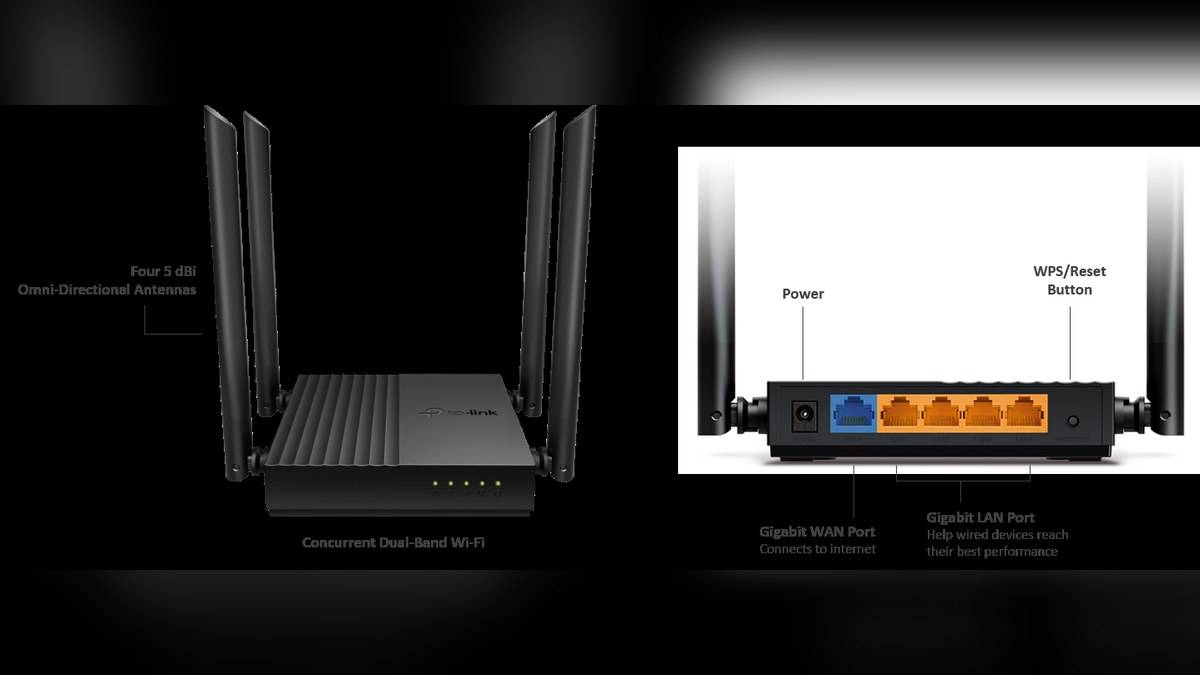
NEW DELHI: Archer C64 can run in Access Point mode, allowing an existing wired home network to supply Wi-Fi in another room. TP-Link's India specification lists one Gigabit WAN port and four Gigabit LAN ports. For a home with an existing C64, the useful first question is where an Ethernet cable can reach, before changing wireless settings.
| Item | Official detail |
|---|---|
| Supported modes | Router and Access Point |
| Physical Ethernet layout | One Gigabit WAN; four Gigabit LAN ports |
| India-page wireless specification | 867 Mbps at 5 GHz; 400 Mbps at 2.4 GHz |
| Wi-Fi generation | Wi-Fi 5 |
| Management | Tether app or web interface |
| Access-point link | Wired connection to the existing network |
Draw the cable route before changing the mode
A C64 in the television room can serve a different purpose from the broadband router beside the fibre connection. In Access Point mode it extends a wired network into that room's wireless coverage. The arrangement is particularly relevant when the room already has an Ethernet run and moving the main router would disturb connections elsewhere.
List the equipment that needs a cable at that location, such as a television, streaming device with an Ethernet connection or desktop computer. Then check the physical connections after the uplink is in place. The published port count describes the hardware layout; it is still necessary to plan which socket each cable will use in the selected configuration.
Do not confuse this installation with placing an unconnected router in a weak-signal room. TP-Link describes access-point operation as turning an existing wired network into a wireless one. The incoming cable is part of that design. Changing a mode in the interface cannot supply a missing physical link to the main network.
Use the mode offered by the actual interface
TP-Link's current general guide separates routers with a built-in Operation Mode menu from those requiring manual settings. For the built-in route it points to Advanced, Operation Mode, or Advanced, System, Operation Mode. Some interfaces instead offer Change Mode. Follow the options shown on the actual unit rather than assuming every screenshot has identical menus.
The guide then calls for Access Point Mode and completion of Quick Setup after the router reboots. Before starting, note the existing network details and how to reconnect to the device for management. A short interruption during a mode change is easier to handle when the household knows which network will be used for the setup session.
The same support article also describes manual LAN and DHCP changes for equipment without a mode menu. Those are an alternative procedure for that situation, not extra steps to apply automatically after using the built-in mode. Mixing the two instructions makes it harder to identify what changed if the network stops behaving as expected.
Keep radio figures separate from the wired link
The India C64 page quotes up to 867 Mbps on the 5 GHz band and 400 Mbps on the 2.4 GHz band. Those are wireless specification figures, not a promise that a phone will receive their combined total. A Gigabit cable connection and a radio link describe different parts of the path to a device.
For a smart-home room, test the clients that actually live there. A nearby phone connecting successfully does not establish that a bulb behind furniture or a camera at the far doorway has a dependable link. Check each device from its permanent position and verify the function that matters, such as viewing the camera or controlling the light.
TP-Link also lists EasyMesh compatibility on the India page. That is a separate networking option and should not be taken as an instruction to treat every C64 access-point installation as a configured mesh. Establish which setup is being used and consult its corresponding guidance before expecting roaming behaviour or shared management.
Verify the result from both ends
After the mode change, first check a wired client where practical, then the new wireless network. This suggested test sequence helps distinguish a missing incoming connection from a radio problem. If both fail, investigate the cable and upstream network before adjusting channels or relocating antennas. Change one element at a time so the result remains useful.
For a television room, make the acceptance test match normal use: start a stream on the intended television connection and check the nearby smart-home devices. A successful setup screen is only a management test. Everyday operation reveals whether the chosen location, cable route and radio coverage meet the room's requirements.
The C64 arrangement is most clearly understood as a way to reuse a supported router where a wired connection is available. Its Access Point mode, Gigabit interfaces and separate wireless bands each have a role. Planning those roles before changing settings gives an existing unit a defined task and leaves a clearer starting point for troubleshooting later.
Related reading: Deco X20 Ethernet backhaul; Tenda MW6 port planning; Checking Archer AX23 hardware versions.
Official sources: India product modes and port specifications; Official model announcement and access-point description; Official access-point configuration guide.