
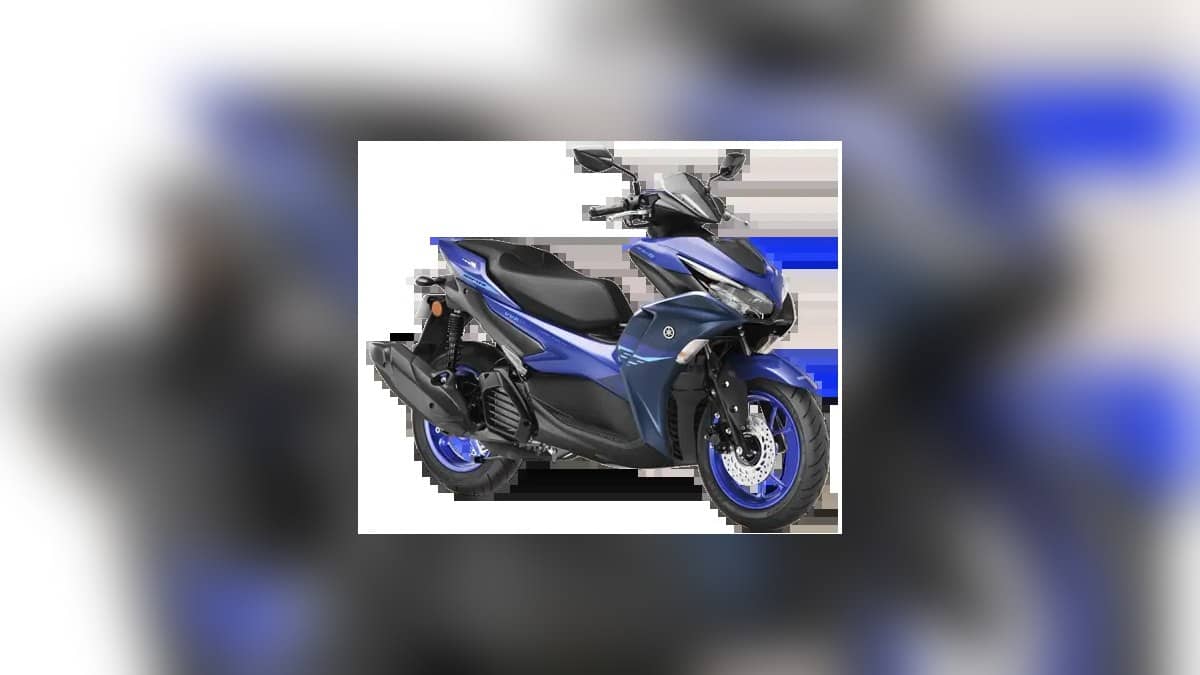
NEW DELHI: Yamaha Aerox 155 owners using Y-Connect can pair the communication unit with more than one smartphone, but only one phone can connect at a time, according to Yamaha India's published app guide. Establish that connection before relying on parking records or ride information. The Aerox's last-parking feature records where it was left; Yamaha explicitly says it will not track the scooter if it is subsequently moved.
| Function | What to check |
|---|---|
| Active phone connection | One smartphone at a time |
| Pairing options in Y-Connect guide | Communication-unit QR code, or vehicle identification details |
| Connection confirmation | Check the app and vehicle display |
| Parking location | Last recorded location, with movement afterwards not tracked |
| Aerox Version S storage | 24.5 litres under the seat |
Check the app name before following a guide
Yamaha's current Aerox Version S page labels its connected features under Yamaha Motor On and Y-Connect. The instructions discussed here come from the Y-Connect guide that Yamaha India continues to publish. Owners should match the guide to the application actually installed, rather than assuming that differently named apps have identical menus.
For a scooter shared within a household, agree which rider's phone will provide the connection for the trip. The distinction between a stored pairing and an active connection matters here. A phone remembered by the system is not necessarily the phone supplying the current ride's information.
With the scooter parked, follow the app's sign-in and permission prompts. Yamaha's guide lists Bluetooth and location among the relevant settings and shows pairing through the communication-unit QR code or vehicle identification details. It requires the vehicle to be switched on during pairing. Ask for a demonstration if the supplied vehicle identifiers are unclear.
Finish by checking the connected indication on both the phone and the instrument display. Do this before setting off. A successful app installation is only part of the process; the useful check is whether the phone and scooter are communicating. Avoid changing several settings while trying to ride and diagnose a connection at the same time.
Understand what the parking record tells you
The Aerox product page describes its location function as a memory of the last parking place. Its warning about movement afterwards is decisive: a remembered location should not be treated as the scooter's continuously updated position. This matters if someone else moves it within a parking area after the rider walks away.
Yamaha's app guide also identifies disabled phone location and weak GPS reception, including basement parking, as possible reasons for an unreliable parking record. A useful check is to note the parking bay yourself and compare that information with the app while stationary. A map pin should support that record, rather than replace it.
Version S also has Smart Key with Answer Back. Yamaha describes flashing indicators and a buzzer for identifying the scooter nearby. That is a different convenience from a phone's saved parking location. At delivery, ask to see each feature demonstrated independently so their purposes are clear before a crowded parking visit.
Use ride information with its limits in mind
The Aerox page lists daily and monthly fuel-use tracking, maintenance recommendations and malfunction notifications. These functions can help an owner notice a pattern or prepare a question for the workshop. They do not explain the cause of every fault, so keep the original symptom in the service conversation alongside the app message.
The Y-Connect guide says fuel-use calculations cover connected rides. A missing connection therefore matters when interpreting a record. Before concluding that a sudden change represents the scooter's performance, consider whether the app captured the journeys being compared. Keep refuelling receipts if you want an independent record to discuss with the workshop.
Keep the phone features in proportion
The Aerox Version S combines a 155 cc liquid-cooled engine with an external fuel lid and 24.5-litre under-seat compartment. For someone using it for commuting, these physical features and the connected functions solve different daily problems. Check your usual bag in the storage space, learn the fuel-lid control, then test the app with the phone you actually carry.
For a broader scooter shortlist, see our Suzuki Burgman Street guide, TVS Jupiter price list and Suzuki Access variants. Compare the features you will use, and verify their operation on the exact scooter rather than assuming every connected model provides the same functions.
Official sources: Aerox Version S features, Yamaha's Aerox listing and Y-Connect user guide.