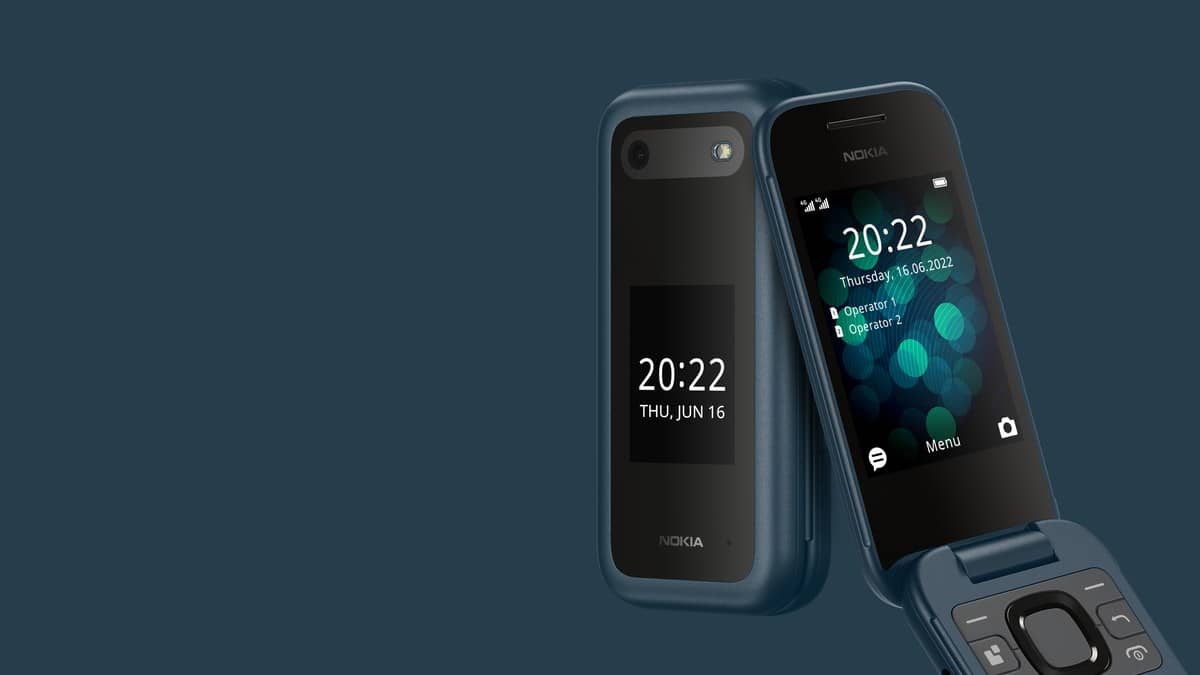
NEW DELHI: Nokia 2660 Flip owners must add their ICE contacts and switch on SOS calling before relying on the dedicated emergency button. HMD says the handset can reach up to 5 contacts. Its user guide specifies a 25-second wait for an unanswered call before the phone tries the next person.
| Setup point | Official detail |
|---|---|
| Emergency contacts | Up to 5 |
| Unanswered call | Next contact after 25 seconds |
| Activation | Press and hold SOS key for a few seconds |
| Answered call | Handsfree mode |
| Main display | 2.8 inches |
| Outer display | 1.77 inches |
Start with the people who can answer
For a family setting up this flip phone for an older relative, the useful work happens before the handset is handed over. Discuss who should receive an urgent call, and arrange the contact list with that person's daily availability in mind. A familiar name in a phonebook is only useful if it belongs to someone who understands why this handset may call unexpectedly.
The clamshell design makes this a particular kind of setup task. HMD says its dedicated emergency button is accessible with the phone open or closed. A user should therefore learn where that button sits by touch, alongside the ordinary calling controls. Do this calmly while explaining the phone, rather than leaving the button as an unexplained feature on the back.
Enter the ICE information and enable calling
The official route for personal information is Menu > Settings > Device > ICE information. Open Basic info and Important Information to enter the relevant details. Then use the SOS section under Device to select ICE contacts from the existing contacts list.
The same SOS section contains SOS settings, where SOS call must be enabled. HMD explicitly says official emergency call numbers cannot be used as ICE contacts. Keep the distinction clear when explaining the feature: this list is for selected personal contacts, and the presence of an SOS button does not turn them into a staffed emergency service.
Before completing the handover, read the names and numbers back to the user. The sensible check is whether the intended person is selected, whether the number is current and whether the user understands the contact order. These are practical preparation steps, rather than extra settings promised by the manufacturer.
Understand what happens after the button is held
Holding the SOS key begins the calling sequence. If the first person does not answer, the guide describes the phone moving on after the specified wait. Explain that pause in advance. Otherwise, someone who expects an immediate response may assume the phone has failed while it is still attempting the first call.
The guide also warns that an answered SOS call uses handsfree mode and may be loud. Keep the handset away from the ear when explaining this behaviour. A family demonstration should be agreed with the chosen contact beforehand, so a practice call does not create unnecessary alarm.
Practise the ordinary controls too
Ask the intended user to practise an ordinary call as well as learning the assistance control. On a folding handset, the relationship between the closed cover, caller information and the exposed keypad needs explaining together. Someone helping remotely may instinctively describe touchscreen actions that do not fit this phone. A patient demonstration with the actual handset gives both people a shared reference for future questions about its everyday operation.
This is a feature phone running S30+, with physical keys and separate inner and outer screens. Its appeal in this context is the relationship between a visible caller display, a folding body and a dedicated assistance control. Those features still need a patient explanation tailored to the person carrying it, including time for the user to ask questions and repeat the steps independently.
For related ownership checks, read our Nokia 123 Shield charging precautions, Nokia 150 memory-card guide and HMD 102 4G guarantee explainer. These concern different models and should not be treated as instructions for this phone.
Official sources: accessibility and SOS instructions, India product page and India specifications.