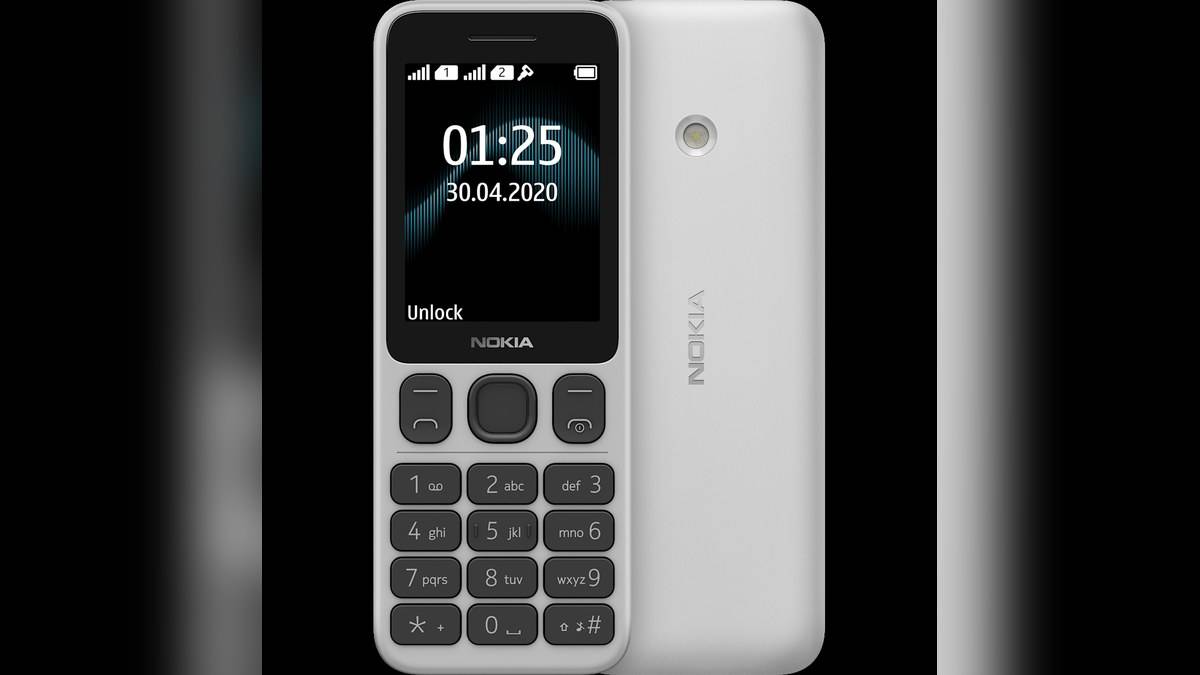
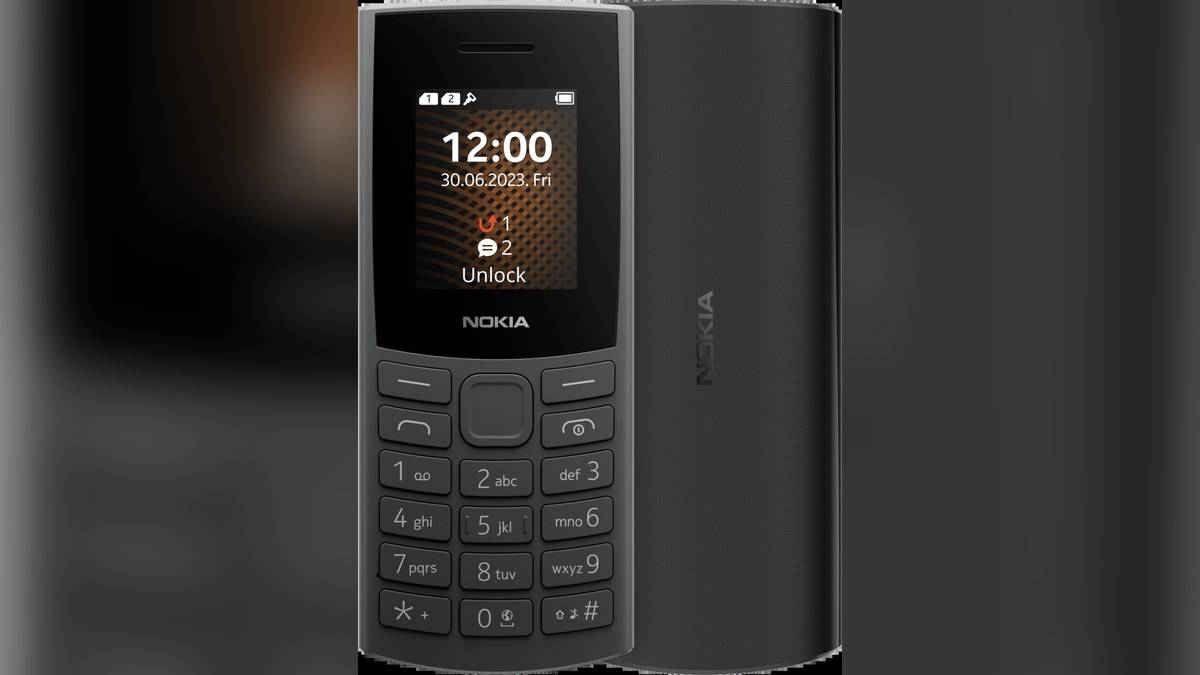
NEW DELHI: To save a contact on Nokia 106 4G, open Menu, Contacts, the options control and New, then choose where to store the entry. HMD's India guide asks users to enter the last name and first name, select Mobile or Home number, enter the number and save. A number in the call log can also be added to a new or existing contact.
| Setup item | Official detail |
|---|---|
| Contact creation | Menu > Contacts > Options > New |
| Number field | Mobile or Home number |
| SIM size | Nano-SIM |
| Dual-SIM identification | Two IMEI codes on sales-box label |
| Memory-card guidance | Compatible microSD card, up to 32GB |
Build a usable address book before a handover
A keypad phone handed to a family member should be ready for the calls that person actually makes. On Nokia 106 4G, start by entering a few familiar names and checking the numbers with the owner. This is a practical setup suggestion, rather than a requirement from HMD. It avoids leaving the owner to identify everyone from a list of recent telephone numbers.
The official contacts procedure includes a choice of where to save the record. Pay attention to that choice instead of repeatedly accepting an unfamiliar prompt. After saving the name and number fields, complete the final save action. Then return to the contact list and open the entry to confirm that the intended details are present.
To place a call from the address book, HMD says to select Menu and Contacts, scroll to the person and press the call key. Practising that route with a familiar contact is useful when setting up the phone for someone else. Let the owner do the scrolling and selection so the handover checks the actual everyday task.
Turn a recent call into the right contact
Open Menu and Call logs, choose the relevant call type, highlight the number and use the options control followed by Add to contacts. The guide distinguishes Add to new contact from Add to existing contact. Choose the existing record when that is the intended person, then complete the storage choice, details and save action.
That distinction is useful when a relative calls from a different number. Before creating another similarly named entry, decide whether the number belongs with a person already saved. Check the digits and the person together. This is address-book organisation advice; it does not assume the phone can automatically identify who owns an unfamiliar number.
Fit the correct SIM before checking calls
The setup guide requires a nano-SIM and warns against incompatible cards. Switch the handset off and disconnect the charger and other devices before removing the cover. The guide places the opening notch at the bottom; lift the cover and take out the battery if it is fitted before sliding the SIM into its slot.
For a dual-SIM version, slide the second card into SIM2. HMD says the sales-box label identifies that version through two IMEI codes. Both cards can be available while neither is being used, but the other may become unavailable when one is active, such as during a call. Check that behaviour before relying on both numbers for simultaneous reachability.
When dialling manually, enter the number and press the call key. Select the SIM if prompted. The guide says pressing the asterisk key twice enters the plus sign used for international calls. End the conversation with the end key. These keypad actions are worth demonstrating separately from calling a saved contact.
A memory card serves a different purpose
HMD's setup page also describes inserting a compatible microSD card and recommends a fast card up to 32GB from a recognised manufacturer. Fit it in the memory-card slot, then replace the battery and cover. Keep the SIM and memory-card steps distinct: the fact that a card fits in the phone does not make it a mobile connection.
The India product listing identifies 48MB RAM and 128MB storage. It describes an MP3 player, a microSD slot and FM listening with or without a headset. Those entertainment features are separate from the contact-saving procedure. A larger music library is not the task being completed when choosing where a telephone contact should be saved.
Finish by checking a real conversation
The product page promotes HD calling over 4G but qualifies availability by local operators, their services and HMD's support for the operator. After organising the address book, make a routine test call on the intended connection. An entry saved correctly and a working mobile service are separate parts of having a usable calling phone.
Related reading covers the Nokia 106 4G model comparison, Nokia 215 4G dual-SIM setup and Nokia 225 4G SIM preferences. Official sources: Nokia 106 4G contacts guide, setup guide, calling guide and India product page.