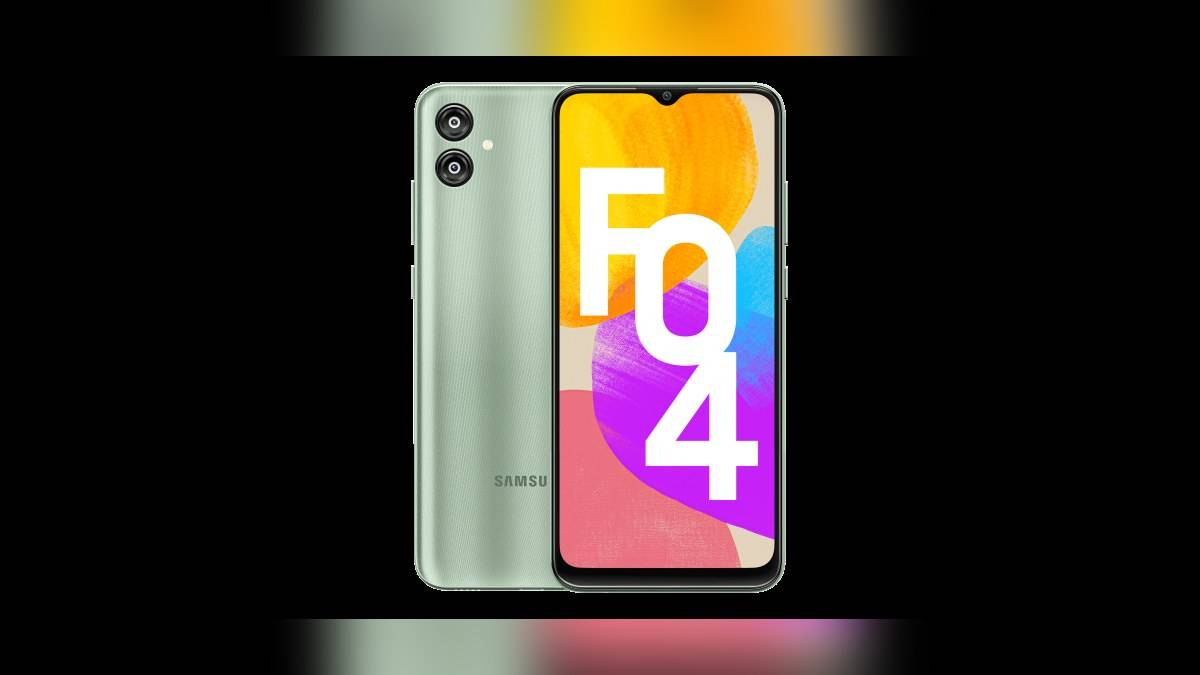
NEW DELHI: Galaxy F04 owners checking Samsung's published software record will find Android 14 build E045FXXSHEZH1 with a 5 August 2026 security patch level and a 1 September 2026 release date. Those dates describe different things. Compare the official record with the update offered to the individual phone rather than treating the September release date as a September patch level.
| Item | Official record checked |
|---|---|
| Model | Galaxy F04, SM-E045F |
| Build | E045FXXSHEZH1 |
| Android version | Android 14 |
| Release date | 1 September 2026 |
| Security patch level | 5 August 2026 |
| Current security scope | Galaxy F04 listed for quarterly updates |
Read the model record before starting a download
The log explicitly identifies SM-E045F. Use that full model reference when comparing records, particularly if another family member has a similar name. This is an update-checking guide based on the record opened on 13 November 2026, not an announcement that a new download has reached every Indian Galaxy F04 today.
The build entry describes improved security and still lists Android 14. That is the useful distinction for an owner expecting a visible redesign: this entry does not announce a new Android generation. An unchanged-looking home screen after installation would not, by itself, show that a security update had failed.
Samsung qualifies the log by model, country and service provider. If the handset does not offer the same build immediately, record what its updater says before drawing a conclusion. A published entry is evidence of Samsung's software record; the handset's own update service is the place to establish what is available to that device.
Use the official update menus
Samsung's India support guide directs users to Settings, then Software update and Check for updates. Follow the prompts presented there. The company also notes that some devices call the menu System updates and that names and layouts vary with the model and software version. Read the label on the phone rather than expecting every support screenshot to match it exactly.
An earlier Samsung India maintenance guide uses Settings > Software update > Download and install, followed by Download and Install. These official descriptions help explain why an owner may see a download-oriented label rather than the words Check for updates. Use the available update control and follow the device's instructions.
For security updates, the current support guide also gives Settings > Security and privacy > Updates > Security update > Check for updates. Compare the security date shown on the device with the patch-level row in the table. Keep the release date separate when making a note of the result.
Prepare enough charge and time
Samsung says the battery should have at least 20% charge before an update. It warns that the device can restart several times and says not to use it while the update is in progress. If updating through a computer, do not disconnect the USB cable during the process.
The practical timing choice matters for a phone used for everyday calls. Begin when a restart will not interrupt something the owner needs to finish. Note the installed security date after the update has completed. That gives the owner an observable result, rather than relying only on remembering that a download notification appeared.
Samsung's India maintenance advice also recommends keeping at least 20% of storage free. That is a storage recommendation, separate from the battery threshold above. On the F04, check space before starting rather than confusing a low-storage message with evidence that security support has ended.
What the F04's original promise means now
Samsung introduced Galaxy F04 with Android 12 and promised two OS upgrades and four years of security updates. The India launch release identified a 4GB RAM and 64GB storage version, a MediaTek P35 processor and a 5,000mAh battery. Its stated launch price was Rs 9,499; that historical figure is not a current sale quotation.
For this particular entry-level model, the useful comparison is between its original Android version and the Android 14 record now published. The launch commitment and a current maintenance release answer different questions: one describes the support plan, while the other identifies software in the model's update history. Neither should be turned into an unannounced future Android promise.
Samsung's security-scope page currently includes Galaxy F04 in its quarterly list. That describes a support category, not a guaranteed installation day. Samsung says lists are reviewed and delivery timing can vary by region and model. Owners should continue checking the official updater without assuming that a particular calendar date is assured.
Related guides cover the Galaxy M06 patch check, Galaxy M34 update preparation and Galaxy F05 RAM Plus labels. Official sources: F04 software record, update instructions, security scope and original India announcement.