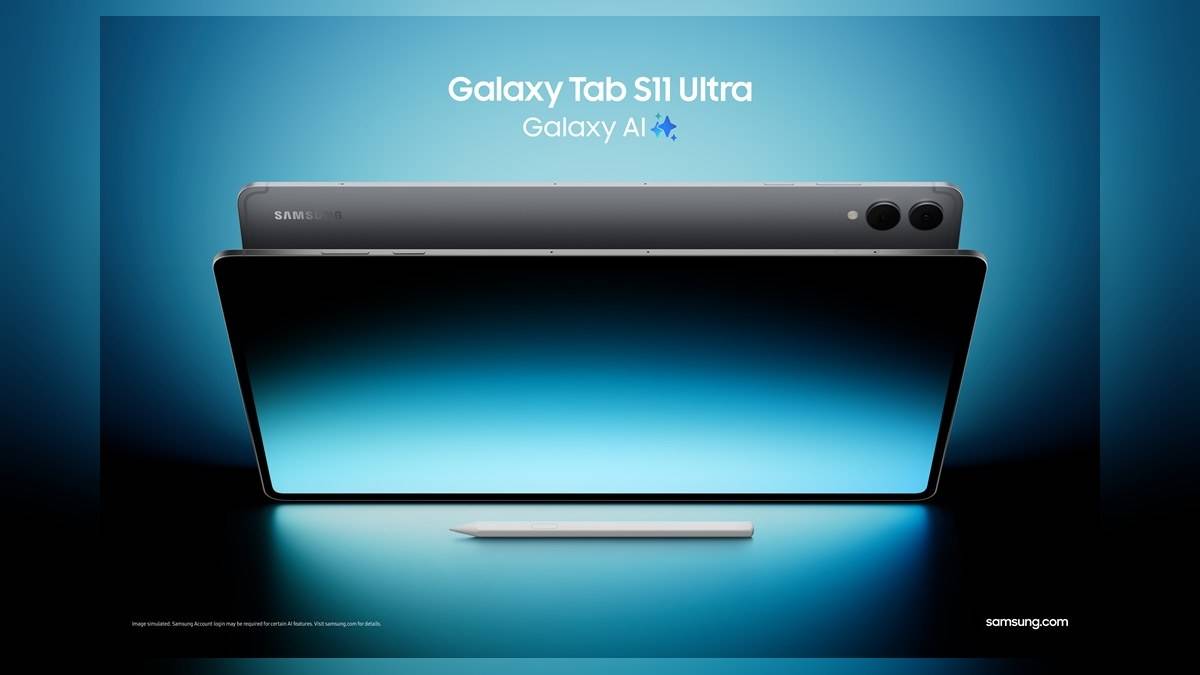
NEW DELHI: Samsung lists 30 September 2032 as the end of the security-update period for the Galaxy Tab S11 Wi-Fi model on its India specification page. The company's support commitment also covers up to seven generations of Android OS upgrades, with seven years of security updates counted from global launch. That clock does not restart when a customer buys the tablet later.
| Support detail | Official information |
|---|---|
| Model checked | Galaxy Tab S11 Wi-Fi, Silver, 12GB/512GB |
| India model code | SM-X730NZSIINU |
| Security period valid until | 30 September 2032 |
| Android OS commitment | Up to seven generations |
| Security commitment | Seven years from global launch |
| Launch software | Android 16, One UI 8 |
Use the support date when planning a long ownership period
A tablet can stay in a family through several stages of education, or move from a parent's work bag to a student's desk. The fixed end date makes that planning more concrete than the headline number of years alone. Keep the manufacturer's published deadline with the purchase record so that a later handover starts with the correct support information.
For a Galaxy Tab S11 bought after launch, the elapsed period is already part of the model's lifecycle. An unopened box and a recent invoice do not imply a fresh software-support term. That follows from Samsung's explicit choice of global launch as the starting point. It is particularly relevant when a device remains on sale alongside a newer generation.
Android upgrades and security updates are separate commitments
Samsung describes Android OS upgrades by generations and security support by years. These are different measures. The wording should therefore be preserved when comparing specifications or describing the tablet to someone else. A promise covering an operating-system generation is not a timetable for a new Android release in every remaining calendar year.
The Galaxy Tab S11 launch specification provides a useful baseline for that distinction. It records the software with which the series was introduced. A tablet in an owner's hands may have moved beyond that baseline through updates. Use the device's own software information to describe its installed version instead of assuming that the launch document is a live reading of the tablet.
Equally, the end of the published support period is not an announcement that the tablet will stop powering on that day. It marks the stated security-update horizon. Hardware condition, an app's own requirements and the software already installed are separate questions. The deadline should inform an ownership record without becoming a prediction that every function changes at once.
Check the installed device rather than guessing from eligibility
Samsung's update guide directs owners to Settings, then Software update or System updates, depending on the device. The next option may be Download and install or a similarly named check-for-updates command. Follow the displayed instructions if a download is offered. The support article also notes that menu wording can vary between models and carriers.
That check answers whether an update is offered to the particular tablet. The long-term commitment answers a different question: the model's published support coverage. Keep both pieces of information when investigating a problem. A screenshot of an available update or the result of a completed check is more precise than saying only that the tablet is still within its support period.
Before making a major change during a busy study or work period, preserve the files you cannot afford to lose and allow time to follow the on-screen process. Allow a quiet period when the tablet can be unavailable, then check your usual study and work apps after the process finishes. A planned update window is easier to manage than interrupting a class, presentation or shared-device handover.
The model code keeps the record specific
The India page checked for this report is a named Wi-Fi configuration, rather than a generic tablet-family listing. Match that code to the device record when saving the support details. This prevents a similar-looking product name, a different connectivity version or a specification from another country becoming the accidental reference for the tablet in use.
For a household keeping devices for years, a small record containing the model, purchase invoice, current software and official support deadline is more useful than a remembered marketing phrase. Update the record after a handover or a service visit. It gives the next user a clear starting point without requiring them to reconstruct the tablet's history from scattered messages.
Related reading includes our Samsung Galaxy Tab price list India: Rs 20,999 to Rs 1,84,999 for A11 to S12 Ultra, Galaxy Tab S12 Ultra and Tab S12+ go on sale on 7 October: US and India prices side by side and Galaxy Tab S12 Ultra vs iPad Pro: India prices, screens and battery compared. Those model-specific terms remain separate from the Tab S11 support date.
Official sources: Galaxy Tab S11 India specifications; Samsung's launch specification; Samsung software-update instructions.