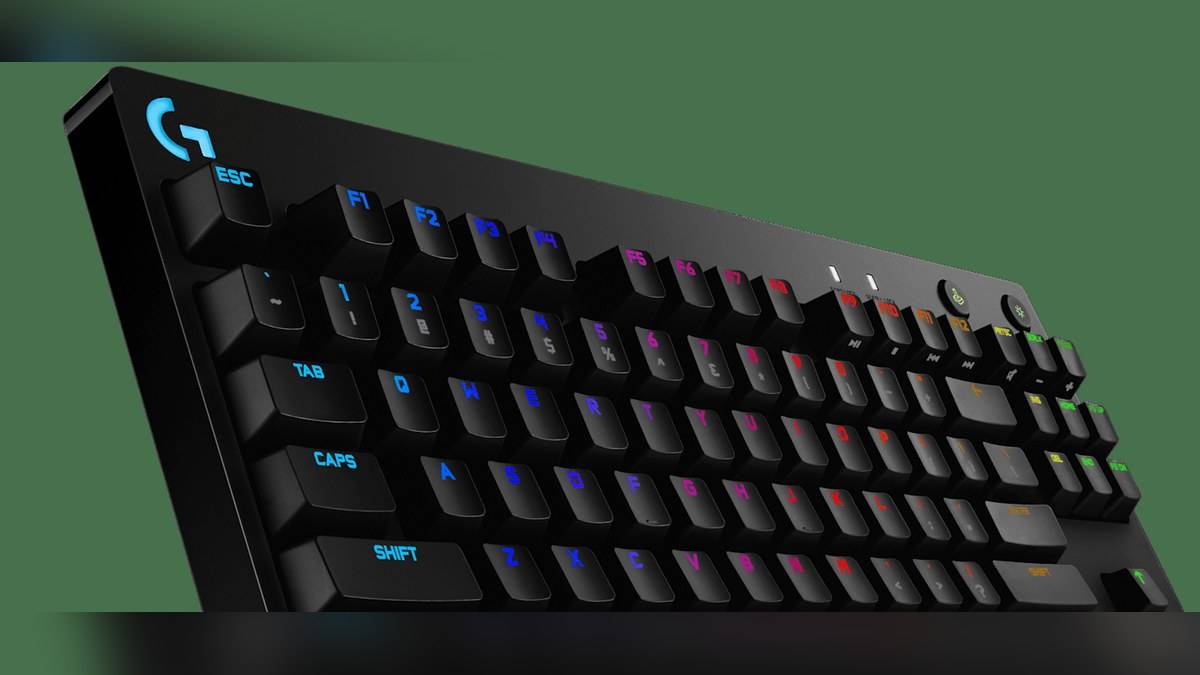
NEW DELHI: Logitech G PRO supports programmable actions on F1 to F12 through G HUB. For a work-file shortcut, Logitech's official software guide describes launching an application with the full document path supplied as an argument. Launching the application alone is a different action, so those shortcuts need to be planned separately.
| Item | Official detail |
|---|---|
| Programmable macro keys | F1 to F12 through G HUB |
| File-launch macro type in official guide | NO REPEAT |
| Document argument | Full file path, name and extension |
| Switches on opened India product page | GX Blue Clicky |
| Connection | Wired, detachable Micro USB cable |
| Onboard storage claim on product page | Static lighting designs |
| India catalogue reference | Rs 12,895; Price as of 10 November 2026, 23:58 IST |
Choose the file before creating the shortcut
The G PRO product page describes timed actions and commands assigned to its function-key row using G HUB. Logitech's separate file-launch support guide supplies the software method: an application starts with an argument that identifies the file. The support example uses a document opened in a word-processing application.
For a student moving between assignments on a home PC, the useful starting point is the actual document that is opened repeatedly. A shortcut labelled with the project name is clearer than an unexplained keyboard assignment. The intended action should remain understandable when the keyboard is used for both coursework and games.
Decide whether the key should open a particular file or simply start the application. Those sound similar until the first time the wrong document appears. A launcher connected to a specific project serves a different purpose from an application shortcut used to begin a fresh task.
Follow the official macro-creation route
In G HUB, Logitech directs users to Assignments, then MACROS and CREATE NEW MACRO. Name the action and choose NO REPEAT. Use the plus sign beside START NOW, select Launch Application and choose the application. The guide then opens the launcher's EDIT settings and uses ADD ARGUMENTS for the document location.
The required argument is the complete path, including the filename and its extension. Logitech also says a launcher associated with an argument is locked to that argument. A separate macro is needed to run the application without it. Use the application and document locations on the actual computer rather than copying an example path blindly.
This is where clear naming prevents confusion. An action named for a particular assignment should point to that assignment, while an application-only action should say so. If the same computer serves several household members, explain any changed function-key behaviour before someone relies on familiar application shortcuts.
Before putting a file launcher into regular use, verify that the chosen application can open the intended file normally and that the saved location is the one meant for the shortcut. This is a practical preparation step, not a claim that the keyboard can repair a missing document or an application-installation problem.
Portable hardware and portable settings differ
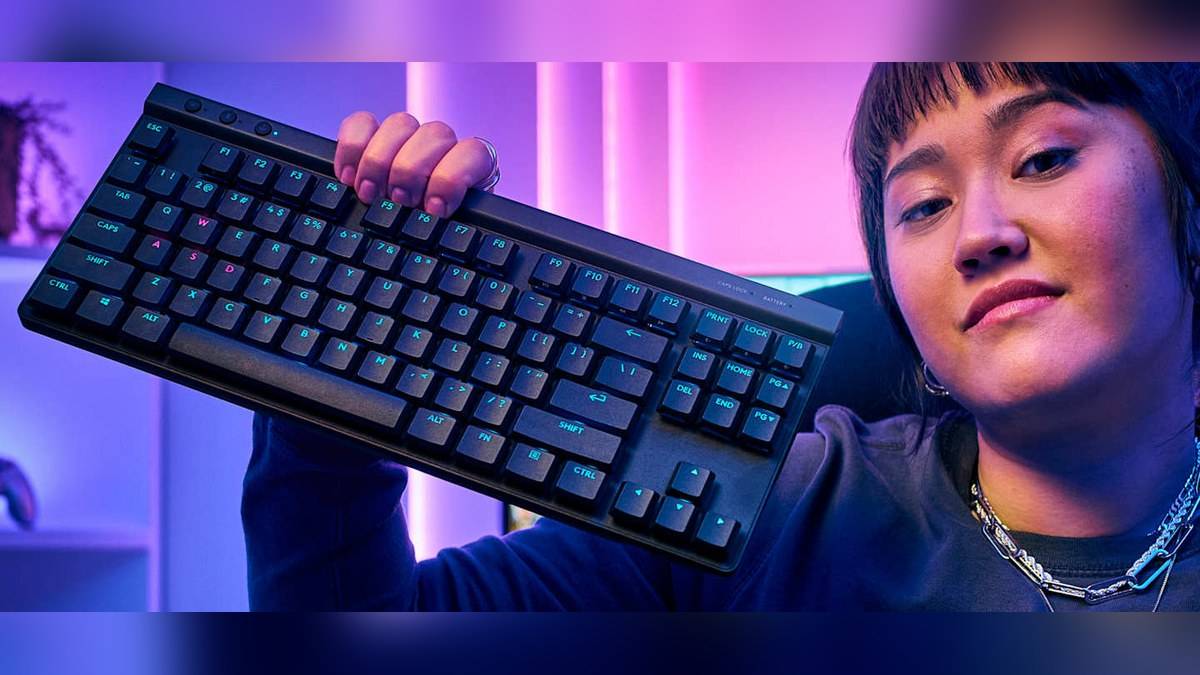
The G PRO is a tenkeyless wired keyboard with a detachable Micro USB cable and GX Blue Clicky switches on the opened India page. Logitech describes storing static lighting designs in onboard memory. That wording supports a specific lighting capability; it does not establish that every software macro will follow the keyboard to another PC.
A file-launch shortcut has a further dependency: the destination file and application belong to the computer where they are located. Carrying the keyboard to a friend's desk does not carry that document with it. This is why a familiar key assignment and a genuinely portable work setup should be evaluated separately.
A college project provides a simple example. The same keyboard can be connected at home and elsewhere, but the project may be stored in a different folder on each machine. A path chosen for the home PC cannot be assumed to identify the right file on the other system. Check the actual location whenever the work environment changes.
Keep the function row useful
Twelve programmable keys are a capacity, rather than a target that must be filled. Start with an action that removes a repeated search through folders. Leaving familiar keys alone can be more useful than mapping an entire row before the purpose of each assignment is clear.
The clicky switch description also matters in a shared study space: Logitech explicitly describes audible and tactile feedback. That is part of the hardware experience, separate from whether a software shortcut saves effort. The catalogue reference of Rs 12,895 does not measure either typing preference or the value of a particular macro.
This guide covers the G PRO model whose official page lists GX Blue Clicky switches and F-key macros. Keep that model identity alongside the software instructions when checking a setup. The goal is a named, understandable file action on the intended computer, with its application, argument and keyboard assignment considered together.
If a project is renamed or moved, revisit the launcher argument as part of that change. A descriptive macro name helps reveal which assignment needs attention. Keeping a short note of the chosen function key and destination also makes the setup easier to restore later.
Related reading: ASUS TUF Gaming K3 and K1 comparison; HP OMEN 24 monitor price guide; HP 350 multi-device keyboard explainer.
Official sources: Logitech India keyboard catalogue; Logitech product details; Logitech support instructions.