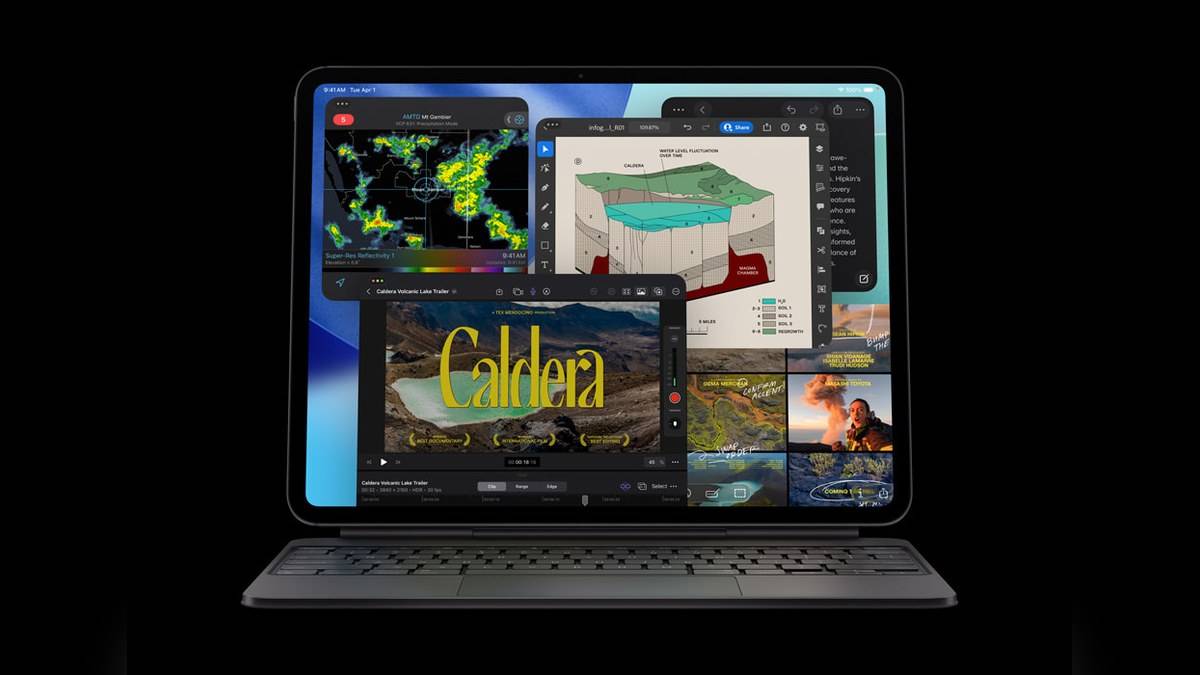
NEW DELHI: iPad Pro M5 supports ProRes recording up to 4K at 30 frames per second, but Apple limits the 256GB version to 1080p at 30fps. That storage condition matters for anyone planning to record footage on the tablet. Ordinary 4K recording has a different specification, so the ProRes restriction should not be read as a blanket ban on 4K video.
| Recording feature | Apple specification |
|---|---|
| ProRes, 256GB model | 1080p at 30fps |
| ProRes, higher storage models | Up to 4K at 30fps |
| Regular rear-camera 4K video | 24, 25, 30 or 60fps |
| Rear camera | 12MP Wide |
| Front camera | Landscape 12MP Center Stage |
Start with the recording format
The useful distinction is between the resolution of a recording and its format. A creator planning a ProRes workflow needs to read the ProRes line in the specification. Someone recording ordinary clips for a presentation should read the separate video-recording line. The shared word 4K does not make those entries interchangeable.
For example, imagine a college media team that wants the tablet to record interviews and then hand footage to an editor. Before allocating the equipment budget, the team should agree on the delivery format. Asking only whether the iPad records 4K leaves out the exact condition that changes with storage capacity.
What the India price difference covers
Apple lists the 11-inch Wi-Fi iPad Pro with standard glass at Rs 1,39,900 for 256GB and Rs 1,63,900 for 512GB. These are the full device prices shown in its India store, before conditional payment benefits. Price as of 10 November 2026, 19:23 IST. The figures refer to those specific configurations, rather than every iPad Pro combination.
Moving between those storage options therefore changes the published ProRes recording ceiling as well as the space available for files. This is a more precise way to understand the configuration choice than treating extra storage as room for additional apps alone. It also explains why an editor should check the capacity on the invoice, rather than relying on the M5 name.
Recording and editing are separate checks
Apple also lists hardware acceleration for H.264, HEVC, ProRes and ProRes RAW in the M5 media engine. That processing specification concerns the chip. It should not be used to erase the separate camera-recording restriction on the entry storage configuration. A device can have a capable editing engine while still having a configuration-dependent capture limit.
The practical workflow check is to start with a short sample from the intended recording app, import it into the intended editor, and export the file that the client or college actually needs. That exercise tests the complete route from capture to delivery. It is more informative than assuming that a format name in a hardware table guarantees every setting in every app.
The front camera has its own ceiling
The landscape front camera is listed for 1080p HD video at 25, 30 or 60fps. That makes it important to identify which camera will be used before discussing resolution. A presenter facing the screen and a camera operator filming through the rear camera are working with different published recording specifications.
For a classroom explanation, the front camera may offer the more convenient framing because the presenter can see the display. For footage intended to join a rear-camera production, that convenience needs to be considered alongside the delivery requirement. This is a planning decision about the shot, rather than a general ranking of camera quality.
When a project is being commissioned, put the recording requirement beside the equipment specification before the shoot. That allows the person supplying the tablet and the person receiving the footage to check the same details, while there is still time to change the arrangement.
Who this distinction is for
The storage condition is especially relevant to student film groups, small production teams and independent creators who expect the iPad itself to capture ProRes footage. Readers using an iPad mainly to review files recorded elsewhere have a different question: whether their chosen editing software handles those files and their required export settings.
It is also useful when equipment is shared. Write the capacity, camera, format and frame rate into the project brief so that everyone is discussing the same setup. A vague instruction to bring the iPad Pro could otherwise conceal a difference that becomes visible only when the recording session starts.
Related reading covers how iPad Pro M4 memory varies by storage, iPad A16 USB-C capabilities and the iPad Pro M5 charge-limit setting. Each addresses a different part of preparing a tablet for regular work.
Official sources: Apple iPad Pro specifications and Apple India store configurations.