NEW DELHI: The Logitech G512 has a USB 2.0 passthrough port, and its official manual says both USB connections must be attached to use it. A USB 3.0 device can connect to that port, but the manual limits transfer and charging to USB 2.0 rates. The extra socket is therefore a convenience feature with a defined connection requirement and speed limit.
| Item | Official detail |
|---|---|
| Passthrough socket | One USB 2.0 port |
| Connection requirement | Both USB connections attached |
| USB 3.0 device support | Connects at USB 2.0 transfer and charging rates |
| Keyboard report-rate specification | 1 ms |
| Mechanical switch choices described | GX Blue clicky, GX Brown tactile, GX Red linear |
| India catalogue reference | Rs 10,795; Price as of 10 November 2026, 23:58 IST |
Trace the second connection before changing settings
The G512 product page explains that a dedicated additional USB cable connects the passthrough port to its own input. The manual makes the requirement explicit: both USB connections are needed to use the port. A keyboard that responds to typing therefore does not, by that observation alone, establish that its passthrough connection is complete.
On a desktop with the tower under the table, this distinction is easy to overlook. The keyboard may be placed neatly in front of the monitor while the second connection remains unused behind the computer. Before treating an attached accessory as defective, trace the keyboard connections and check whether the required passthrough path is actually present.
For a laptop, the arrangement deserves planning because the extra socket does not create a free additional host connection. It moves an access point closer to the user while requiring its own connection at the computer. That is useful for reach, but it should not be mistaken for an expansion dock with unrelated capabilities.
A useful way to record the setup is to separate three observations: whether typing works, whether both keyboard connections are attached, and whether the accessory works through the passthrough. Recording those observations keeps a connection check focused. It does not require assuming that all USB problems have the same cause.
Compatibility is different from transfer speed
The manual specifically allows USB 3.0 devices on the G512 passthrough but says transfer and charging remain at USB 2.0 rates. It does not supply a modern fast-charging promise or a higher-speed storage exception. The version of the accessory does not upgrade the keyboard port through which it connects.
Consider a storage device used to move a project between a college laptop and a home PC. Its own label describes what the device supports; the path through the keyboard still has the limitation stated in the manual. A disappointing transfer through that route is not enough evidence to conclude that the storage device itself is slow.
The same caution applies to charging expectations. A port that can connect a device is not automatically a substitute for the charging arrangement recommended for that device. Keeping the G512 manual wording intact is more useful than attaching an unsupported wattage or a promised charging time to the socket.
The keyboard specification describes another job
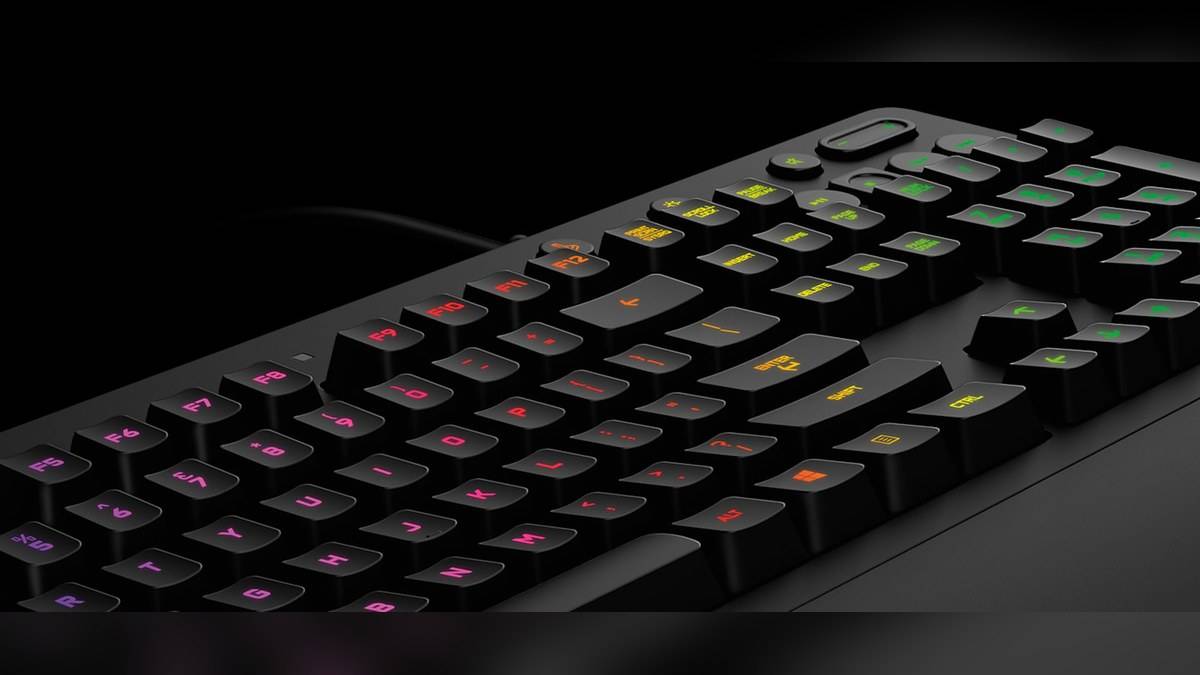
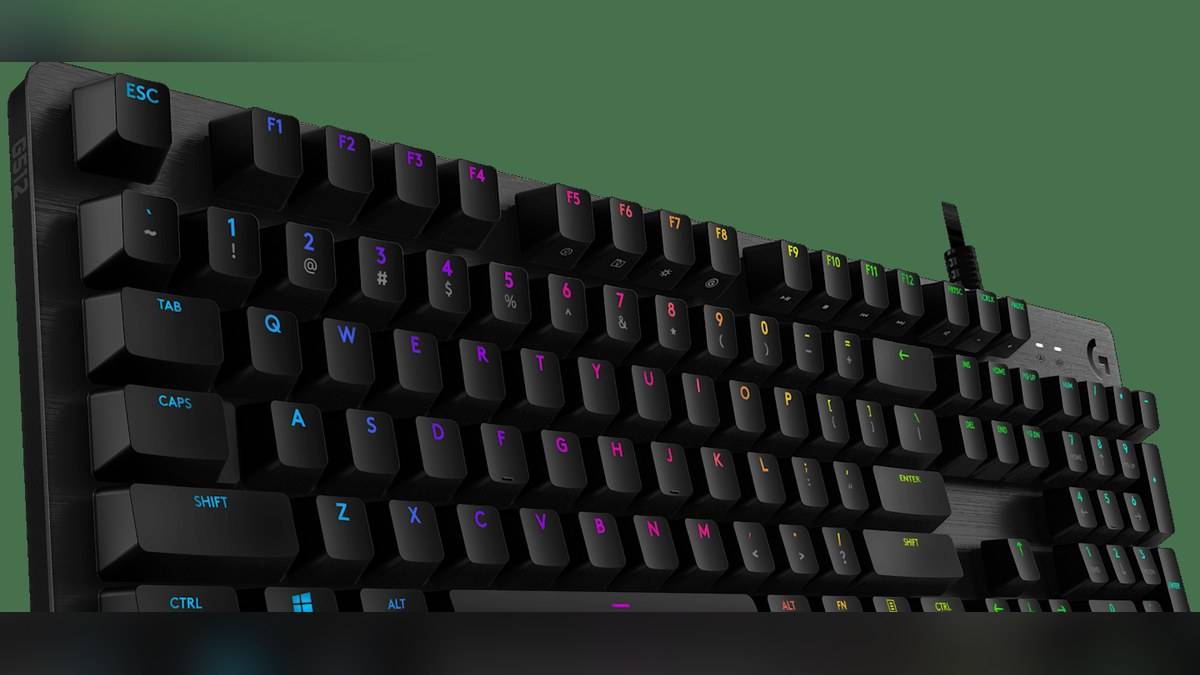
Logitech lists a 1 ms report rate for the keyboard, GX mechanical switch choices, per-key LIGHTSYNC RGB and aluminium-alloy construction. Its switch descriptions identify GX Blue as clicky, GX Brown as tactile and GX Red as linear. The catalogue displays Rs 10,795 for the G512 model entry, without separately pricing those switch choices.
The report-rate figure concerns keyboard input reporting. The USB passthrough specification concerns the accessory connection. Putting both figures in the same product description does not make them interchangeable measures. A reader comparing a transfer result with a key-response specification would be comparing different functions.
Switch choice is separate again. Tactile feedback and click sound affect the keypress experience, while the passthrough connection determines how an accessory reaches the computer. The G512 name appears across these features, but a fault or preference in one area does not establish a conclusion about the others.
Useful controls once the physical setup is clear
The official manual identifies FN+F5 for changing onboard lighting effects and FN+F7 for brightness. It lists FN+F9 for play or pause and FN+PAUSE for raising volume. These hardware combinations provide concrete examples of secondary functions, without requiring this guide to recreate an old software installation procedure.
For a desk shared between coursework and games, write down the few controls that will actually be used. That is easier to hand over than an unexplained set of remapped keys. Keep the passthrough connection check separate from lighting and media settings, since changing an illumination effect does not complete a missing USB connection.
A simple isolation check is to compare the same accessory through the keyboard with its normal direct connection to the computer, keeping the intended task unchanged. That can help distinguish a question about the passthrough route from a question about the accessory itself. It is an observation to record, not a guarantee of a particular fault. In particular, a speed difference should be interpreted alongside the manual's USB limitation before drawing conclusions about either device or replacing unrelated settings.
Related reading: Logitech G915 X price list: Rs 16,995 to Rs 20,995; ASUS TUF Gaming K3 vs K1 price: K1 starts lower at Rs 4,299; HP OMEN 24 price list: Rs 14,000 to Rs 18,290.
Official sources: Logitech India keyboard catalogue; Logitech product details; Logitech G512 official manual.