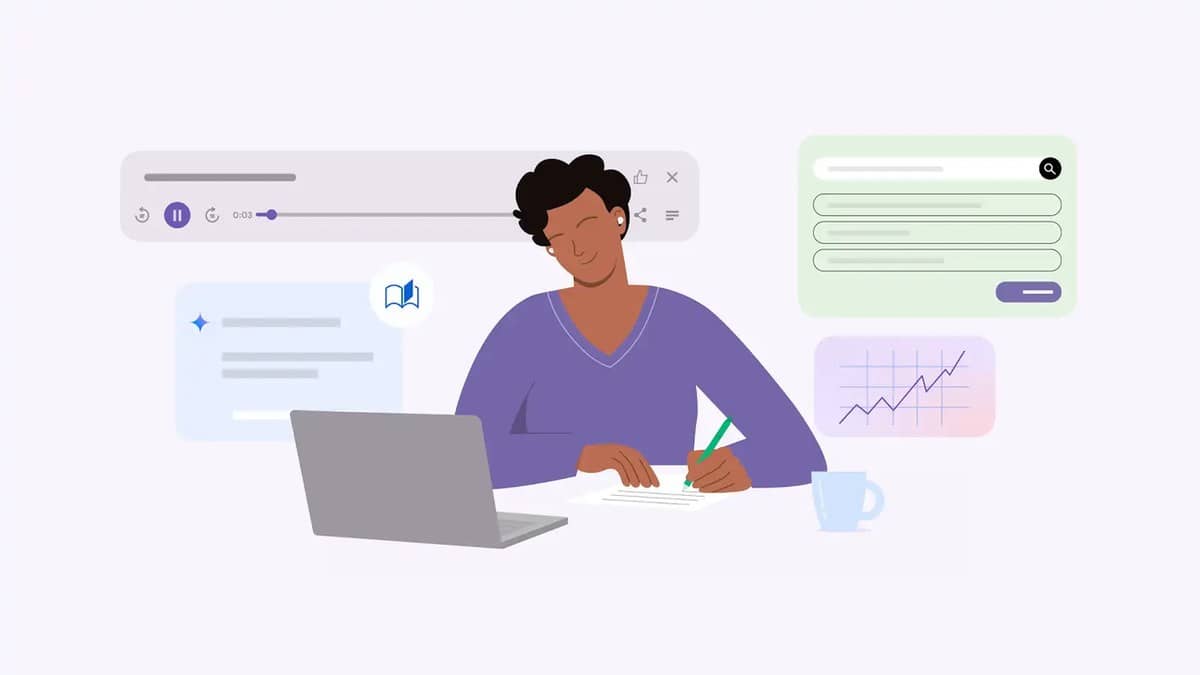
To use Gemini Guided Learning on the web, sign in at Gemini, open the tools in the prompt area and select Guided Learning before entering your study question. Google's current desktop help describes the route through Add Files, then More tools and Guided Learning. You can also attach course material. The useful next step is to ask for a conversation that makes you attempt the problem before receiving a full explanation.
Google describes the feature as an interactive study partner that can ask questions, adapt guidance and check understanding. That makes it suitable for revisiting a concept you cannot yet explain in your own words. It does not remove the need to compare a response with your textbook, class notes or the method your teacher expects.
| Learning task | What to ask for |
|---|---|
| Starting a topic | A short check of prior understanding |
| Solving a problem | One hint, followed by your attempt |
| Comparing concepts | A question that exposes the difference |
| Revising a chapter | Recall questions without visible answers |
| Checking a mistake | The first incorrect reasoning step |
How to turn on Gemini Guided Learning
The official learning tools help page says a signed in account is required. Its desktop sequence is: go to Gemini, click Add Files in the text box, choose More tools at the bottom, select Guided Learning, enter a question and submit. Uploading a file is optional. Use the current labels in the help page if an older tutorial shows a different arrangement.
Start with one objective, rather than asking Gemini to teach an entire subject. For example, choose “explain why this equation applies” or “distinguish two causes of this historical event”. Write down your own starting explanation before sending it. This gives you something concrete to compare with the feedback and makes it harder to mistake recognition for understanding.
Google's Guided Learning explanation describes using uploaded course material and progressing through questions. If you attach a reading, identify the relevant chapter or section in your prompt. A file containing several unrelated units creates more material to review, while a focused instruction tells the conversation which learning goal you are trying to meet.
Five Gemini Guided Learning prompts for revision
The following prompts are original examples for study conversations. They are suggested instructions, not a claim that a signed in session was tested for this article. Adapt the subject, level and source references before using them. After each answer, decide whether you can explain the reasoning independently, rather than merely following the next instruction.
1. Find the starting gap. “I am revising [topic] at [class or course level]. Ask me three short diagnostic questions, one at a time. Wait for each answer. Use my responses to identify the first concept I need to revisit, then help me explain that concept.” This is for a chapter that feels broadly familiar but still produces uncertain answers.
2. Give a hint before the solution. “Here is a practice problem: [paste problem]. Ask me what I would do first. If my approach is wrong, give one hint and let me try again. Keep the complete worked answer until I have attempted the main steps.” Use this when seeing a polished solution too early stops you from doing the thinking.
3. Make me distinguish two concepts. “Help me distinguish [concept A] from [concept B] using my class notes. Give one short situation and ask which concept applies. After I answer, explain the clue I should have used. Then ask a different question that tests the same distinction.” This checks whether definitions can be applied to an unfamiliar example.
4. Check a spoken style explanation. “I will explain [topic] as if answering a viva question. Ask me to give my explanation first. Identify one unclear claim and ask a follow up question about it. Help me rewrite only that part in simpler language.” This is useful for oral preparation because it begins with the explanation you can actually produce.
5. End with retrieval practice. “Using the attached section on [topic], ask five recall questions without giving the answers. Wait for my responses one by one. At the end, list the ideas I should review and point me to the relevant section of my material.” Keep a separate note of what you missed so the next session starts with those gaps.
Check videos, account restrictions and your final answer
The help page says Gemini can include educational images and videos. It specifically requires Gemini Apps Activity to be on for YouTube videos to appear in responses. The same page has a separate OpenStax resources section with an English language, United States availability restriction. Indian readers should not treat that section as a promise that the integration is available in their accounts.
After the conversation, close the answer and attempt a fresh question on paper. Compare the result with the original material, especially where the course requires a particular definition or notation. If the feedback and your textbook disagree, record the disagreement and check the source before changing your notes. A confident explanation is easier to read, but confidence does not establish that it matches the course.
For different study tasks, our Devialet brings Phantom Ultimate Pulse Blue to India at Rs 2.4 lakh covers working with a reading, while the Pixel 10 India price: Rs 79,999 on Google Store, Rs 74,999 with offer covers preparing a script. The Pixel 10a now Rs 55,999 on Google Store India, Rs 6,000 above launch price offers another way to organise recall practice around selected sources.