Perplexity Spaces are now Projects. The company’s official Projects page says existing Spaces move automatically, carrying their conversations, files and history into the new experience. If you are searching for “Perplexity Spaces vs Projects”, the practical question is how to organise your work in the current workspace. For interview preparation, use one Project to keep a job description, your approved career notes and practice sessions together.
The setup below follows Perplexity’s current help page, checked on 2 November 2026. The interview prompts and practice method are original examples, not official templates or a test of hiring outcomes. No signed in account was used for this guide. Access to particular Computer features depends on the account you use; this article does not compare subscriptions.
| Search question | Official answer |
|---|---|
| What happened to Spaces? | The workspace is now called Projects |
| Must I rebuild an existing Space? | The product page says migration is automatic |
| Where do I start? | Projects in the sidebar, then New project |
| Who sees a new Project? | It is private by default |
How to set up Perplexity Projects for interview preparation
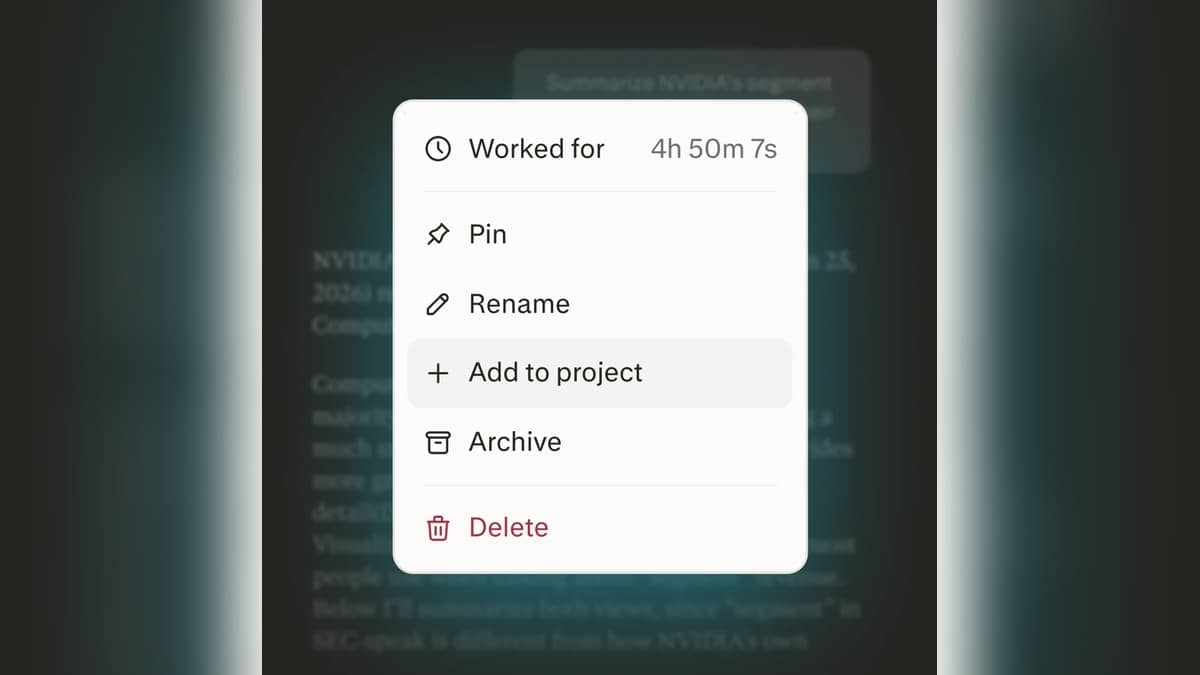
The official Projects help page documents the sequence: choose Projects in the left sidebar, select New project, add a title and optional description, then add instructions in settings. Files and research sessions can sit within the workspace. The separate Projects product page explains the transition from Spaces.
Give your practice workspace a narrow purpose, such as “Operations interview practice”. In the description, write the role you are targeting and the kind of help you want. Avoid uploading an entire career archive just because you have it available. Start with a public job description and a short set of career examples you have checked yourself.
Prepare a plain text career note before you upload anything. Include the task you handled, your specific responsibility, what you did and the result you can substantiate. Remove contact details, identity documents, client information and confidential employer material. If a result was a team effort, say so. The point is to create an honest reference sheet that you can also use without an AI tool.
Try this original instruction: “Help me practise for the role described in the attached job description. Use only the career examples I provide when discussing my experience. Never invent employers, qualifications, achievements or numbers. Ask for missing details. Separate source based observations from practice suggestions. Keep feedback direct and explain what evidence would improve an answer.” Read this instruction again after the first session and tighten anything that led to an unwanted assumption.
Perplexity Spaces examples: three interview practice prompts
Map the requirements: “Make a table with the job requirement, the relevant example from my career note and any gap I need to clarify. Quote the exact requirement briefly. If there is no matching example, write NO EXAMPLE PROVIDED. Do not infer a skill from a job title alone.” Use the table to decide what you should prepare, rather than treating it as a score of your employability.
Check that exercise against the documents yourself. For example, coordinating a college event may support an answer about organisation, but it does not automatically establish experience managing a paid team. Correct exaggerated matches before moving on. A useful practice sheet should expose weak evidence as clearly as strong evidence.
Run a mock interview: “Ask one interview question at a time about this role. Wait for my answer. Then give feedback on relevance, clarity and the evidence I supplied. Ask one follow up question where the example is unclear. Do not write a replacement answer until I ask.” Answer aloud first if that suits your practice, then type a faithful version of what you said.
Audit an answer: “Compare my draft answer below with the career note. List any unsupported claim, unclear ownership of team work or unexplained result. Suggest a shorter structure without adding new achievements. Keep the original wording alongside each proposed change.” This is useful before memorising a polished answer that may have drifted away from what actually happened.
What to check before sharing a Project
Perplexity distinguishes owners, editors and viewers. Its help page says people with the appropriate access can view Project files, while editing and uploading require editing permissions. Before involving a mentor, read the sharing controls and decide which material you want them to see. An interview practice file can contain personal career details even when it contains no formal identity information.
Keep a final practice sheet in your own words: the job’s requirements, three examples you can explain and questions you want to ask the interviewer. Recheck it when the job description changes. The workspace helps keep practice organised; you still need to verify every statement about your experience.
For a different document based exercise, see our Claude interview practice example. Our Perplexity research guide covers checking citations, while the Claude Projects explainer describes another workspace. These are separate workflows, so compare the task and access you need before choosing one.