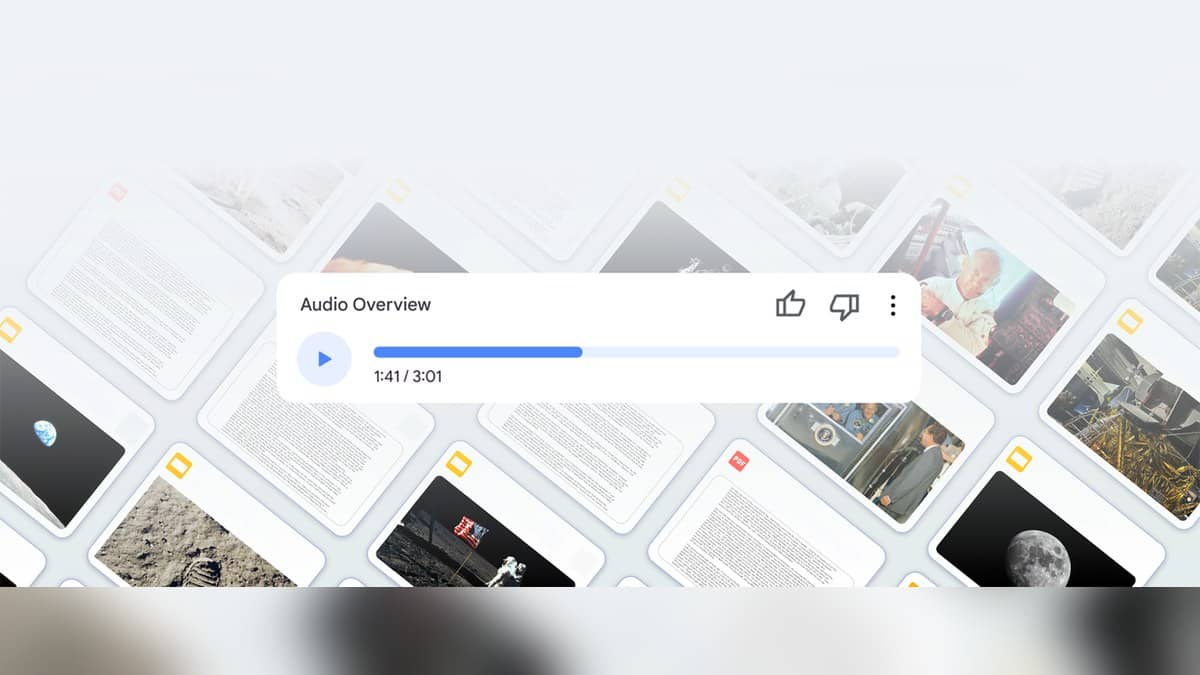
To make a NotebookLM Audio Overview, open a notebook, add your source material and choose Audio Overview in the Studio panel. You can specify a format, language and instructions about the focus. Google's current help page uses the name Gemini Notebook for this workflow. The output is a generated discussion or summary of your material, so checking the documents remains part of the job.
| Format | Purpose in Google's current help |
|---|---|
| Deep Dive | A discussion connecting topics from the sources. |
| The Brief | A short presentation of key takeaways. |
| The Critique | Constructive evaluation of supplied material. |
| The Debate | A discussion presenting different perspectives. |
How to create a NotebookLM Audio Overview
The workflow above was checked against Google's Audio Overview help page on 1 November 2026. It is a documentation check, without an account login or a generated audio test. You need permission to edit the notebook to create or delete an overview. Select your preferences in the generation panel and let the service process the request in the background.
Start with a small, coherent source set. For example, use your own lecture notes and the corresponding permitted course handout, rather than mixing unrelated modules. Give each source a recognisable title. Keep a separate list of the questions you want the audio to answer, such as how two definitions differ or why a sequence of events matters.
Choose a format to suit that question. A discussion can help you revisit relationships between ideas. A brief may suit an initial orientation. A critique makes sense when you supply an essay draft and want evaluation. A debate can be a way to explore contrasting positions in the documents, but it should not become an excuse to treat unequal evidence as equally persuasive.
Audio Overview prompts for studying and revision
Here is an original prompt for comparing sources: “Explain how Source A and Source B define the same concept. Separate points of agreement from differences, and flag any question the documents do not answer.” Its purpose is to keep the discussion anchored to a comparison, rather than requesting a generic introduction to the whole subject.
For exam revision, try: “Assume I have already read these notes. Focus on the sequence of steps in the process, explain why each step follows the previous one, and clearly identify gaps in the supplied material.” Use this to structure a second reading. It does not ask the tool to predict an examination paper or invent missing teaching content.
For a draft presentation, a different original prompt is useful: “Evaluate whether my argument follows from the supplied evidence. Identify an unsupported transition and explain what information would be needed to strengthen it.” Choose the critique format for that task, then decide for yourself whether each criticism is justified. These are suggested instructions, with no claim that they were run or produced a particular result.
Language, length and interactive mode
The current help page lists Hindi among its supported output languages. It also describes an English-only interactive mode, in which listeners can join a newly generated discussion and ask questions. That is a separate capability from selecting Hindi as the output language. Being able to hear a Hindi overview does not establish that live interaction works in Hindi.
Google's August 2025 overview update describes richer non-English discussions and a shorter option. The current help page lists length choices with an English-only qualification. Because those descriptions differ, check the generation controls actually available to your account before promising a particular length in a language. There is no guaranteed running time for your notebook in this guide.
How to check the audio before relying on it
Google's original feature explanation says discussions reflect the uploaded material rather than a comprehensive view of the subject. The current help page warns about inaccuracies and audio glitches. A confident voice is therefore a reason to check the source, especially when a sentence contains a date, definition, exception or numerical comparison.
Use a simple review sheet: write the claim you heard, locate the relevant source passage and record whether it supports the claim. Mark unresolved points for another reading rather than repeating them in an assignment. Google also provides download controls, with possible restrictions for notebooks containing certain ebook sources. Review access permissions before sharing any notebook or audio.
Continue with our Devialet brings Phantom Ultimate Pulse Blue to India at Rs 2.4 lakh, Pixel 10 India price: Rs 79,999 on Google Store, Rs 74,999 with offer, and Pixel 10a now Rs 55,999 on Google Store India, Rs 6,000 above launch price if you want to turn the same source checking habits into a repeatable revision routine.
Official guidance checked on 01 November 2026, 22:44 IST.