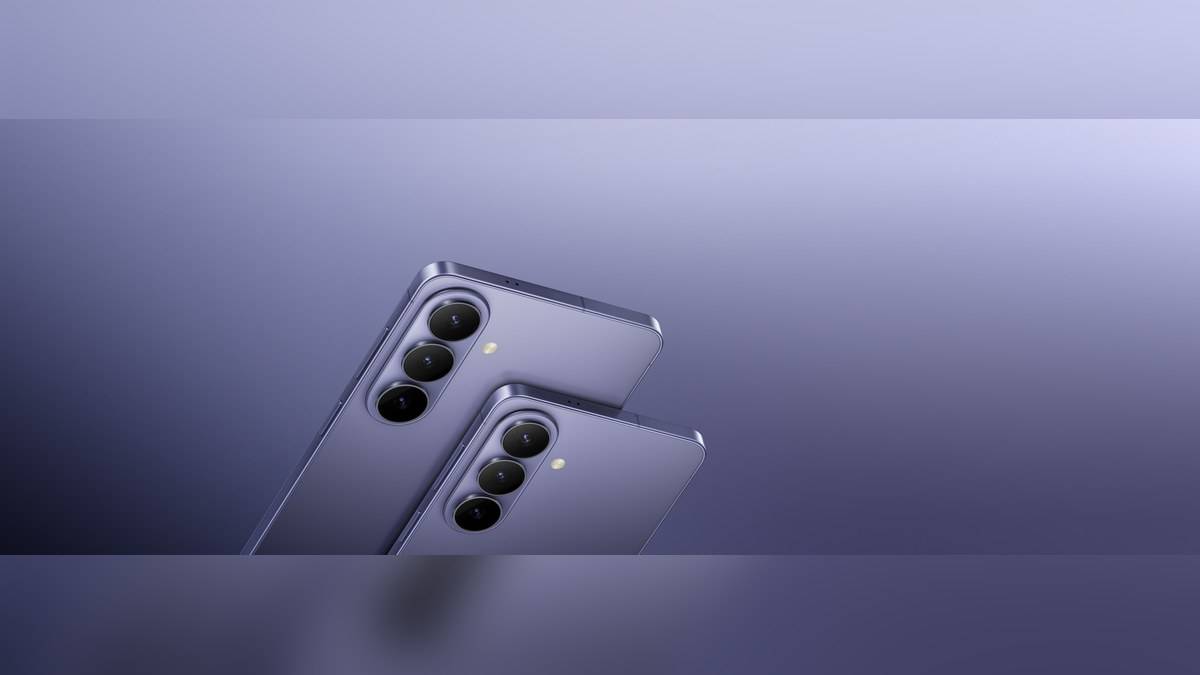
NEW DELHI: Samsung quotes up to 69% charge in around 30 minutes for Galaxy S26+. For an owner seeing a slower result, the first checks are the charging setting, adaptor compatibility, cable and conditions around the phone.
| Published figure | Galaxy S26+ |
|---|---|
| Wired charging claim | Up to 69% in around 30 minutes |
| Typical battery capacity | 4,900mAh |
| Rated battery capacity | 4,755mAh |
| Video playback claim | Up to 31 hours |
| Display diagonal | 16.91 cm in a full rectangle |
Read the Plus figure carefully
The smaller S26 is listed at up to 55% in the same approximate interval. Neither claim supplies a full-charge time. Using the Plus figure for the whole family would erase a distinction in Samsung's own FAQ.
Typical and rated capacity are different published measures for the same phone. Their difference is not evidence that part of the battery is missing. Keep the labels attached when comparing specifications.
For someone topping up before leaving home, the practical question is how much usable charge the actual setup adds during the available break. A partial-charge claim addresses that narrow situation. It does not tell an owner how many hours of navigation, camera use or calls the resulting percentage will provide.
Check the charging switch first
Samsung's current India support guide gives the route Settings, Battery, Charging settings, then Fast charging. It says recent Galaxy models combine Fast charging and Super fast charging under that single switch. Menu wording may vary with software, but looking for a separate Super fast charging toggle can be unnecessary.
Next inspect the adaptor's detailed specification. Samsung says Super fast charging requires USB Power Delivery with PPS, or Programmable Power Supply. A high maximum wattage printed on an adaptor does not alone establish compatibility. Check the supported charging protocol as well as the number on the packaging.
The guide also says cable requirements depend on output and that the connections must be seated properly. Its examples include Samsung's EP-T4511 adaptor and explain that later Galaxy models can support its charging mode with the included cable. That accessory guidance should not be turned into a claim that the S26+ always draws an adaptor's maximum output.
Keep the conditions comparable
Samsung's general charging advice says gaming, watching video and browsing while connected can slow charging as the handset manages heat. For a useful comparison at home, put the phone down and note what it was doing. A charging session spent recording video is not equivalent to an idle phone on a desk.
The same guidance recommends room-temperature charging and says safeguards can reduce speed when the device or its surroundings are too hot or too cold. It gives a hot car as an example where charging may stop. Moving to a cooler setting is more useful than repeatedly reconnecting the same equipment.
Samsung also identifies a computer connection as a reason for slower charging and recommends a power adaptor for the best result. That distinction is relevant to a desk setup: a USB socket that transfers files is not necessarily a suitable source for reproducing a phone's headline charging behaviour.
Separate charge speed from battery endurance
Samsung's playback test used a locally stored 720p video, Bluetooth earphones and pre-release hardware. Its duration is a specific test result, rather than a forecast for every mix of apps and reception.
For an Indian commuter, a more informative personal record would distinguish a morning spent with downloaded video from one spent navigating and taking calls. That comparison can reveal which routine needs a charging opportunity. It should not be presented as a controlled endurance test or compared directly with Samsung's laboratory figure.
Someone sharing a household adaptor should also record whether another device was connected during the session. Samsung's equipment guide distinguishes ports and conditions for multi-port chargers. An adaptor that looks unchanged on the table may be serving a different combination of devices, so its label alone cannot explain the result.
Record a repeatable problem
If a result remains unexpectedly slow, note the adaptor model, cable, starting percentage, settings and whether the phone was in use. A simple record makes the circumstances clearer if troubleshooting is needed. Avoid estimating a full-charge time by extending the partial-charge headline as though the percentage increases at a fixed rate.
Related reading includes our Samsung charger price list India: 25W adapter Rs 690, 65W Rs 4,499, wireless charger Rs 3,299, Galaxy A27 5G price: Rs 35,999 on Samsung.com, Rs 33,499 after checkout discount and Galaxy A57 5G at Rs 62,999 and A37 from Rs 46,999 on Samsung.com: checkout offers explained. Each covers its named product or feature; the S26+ figure remains specific to this model.
Official sources: S26 and S26+ figures and footnotes, charging settings and compatible equipment and Samsung battery charging advice.