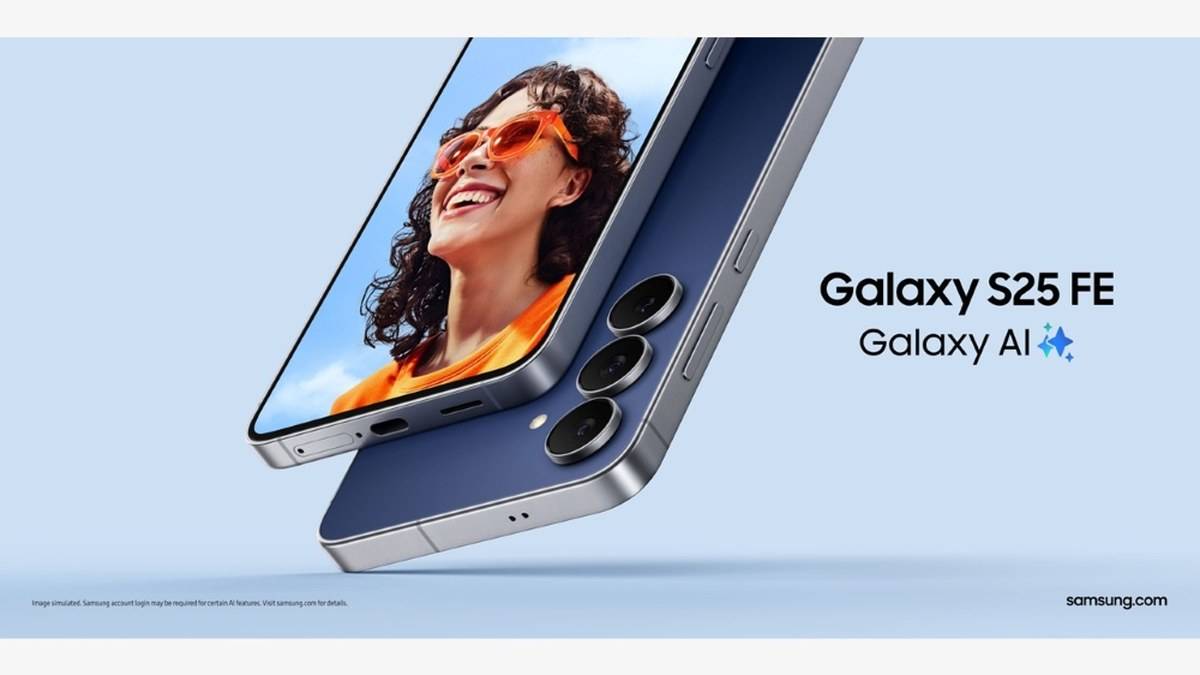
NEW DELHI: Samsung promises the Galaxy S25 FE seven generations of operating-system upgrades and seven years of security updates, counted from its global launch date. The company currently lists the model for monthly security updates. For an Indian owner, the important distinction is between the overall support commitment, the present release schedule and the software actually installed on the phone.
| Support question | Official position |
|---|---|
| Operating-system commitment | Seven generations of upgrades |
| Security commitment | Seven years from global launch |
| Original software | Android 16 with One UI 8 |
| Current security category | Monthly updates, subject to schedule changes |
| Before installing an update | Samsung advises at least 20% battery |
The support clock follows the product
The S25 FE announcement was published on 4 September 2025. Its support footnote explicitly ties the seven-year period to global launch. Buying a handset later does not restart that published clock. This matters when an older model remains in circulation alongside a newer generation with a similar name.
The launch specification identifies an Exynos 2400 processor, a 6.7-inch display and a 4,900mAh typical battery. Those details help identify the actual FE product. A support promise should be attached to the complete model name rather than assumed from a shop listing that merely says Galaxy S25.
For a family passing a phone from one person to another, the useful record is the model's launch history alongside its installed software. A fresh invoice can establish a recent purchase, but it cannot rewrite when the product entered Samsung's software-support programme. Keep those dates separate when planning how long to retain it.
Monthly patches and major upgrades are different
Samsung's live security scope lists the S25 FE in its monthly group. The company says its firmware security releases address both Android issues supplied by Google and Samsung-specific issues. That classification is a current schedule, rather than a promise that every handset will receive a download on the same day.
The security site says the monthly list can change as the regular support period expires. It also warns that availability varies with market, network provider and model, and that some carriers may support quarterly updates. Consequently, the seven-year commitment should not be described as seven guaranteed years of monthly delivery.
An operating-system upgrade is another category. It changes the platform version; a security release can arrive without a new major Android version. Samsung's India update guide explicitly separates these two types. Seeing no obvious interface redesign therefore does not establish that a security download has done nothing useful.
Check the handset before guessing the rollout
Samsung's India instructions give Settings, Software update, then Download and install as one supported route. They also list Check for updates as an alternative label. Menus vary with model and software, so the wording on an updated S25 FE may differ from an older screenshot.
The same guide says the device restarts during installation. Plan the update for a time when a restart will not interrupt a call, a journey or access to an important account. Read the offered update description before accepting it, and distinguish a download waiting to install from a check that reports no available release.
A separate Samsung guide provides a security-check route through Settings, Security and privacy, Updates, then Security update. Looking at the security information is more useful than relying only on the appearance of the home screen. Record what the phone actually reports when comparing it with a rollout notice.
Prepare for the installation
Samsung advises a battery level of at least 20% and says the device should not be used during an update. It also describes updating through Smart Switch on a computer when an update is offered. Owners using that route should keep the USB connection in place throughout the process.
The guide warns that enhanced security policies prevent downgrading after updating to the latest firmware. Treat an update as a considered installation rather than an experiment to reverse casually. If the phone is needed for work authentication or family access, make time to read the prompts and allow the process to complete.
Support does not promise identical features forever
The published commitment establishes duration and upgrade generations. It does not identify every future feature that will arrive on this hardware. An owner can reasonably track whether the model remains supported without assuming that every demonstration for a newer Galaxy will be reproduced on the S25 FE.
For related context, see our Galaxy S26 One UI rollout report, Galaxy S26 Ultra Privacy Display guide and Galaxy case coverage.
Official sources: S25 FE announcement, live security schedule, software update instructions and installation and security checks.