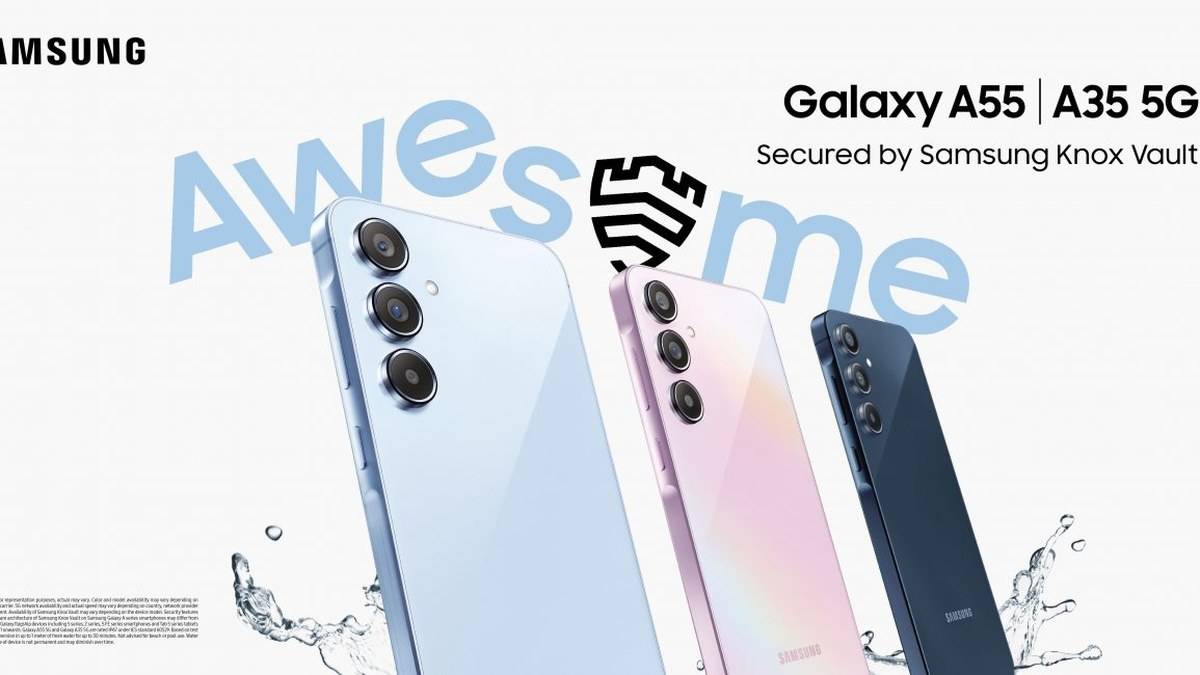
NEW DELHI: Samsung's Galaxy A35 5G supports a microSD card up to 1TB, but its India specification lists a hybrid tray. The shared position takes either another SIM or the memory card. Before moving photos, decide whether keeping another mobile number active matters more than adding removable storage.
| Check | Official detail |
|---|---|
| Memory card limit | MicroSD up to 1TB, sold separately |
| Tray | SIM 1 + Hybrid (SIM or MicroSD) |
| Selected India model | 8GB RAM, 256GB storage |
| Listed available storage | 218.0GB on the selected 256GB product page |
Read the selected variant first
The useful starting point is the complete model listing, rather than the large storage number on a marketplace tile. Here the selected Awesome Navy India page describes the 256GB version. Samsung also describes a 128GB option in the range. Make sure a receipt, box label and the handset being configured refer to the same capacity before treating a specification as applicable.
The listed available capacity already sits below the headline storage. That is a reason to plan around the space the phone actually reports after setup. Do not treat the published available figure as a promise that a used handset will show exactly the same amount after applications, messages and software changes have accumulated.
Make the SIM decision before the transfer
For an owner keeping a personal number and a work number on physical SIMs, the shared tray creates a practical choice. A memory card occupies the position otherwise used by the additional SIM. Adding a card therefore needs a communication plan as well as a storage plan. Check which number receives banking messages before changing the arrangement.
Do not borrow a tray diagram or an eSIM claim from an overseas review. The India specification here identifies physical Nano-SIM cards and the hybrid arrangement. It does not establish an alternative configuration that would let this handset use every possible combination. The local specification should guide the setup.
This is also why a card capacity comparison alone can mislead. Our Galaxy A17 hybrid storage explainer covers another model. Read its separate limit and tray details rather than assuming that all Galaxy A phones have interchangeable storage rules.
Move a small batch through My Files
Samsung's file guide directs owners to My Files, select the desired items, choose Move or Copy, then open SD card and the destination folder. Finish with Move here when moving. Menu wording can vary with software. Read the destination on screen carefully so a transfer does not end up elsewhere in internal storage.
As a practical precaution, begin by copying an easily recognised photo folder. Open the copied files from their new location and confirm that the contents are what you intended to preserve. Only then decide whether to remove the original copies. A successful selection is not the same as a completed, checked transfer.
Choose folders you understand, such as personal photographs or documents. A storage cleanup becomes harder to reverse when it begins with unfamiliar application folders. Keep a separate copy of irreplaceable family pictures before reorganising them, and avoid making the phone and its inserted card the only places where those pictures exist.
An offline download may stay inside its app
Samsung explains that some material downloaded inside streaming applications appears only within the relevant application. An offline film is therefore a different problem from a loose video file in Downloads. If it does not appear in My Files, check the application's own storage controls instead of repeatedly searching the card.
For a student carrying notes and lecture recordings, the A35's hybrid tray makes this distinction especially useful. Put the portable files into an organised folder structure, but leave decisions about protected downloads to their applications. This separates a manageable document archive from content whose location is governed by another service.
Keep storage, backup and warranty separate
The memory card adds somewhere to keep files; it should not become a substitute for a backup habit. Give copied folders clear names that identify the occasion or subject, so checking an archive later does not depend on remembering where each transfer went. Before a repair, ownership transfer or a major cleanup, check that important files can be opened from another copy. That simple check is more useful than assuming every item visible in Gallery has already been saved elsewhere.
Owners preparing for service can also read our Samsung India warranty guide. Charging is another separate question, covered for a different device in our Galaxy M36 adapter explainer. Neither changes the A35's documented card limit or its shared tray.
Official sources: India specifications, Samsung file transfer guide, India launch specifications.