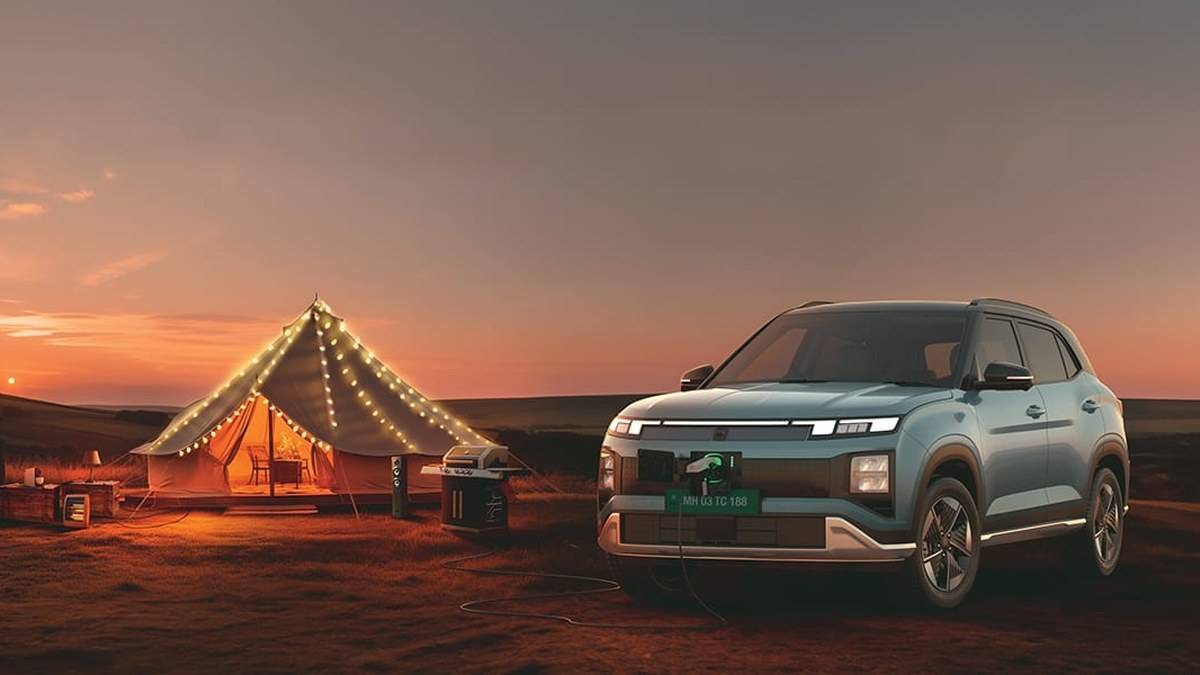
NEW DELHI: Hyundai's Creta Electric Digital Key is listed on three trims in the company's September 2026 brochure: Excellence LR, Excellence LR Knight and Lounge Edition. Registration also needs a compatible device and an active Bluelink subscription. Having a smartphone, or choosing a Creta Electric with wireless charging, does not by itself establish that the car supports the feature.
| Check | Official position |
|---|---|
| Listed trims | Excellence LR, Excellence LR Knight, Lounge Edition |
| Phone registration | Full Bluelink enrolment and active subscription |
| Device selection | Check Hyundai's model-specific compatibility list |
| Alternative | NFC card registration procedure is published |
| Backup | Hyundai recommends carrying the physical key |
Check the trim before setting up the phone
The brochure's equipment matrix is more useful here than a headline feature list. Digital Key appears against the three long-range versions named above. Hyundai's convenience page describes phone and smartwatch access, but that description should be read alongside the equipment table, rather than treated as a promise for every version.
This distinction matters when a family is comparing cars in a showroom. A salesperson can demonstrate a well-equipped display vehicle while the booking names a different trim. Put the exact variant on the demonstration checklist and ask to see Digital Key in that vehicle's settings. A charging pad in the console is useful evidence of charging equipment, but it is not a substitute for checking the key function itself.
Match the handset, not just its brand
Hyundai publishes a separate compatible-device document for the Creta Electric and Alcazar. It identifies individual handsets and NFC touch positions. For example, its Samsung entries place the Galaxy S24 range's touch area at the rear upper middle, while several earlier Galaxy S models use the rear centre. That is a practical reason to check the document before assuming every unsuccessful tap is a vehicle fault.
The list also distinguishes folding phones from conventional handsets. The useful question is whether the precise model appears, including its suffix. A familiar brand name on the box is insufficient. Owners changing phones should repeat this check before making the new handset their everyday way into the car.
What Hyundai's registration guide requires
Hyundai's published sequence begins with vehicle registration in Bluelink. The app route is More, Vehicle Digital Key, then Register digital key. Follow the app instructions, place the phone screen upwards on the wireless charging pad, and complete the process through the vehicle's Digital Key settings and My Smartphone Key option.
Do this while parked with time to finish the process, rather than immediately before a school run or airport departure. A sensible handover demonstration ends with the owner performing the operation independently. Watching someone else configure a showroom phone does not confirm that the customer's handset, account and booked vehicle work together.
For an Apple Watch, Hyundai asks the user to prepare the watch and iPhone with the same Apple account and wear the unlocked watch during enrolment. For its NFC card procedure, the company instructs owners to bring both smart keys into the car, put the card on the charging pad and register it through the vehicle's NFC Card Key menu.
Who it is for
This feature is most relevant to an eligible Creta Electric household that already carries a supported phone or watch and wants another convenient access method. It deserves less weight in a trim decision when the intended driver's device is absent from the compatibility list, or the family prefers a conventional key.
For shared use, agree who manages the vehicle account and who checks that access still works after a handset replacement. Treat the access demonstration as part of learning the car, alongside adjusting the seat and finding the charging controls. These are practical checks, not additional eligibility conditions imposed by Hyundai.
Before leaving the handover area, try the normal key as well as the digital method. Store the device-list link with the vehicle documents so the next driver can check the correct NFC position without having to repeat the whole registration process.
Keep a fallback and separate the other EV decisions
Hyundai explicitly recommends a physical key as backup and says availability depends on equipment, mobile devices, app settings and subscriptions. Its registration guide advises updating phone software if registration fails. The sensible response is to resolve the setup while the ordinary key remains available, rather than discover the problem away from home.
Digital Key should also sit separately from the battery and charging decision. Our Creta Electric battery and variant guide explains the broader range. Read the charging-window explainer when planning stops, and the vehicle and battery warranty guide for ownership paperwork.
Official sources: Creta Electric brochure, Digital Key registration, compatible devices and convenience features.